Audio issue on a slideshow
Solved
Roby12850
Posted messages
216
Registration date
Status
Member
Last intervention
-
Roby12850 Posted messages 216 Registration date Status Member Last intervention -
Roby12850 Posted messages 216 Registration date Status Member Last intervention -
Hello,
I just created a slideshow with photos.
I added accompanying music.
This slideshow works perfectly.
When I send it by email to a friend, they tell me that my slideshow has no sound!
Can you tell me why?
Thank you for your help.
Configuration: Windows / Firefox 83.0
I just created a slideshow with photos.
I added accompanying music.
This slideshow works perfectly.
When I send it by email to a friend, they tell me that my slideshow has no sound!
Can you tell me why?
Thank you for your help.
Configuration: Windows / Firefox 83.0
15 answers
-
Your slideshow is working perfectly
So you have the proof that it works. Why would it work for you and not for others?
Ask someone else to download the file I made available to you, and you will see that they will be able to open it just like you as long as that person is using OpenOffice or LibreOffice.
I explained to you that for your correspondent to be able to read with sound, you need to do the same thing as I did:
Create a folder containing: the .odp file + images + sound and possibly, depending on the transfer method (email or upload to a download site), compress it.
If it’s on a USB drive, it is not necessary to compress the folder.
By email, you will have issues due to the size. -
When I open your slideshow, it opens with LibreOffice Impress
To start it, I have to click in the menu bar on Slide Show -> Start from the first slide
Your slideshow works perfectly
But this does not prove to me that if I send this slideshow to a correspondent, they will be able to open it with the accompanying music. -
-
Thank you Trotte-memu (What a nice nickname!)
I will test that and keep you updated. -
Hello Trotte-Menu...
I tried to do everything that Dude suggested at: https://forum.openoffice.org/fr/forum/viewtopic.php?p=123145#p123145
but all this is very complicated!!!
Isn't there a simpler solution to listen to a slideshow received by email that originally worked perfectly from the sender? -
Hello,
Small questions?
Does the recipient read the slideshow directly in their email inbox or have they saved it on their hard drive before opening it?
With which software do they open the slideshow? -
Hello,
did he receive the slideshow directly in his inbox or did he save it on his hard drive before opening it?
This question is important because it is always better to save a document on the hard drive before opening it.
The same goes, much to the chagrin of some, for a file received on a USB stick.
But in this specific case, you can approach the problem from any angle; the music of the slideshow will only be audible if the audio file is directly linked to the .odp file since Impress does not embed the sound. -
Yes. I think it would be good to check the weight of the slideshow before sending it and compare it with the one received.
-
Hello Trotte-menu, Hello Kori...
Thank you for your help
@ Kori - The recipient is me
As you advised, I saved the slideshow on my desktop
When I launch it, there is no sound even though the sender tells me it works on their end.
I open the slideshow with LibreOffice Impress
- The Microsoft Office suite is not installed on my computer
@ Trotte-menu - I don’t understand "the music from the slideshow will only be audible if the sound file is directly linked to the .odp file since Impress does not embed sound."
How can I link these two elements?
Thank you...-
Hello,
It doesn't tell us if the file size is the same at the start and at the end...
And with which software was it created?
Otherwise, try this:
https://www.commentcamarche.net/telecharger/bureautique/18277-powerpoint-viewer/
-
-
Hello,
@Roby12850
I sent you private messages. Please read them. -
Where are the private messages?
How do I access them? -
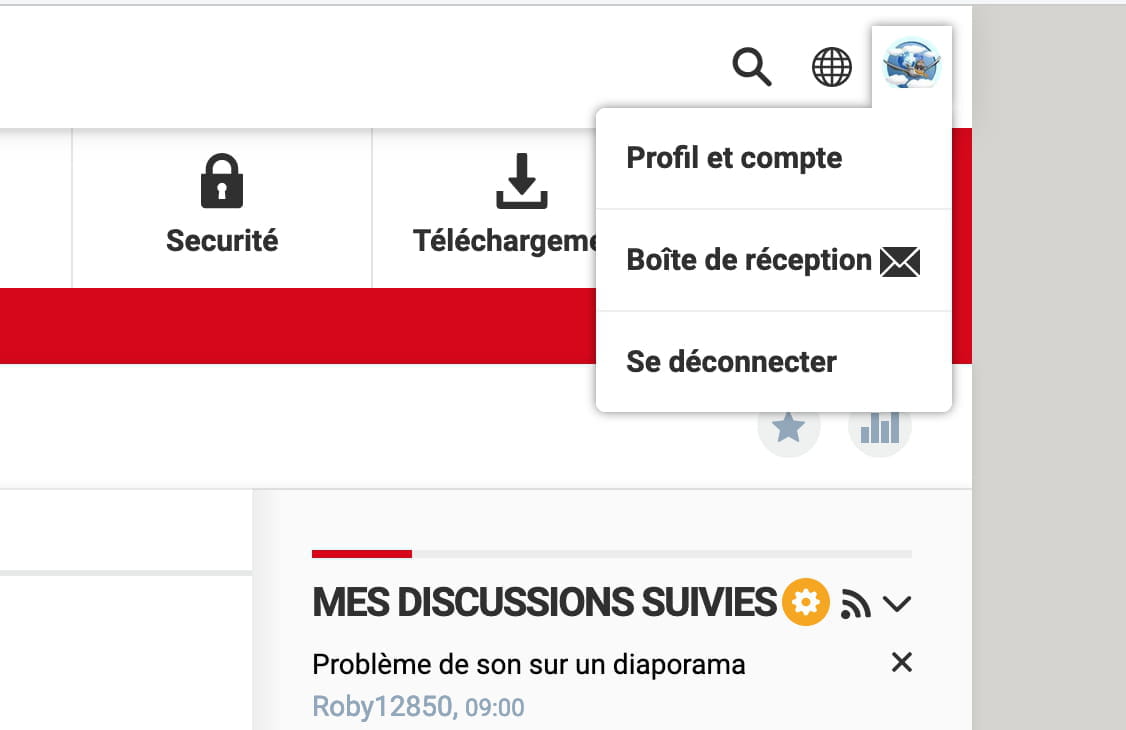
Look at the top right and click on your avatar

-
In the Inbox, I can only find your last message:
"To help you visualize the procedure more easily, I am providing you with a test folder that I have compressed for the purpose of uploading it to the cjoint site. Its name: test_diaporama.zip, it weighs 10.4 MB and will be available for 21 days unless you download it before.
In that case, please let me know.
Link to download: https://cjoint.com/c/JLbq2tlOPXF"
I downloaded, decompressed, and opened this folder, but it did not provide me with the solution. -
Why hasn't it provided you with the solution?
However, if you open the .odp file from the folder where it is located, the slideshow opens in work mode.
Launch it by clicking on the icon; it opens with sound.
If by chance the page remains gray, click on it.
Note: Private messages have a Reply function that you should use. -
Hello Trotte-Memu...
After several tests, I can now confirm that it's working.
The only requirement is to save the slideshow as a .PPS
There is no need to create a compressed folder as you suggested.
I sincerely thank you for your help, which was very valuable to me.
I'm marking this as resolved.