144Hz monitor stuck at 120Hz
preliator13600
Posted messages
76
Status
Member
-
Kiilla Posted messages 768 Status Member -
Kiilla Posted messages 768 Status Member -
Hello,
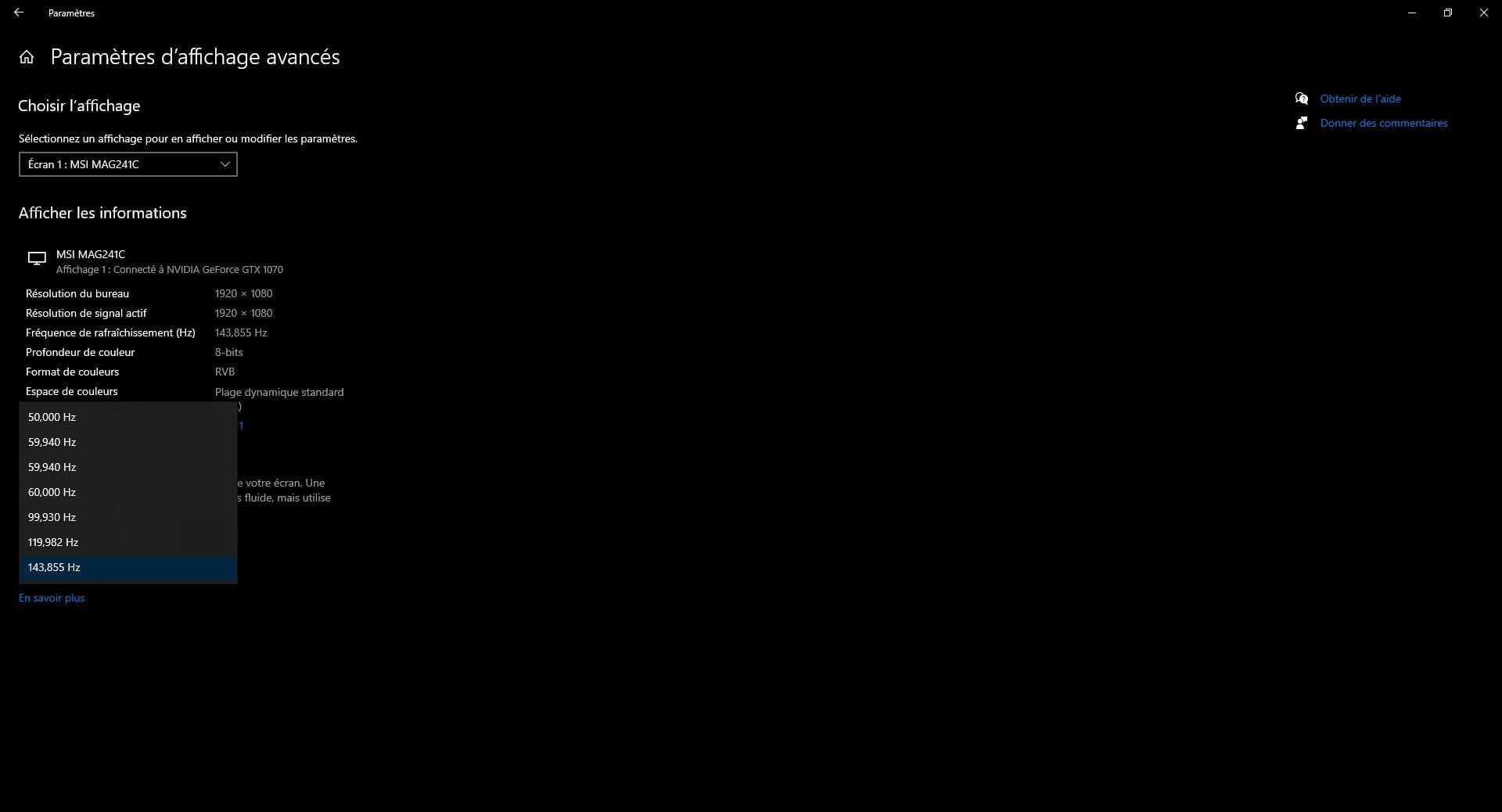
I recently purchased the AOC 24G2U, advertised at 144Hz in Full HD, which I connected via Display Port directly to my RTX 2060 super graphics card. In the NVidia settings, I notice that it is locked at 120Hz in the "native" resolution mode.

While digging a bit, I found a PC category where I can (hallelujah) set it to 144Hz.

I don't understand the distinction between these two modes. Should I expect a decrease in quality when selecting this mode? If so, how can I unlock 144Hz in the "native" resolution?
Thank you.
Configuration: Windows / Chrome 85.0.4183.102
I recently purchased the AOC 24G2U, advertised at 144Hz in Full HD, which I connected via Display Port directly to my RTX 2060 super graphics card. In the NVidia settings, I notice that it is locked at 120Hz in the "native" resolution mode.

While digging a bit, I found a PC category where I can (hallelujah) set it to 144Hz.

I don't understand the distinction between these two modes. Should I expect a decrease in quality when selecting this mode? If so, how can I unlock 144Hz in the "native" resolution?
Thank you.
Configuration: Windows / Chrome 85.0.4183.102
2 answers
-
Hello
The last mode is the right one.
The 1080p format is suitable for a TV format, not necessarily for a computer.
--
The GAFAM may not have oil, but they have data!
Can you feel my Big Data?
Sacrifice your freedoms for a little more security and you lose them ALL.
ALL YOUR DATABASE ARE BELONG TO US