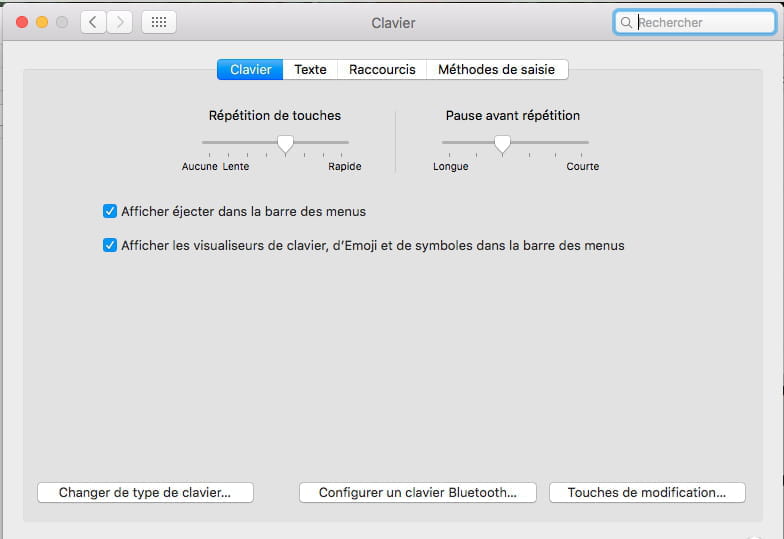
To type a hashtag # on a MacBook Air 2017, press Shift + 3.
Solved
Vivineblanche54
-
KangourouNotable32 Posted messages 1 Registration date Status Member Last intervention -
KangourouNotable32 Posted messages 1 Registration date Status Member Last intervention -
Hello,
I would like to know how to make a hashtag on an AZERTY keyboard of a 2017 MacBook Air. I have the @# key but when I combine it with shift or caps lock or any other keys, it gives me the pound symbol. Thank you very much ????
Configuration: iPhone / Safari 13.0.5
I would like to know how to make a hashtag on an AZERTY keyboard of a 2017 MacBook Air. I have the @# key but when I combine it with shift or caps lock or any other keys, it gives me the pound symbol. Thank you very much ????
Configuration: iPhone / Safari 13.0.5