DDR3 USB Adapter
Ahmed
-
AhmedYa3 Posted messages 5 Status Member -
AhmedYa3 Posted messages 5 Status Member -
Hello,
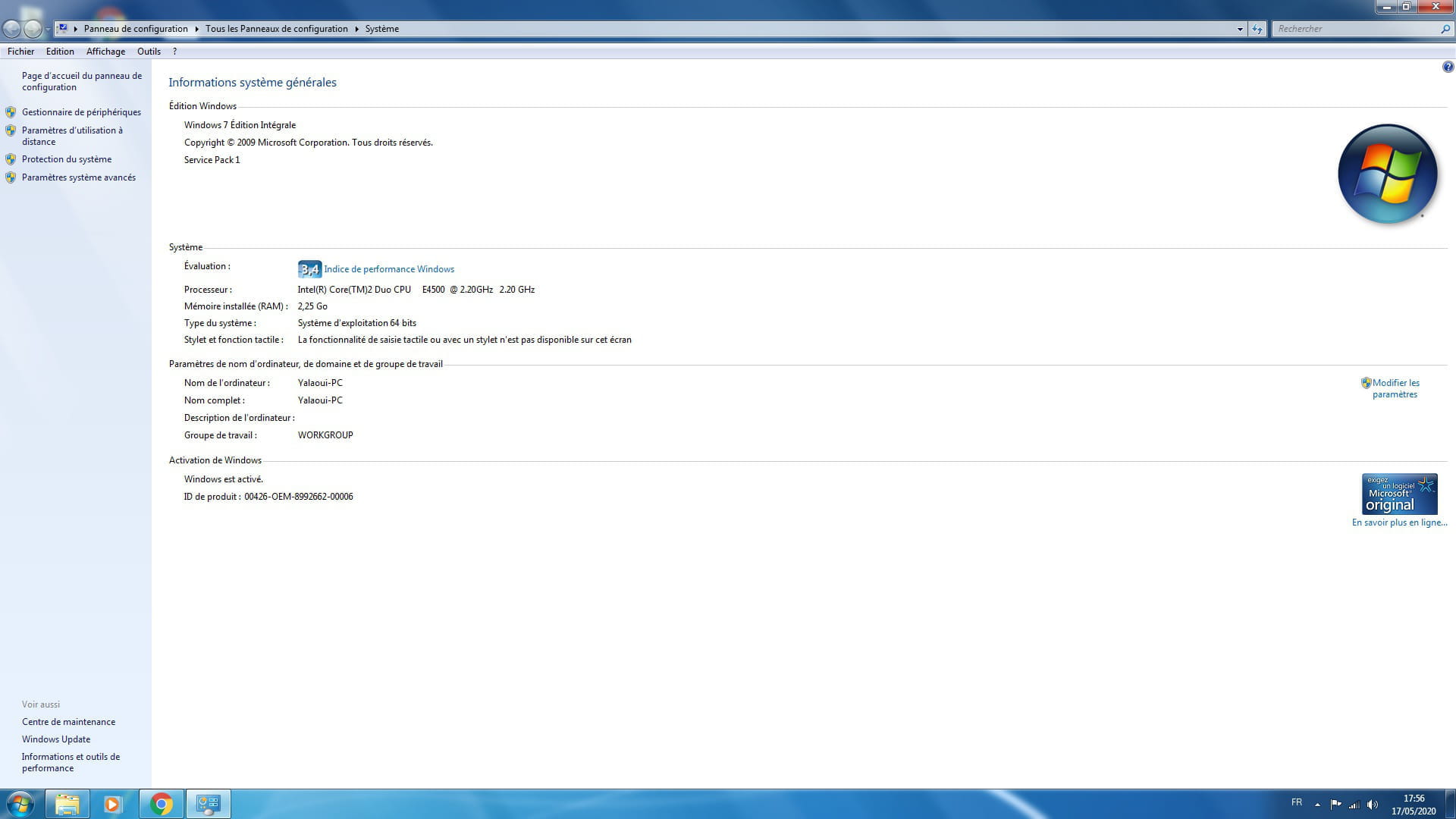
I have a desktop PC with DDR2 RAM sticks totaling 2.25 GB of RAM, and I have a 2 GB RAM stick that I can't add because it's a DDR3 stick.
Is there a USB/DDR3 adapter that would allow me to add this stick to my PC?
If so, is it effective? And is it cheaper and easier to obtain than simply buying a DDR2 RAM stick?
If not: Is using an old USB stick (4 GB) as an extension with "ReadyBoost" effective?
Thank you very much :))
I have a desktop PC with DDR2 RAM sticks totaling 2.25 GB of RAM, and I have a 2 GB RAM stick that I can't add because it's a DDR3 stick.
Is there a USB/DDR3 adapter that would allow me to add this stick to my PC?
If so, is it effective? And is it cheaper and easier to obtain than simply buying a DDR2 RAM stick?
If not: Is using an old USB stick (4 GB) as an extension with "ReadyBoost" effective?
Thank you very much :))
2 answers
-
Hello,
no, that doesn't exist; the only way to add RAM is directly on the motherboard.
As for ReadyBoost, you can try it, but personally, I don't find it useful.
The best option is to add RAM if possible; you need to get RAM with the same frequency and clock as what you already have, or just compatible with the motherboard for replacement; you shouldn't exceed the maximum RAM capacity.
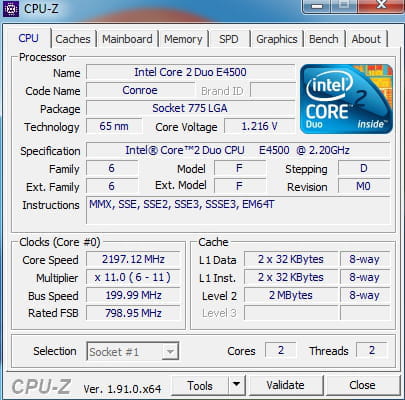
You can use CPU-Z to get information about the RAM.
If you need anything, feel free to reach out.-
Hello,
I apologize for reopening this topic that is normally closed.
A comment you mentioned, dear jumulka, caught my attention:
"you need to take the RAM with the same frequency and clock as the one you already have."
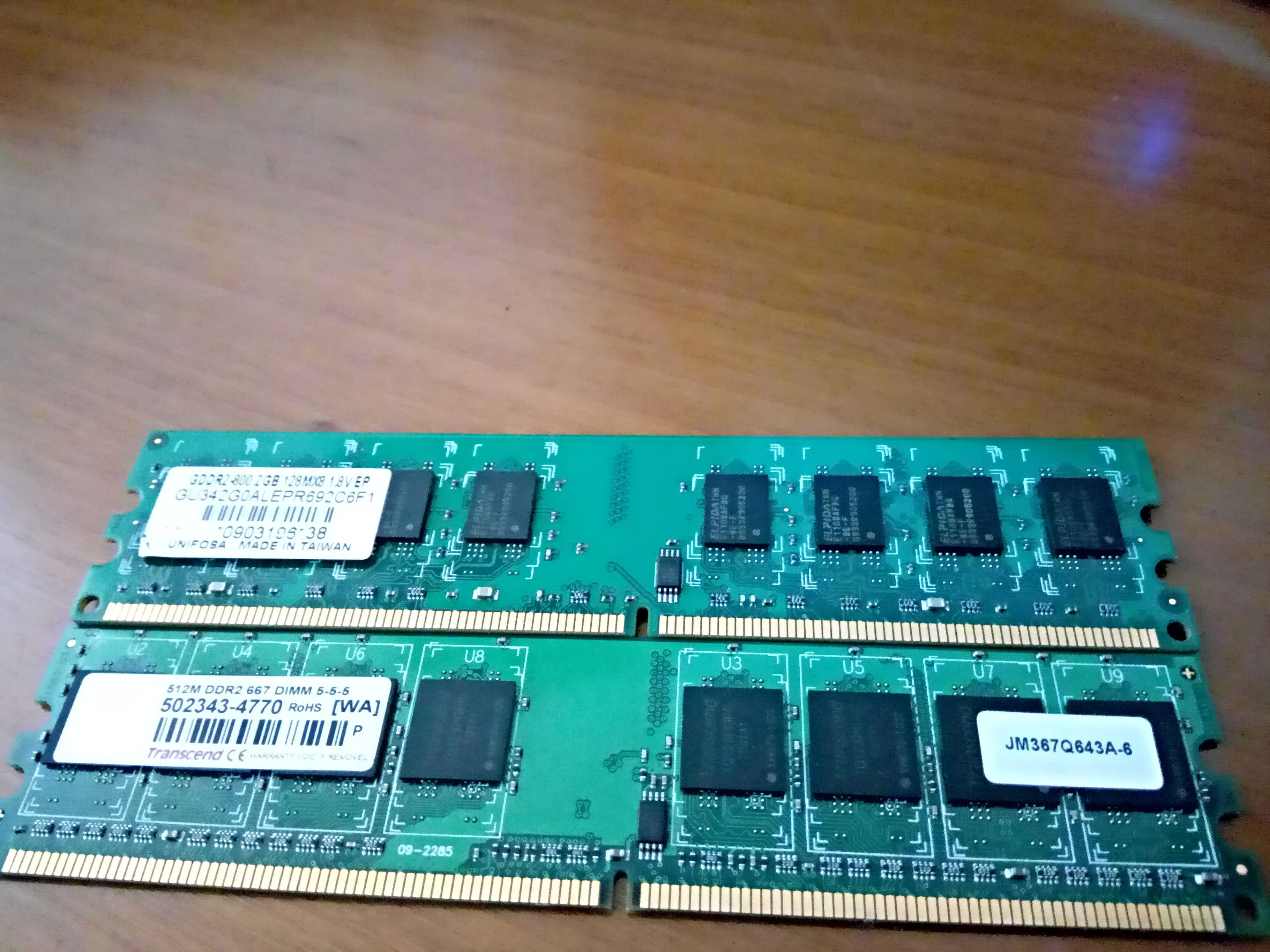
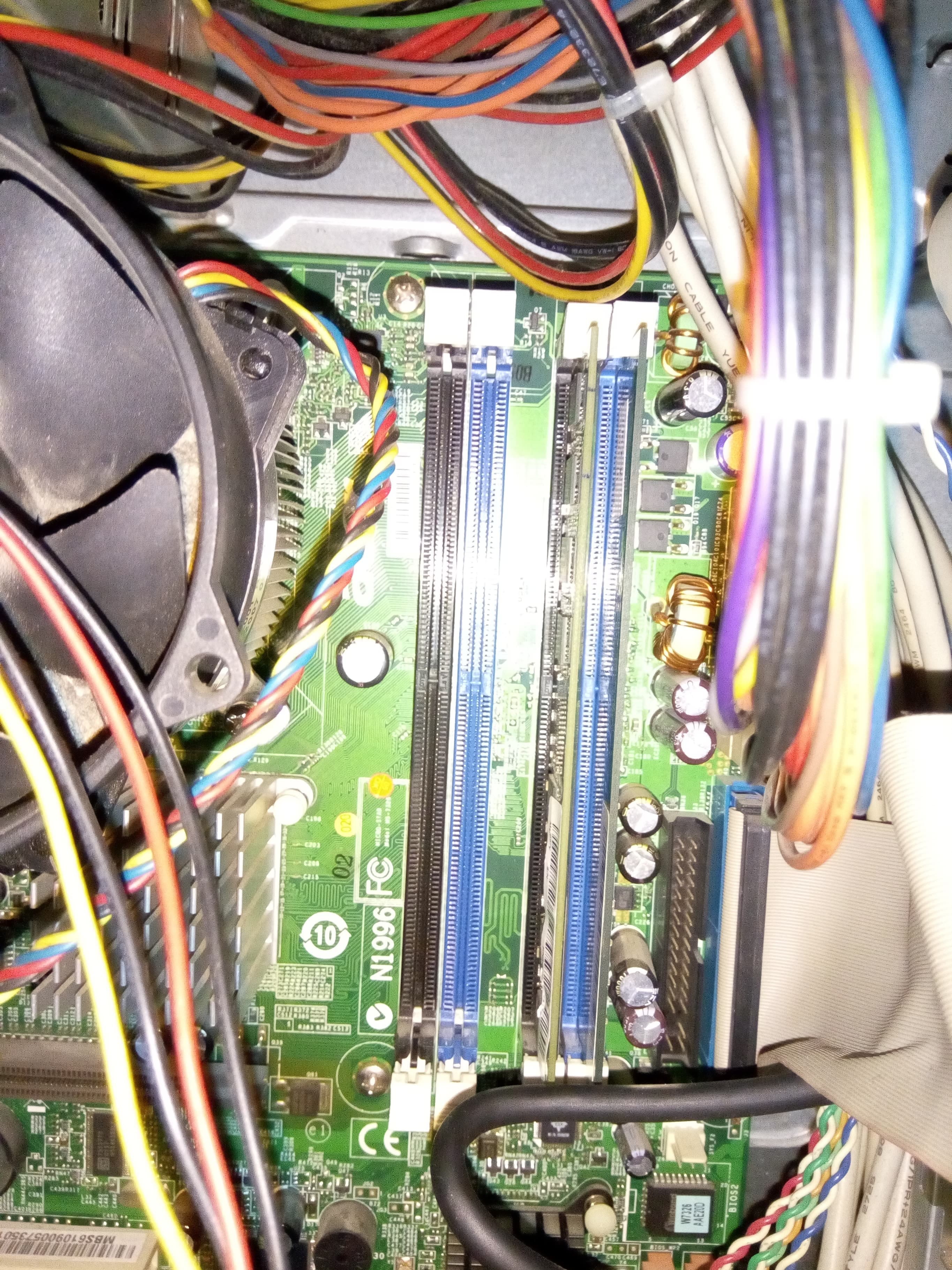
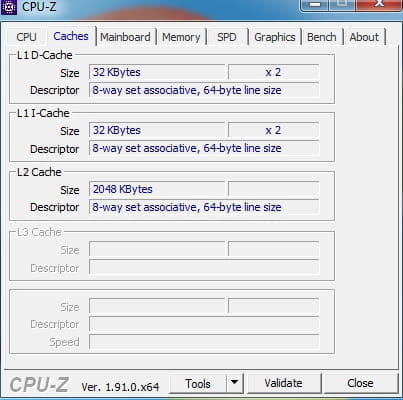
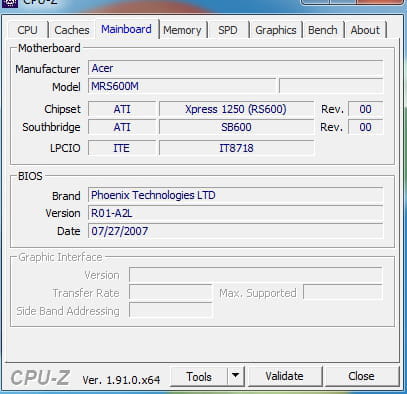
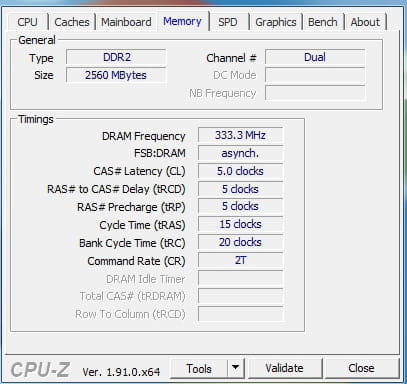
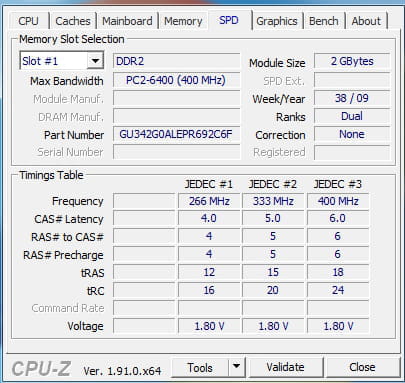
In fact, this PC has two RAM sticks (I'll post the photos right after I create an account) and one of them (2GB) that I recently bought and added without checking, indeed, the frequency/clock... Well I imagine the fact that Windows recognizes it means it’s working properly?
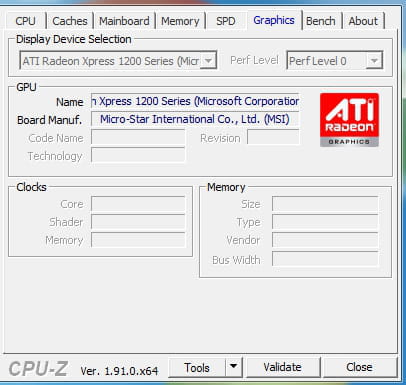
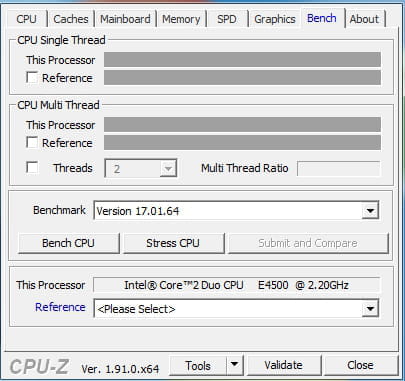
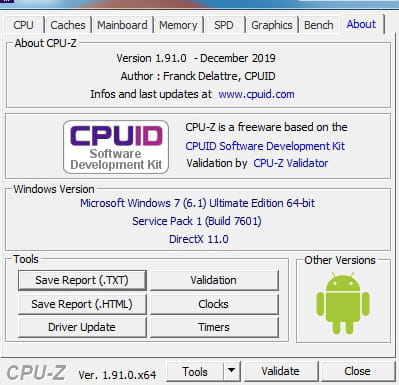
Otherwise, regarding "you should not exceed the maximum memory that the motherboard can handle," the motherboard has 4 slots (one of which is non-functional), and I will post screenshots from "cpu-z," as I don't have a good idea of where the maximum memory of the motherboard is located.
I would like to have, if possible, advice regarding the appropriate O.S. Right now, it's "Windows 7 Ultimate, 64 bit, service pack 1," and it's a real disaster!! (with Avast and Chrome, it's 10km/h)
Thank you very much :)) -
-
-
-
-
-
Understood and well noted ^^
Thank you for your response dear jumulka, which came in a very short time. I will follow your recommendation for "cpu-z"
Best regards :))