Does adding RAM prevent my processor from overheating?
Solved
Hi everyone,
Yesterday, I installed COD Modern Warfare on my PC (which I built myself in December 2019) and I noticed that my processor is getting very hot. So much so that my antivirus (Norton Security) warns me of "high CPU usage." My processor is an i7-9700K and I already have 16GB of RAM. I know that COD Modern Warfare is a very demanding game in terms of capabilities. My PC can run everything except for this game (I can play it without lags, but I don't because the processor heats up too much and I'm afraid of frying it). I would like to know if adding 16GB more RAM (so 32GB in total) could help prevent my processor from handling operations that are too heavy and thus avoid overheating. I have a basic CPU cooler installed, but it's effective. I also want to mention that I am a beginner in computing (in hardware). Thanks a lot in advance for your answers.
Yesterday, I installed COD Modern Warfare on my PC (which I built myself in December 2019) and I noticed that my processor is getting very hot. So much so that my antivirus (Norton Security) warns me of "high CPU usage." My processor is an i7-9700K and I already have 16GB of RAM. I know that COD Modern Warfare is a very demanding game in terms of capabilities. My PC can run everything except for this game (I can play it without lags, but I don't because the processor heats up too much and I'm afraid of frying it). I would like to know if adding 16GB more RAM (so 32GB in total) could help prevent my processor from handling operations that are too heavy and thus avoid overheating. I have a basic CPU cooler installed, but it's effective. I also want to mention that I am a beginner in computing (in hardware). Thanks a lot in advance for your answers.
4 answers
-
There is no relation between the CPU load and the RAM usage.
It's surprising that your 9700k is not sufficient and overheats: have you applied thermal paste on the CPU? Have you tried running it with the case open (if it's a ventilation issue)? -
Hi,
The amount of RAM does not affect the heating of the CPU.
When you say it's overheating, by how many degrees?
The processor is overheating too much and I'm afraid of burning it out
That's impossible, the PC will safely shut down due to overheating long before the CPU reaches a temperature high enough to burn out.
What cooler do you have? A well-ventilated case? Have you applied thermal paste properly (unless it was pre-applied on the cooler)?
--
Our differences? They are our greatest chance to open ourselves up to life. (Roland Poupon)-
Thermal paste already applied (by myself) and my PC doesn't exceed 70 degrees, which I find normal for such a resource-intensive game, yet....
However, upon retrying, I no longer receive the overheating message
Link to my CPU cooler: https://www.amazon.fr/Cooler-Master-Hyper-212-RGB-Black/dp/B07H9JL1P8/ref=mp_s_a_1_7?keywords=ventirad&qid=1582984197&sr=8-7
Additionally, my case is rather well-ventilated (3 front fans, 1 on top, and 1 CPU cooler) -
@Luc-454It's a very good cooler.
And 70°C is not overheating at all.
Overheating occurs when we approach ~90°C; before that, there's no problem. -
@AluMinioumeOk, thanks a lot, I think Norton must have messed up
I'll keep you posted if it happens again -
@Luc-454I have never trusted this kind of third-party software like Norton that is really useless (in my opinion).
I would advise you to uninstall it or at least not to pay attention to what it tells you. -
@AluMinioumeAt this point, I'm not worried. Norton is still a well-known software and I think it's essential to have an antivirus. But no worries, for the rest I trust core temp more. Thanks a lot for your response!
-
-
When you play:
- What is the CPU load?
- What is the temperature? -
Hi,
Don't pay too much attention to Norton, it will mislead you. I would trust Core Temp or HWMonitor more, which are made to get PC information.
GPU at 70° and CPU at 50% is normal, given that COD is very demanding, there's nothing unusual.
I used to play Rainbow Six Siege, which only relies on the CPU, and I was running over 70% load with a temperature of 55°, but I have water cooling.
If you want better temperatures, I recommend getting water cooling; there's no other choice, but 70° is normal.
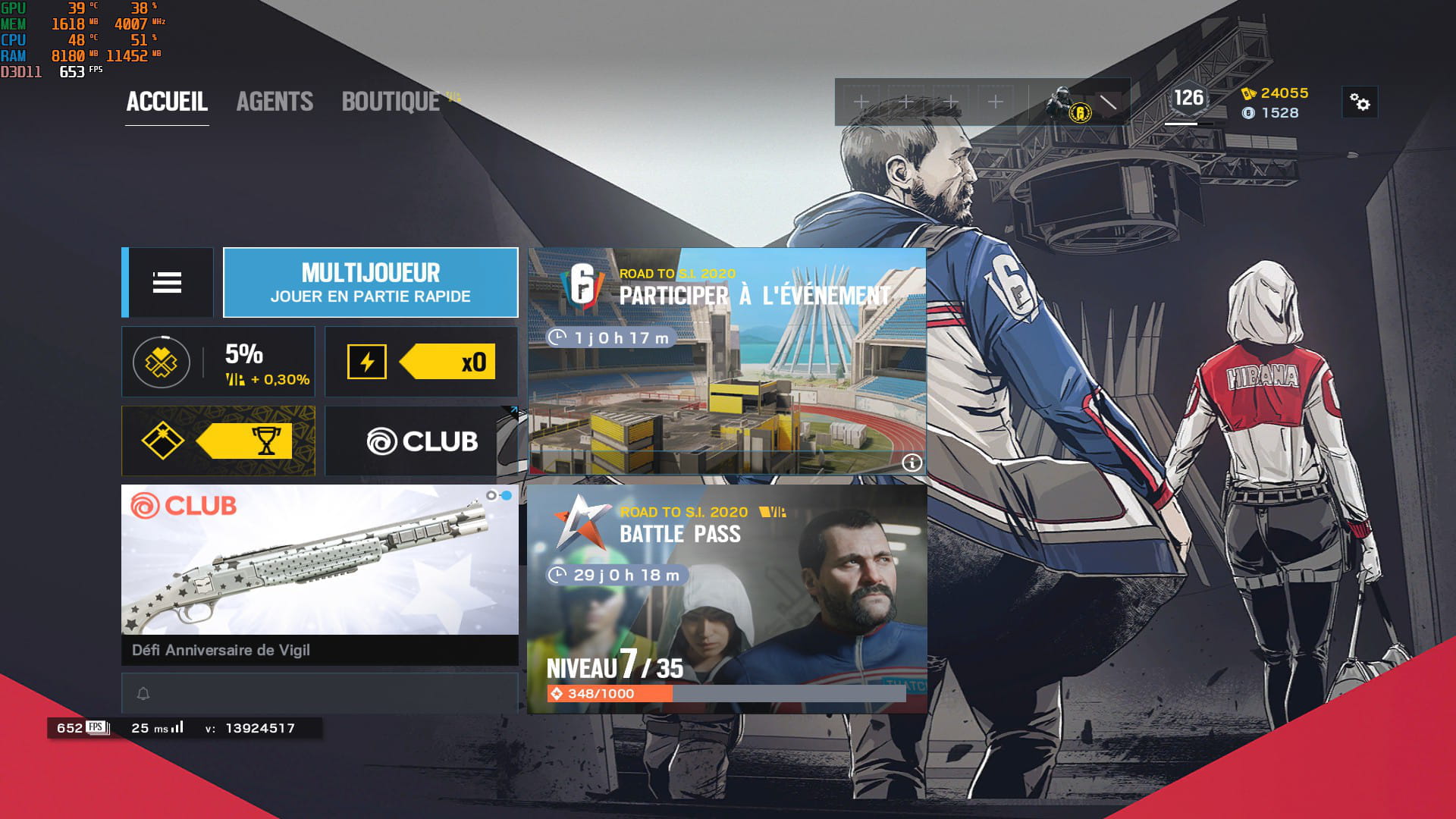
However, if you want better real-time info, I recommend MSI Afterburner. It’s primarily used to overclock the GPU, but you're not required to do so. You can still use it to display information; that’s what I do just for the information. I’ll post an image for you to see.
A tip that might help, it won't change your life, but your processor will run better and load faster.
Windows+R > type msconfig > startup > advanced options > at the top left you have the number of processors; Windows sets it to 1 by default, check the box > and set the number of processors or cores your CPU can handle: 4/6/8, etc.
Click Ok > apply > Ok and reboot your PC for it to take effect. Let me know if your PC loads faster and runs a bit better.
Windows also sets me to 1, even though I can go up to 16 lol, and my CPU is faster afterwards.

-
-
@Luc-454Look at my post when you replied to me, I modified my post, it could help you for your process but not for the heat.
You're welcome, no problem! -
-