Unable to install brother dcp 770cw
steff44300
Posted messages
116
Status
Member
-
steff44300 Posted messages 116 Status Member -
steff44300 Posted messages 116 Status Member -
Hello,
I just bought a second-hand Brother DCP 770CW printer. We tested it at the guy's place and everything was fine.
However, once I got home, my PC doesn’t detect it when I plug it in. So I went to the control panel to add a printer, and it doesn't find it there either...
Yes, I did put the little thing in the lid and then the USB port in my PC (I only want to connect it via USB).
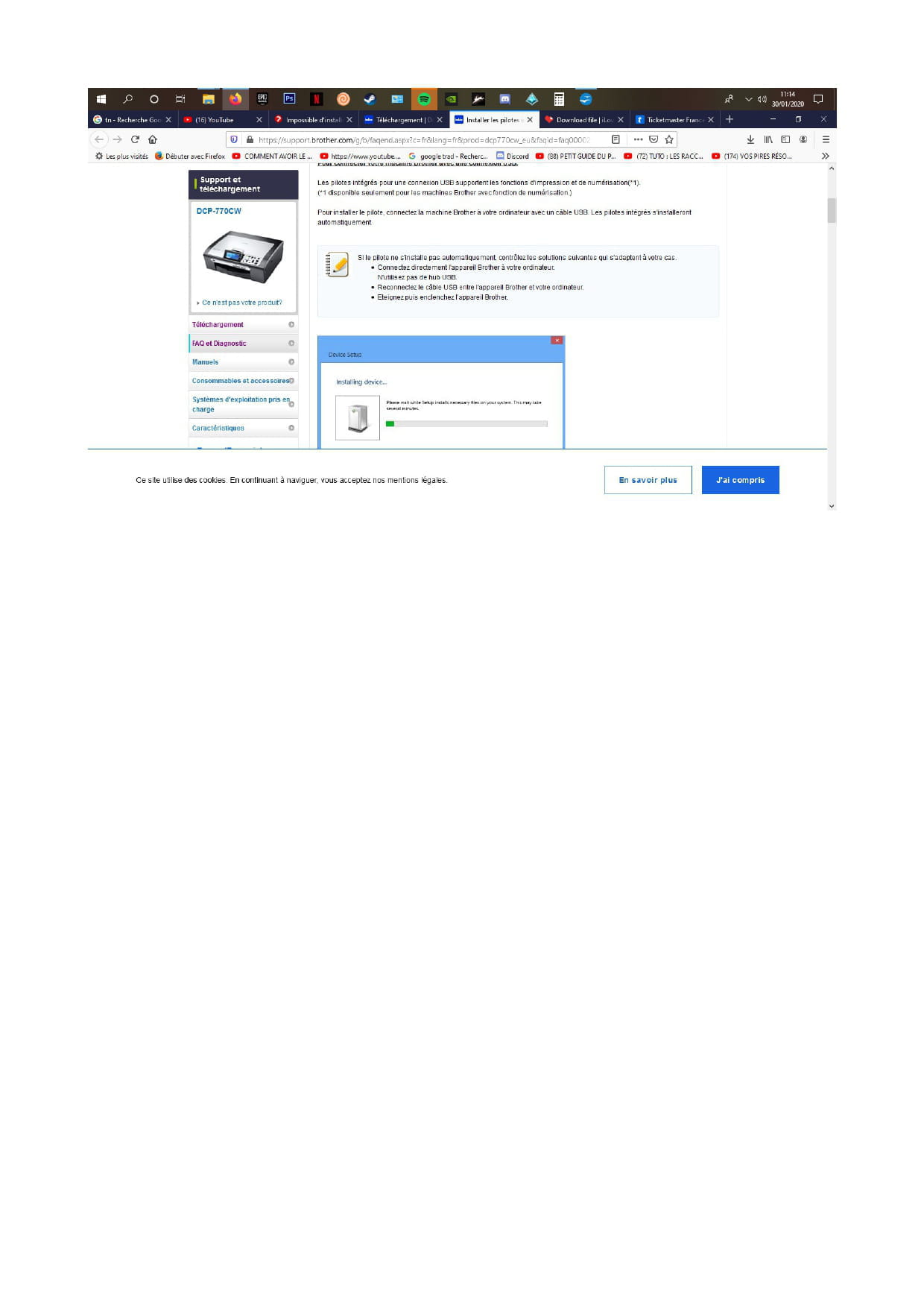
I checked the Brother website for drivers, and they say that with Windows 10, no drivers are needed, everything will happen automatically when the device is plugged in. So of course, since the magic isn’t working for me, I’ll need a Merlin (another super skilled wizard would do just fine!).
Thank you!
Configuration: Windows / Firefox 68.9
I just bought a second-hand Brother DCP 770CW printer. We tested it at the guy's place and everything was fine.
However, once I got home, my PC doesn’t detect it when I plug it in. So I went to the control panel to add a printer, and it doesn't find it there either...
Yes, I did put the little thing in the lid and then the USB port in my PC (I only want to connect it via USB).
I checked the Brother website for drivers, and they say that with Windows 10, no drivers are needed, everything will happen automatically when the device is plugged in. So of course, since the magic isn’t working for me, I’ll need a Merlin (another super skilled wizard would do just fine!).
Thank you!
Configuration: Windows / Firefox 68.9
5 answers
-
-
Hello,
Thank you for your response, but as I mentioned in my first message, I went to this link, and it says that connecting the printer to the PC should automatically start the installation with Windows 10...
-
Yes, everything is fine. I tried it on my son's PC and it works. I know I was never able to install Excel and Word, and when I called Windows, they told me there was an issue with my Windows... Maybe that's where the problem comes from? I have no idea how to uninstall and reinstall it, if you have any tips...
-
make a repair
see here:
https://lecrabeinfo.net/acceder-aux-options-de-demarrage-avancees-de-windows-10.html
-
-
Thank you! I have therefore repaired Windows.
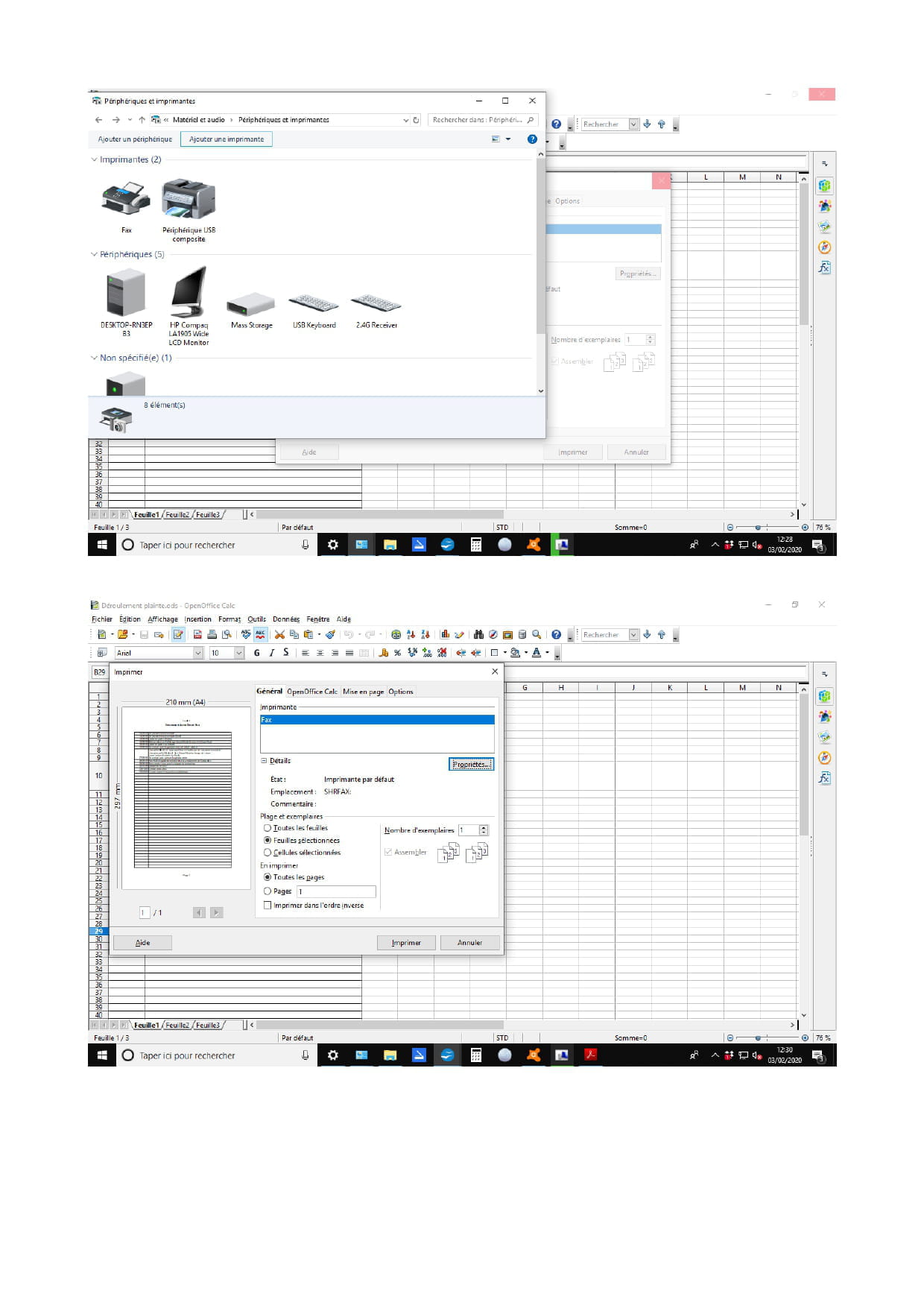
Now in the control panel, the printer appears (at least I think it's her!) but when I want to print on Open Office for example, I only have the fax option and not the printer...
(see photos)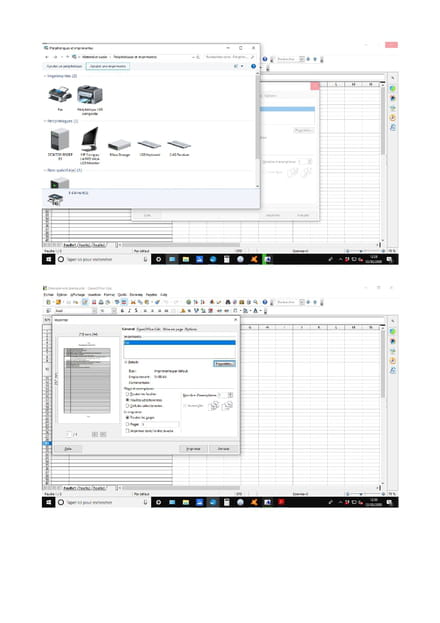
-
Well, after trying WordPad, I attempted to print my work from Open Office and I realize that whether it's on my PC or my son's, it's Open Office that doesn't detect my printer...