No sound on assembled PC
Solved
JezzArt
Posted messages
11
Registration date
Status
Member
Last intervention
-
billmaxime Posted messages 50534 Registration date Status Contributor Last intervention -
billmaxime Posted messages 50534 Registration date Status Contributor Last intervention -
Hello, I'm reaching out for your help because I'm completely overwhelmed by the issue I'm facing. Ever since I built my PC, set up an operating system, and installed Windows 10 Pro, my computer produces no sound. I should point out that despite all this, I'm still completely new to computers.
So here are some details that might help you solve my problem:
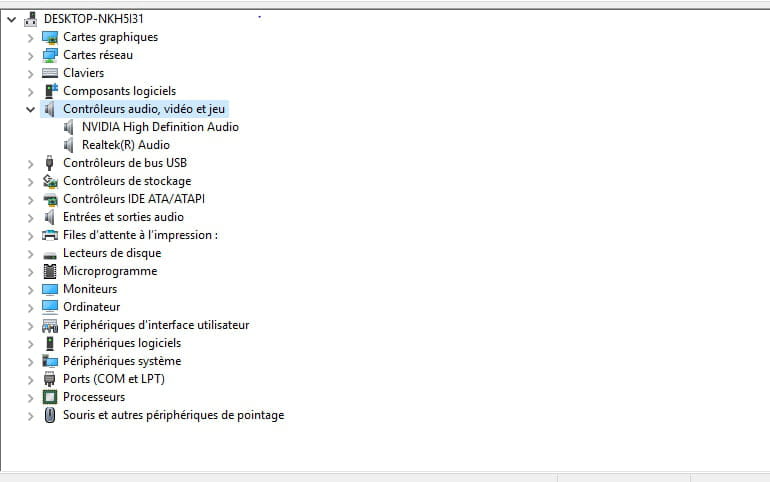
In the audio device manager, here's what I see displayed:
NVIDIA Output (NVIDIA High Definition Audio) not connected. Repeated 3 times, on three different lines.
I also have:
Speakers (Realtek(R) Audio): Not connected.
Thank you for your feedback.
So here are some details that might help you solve my problem:
In the audio device manager, here's what I see displayed:
NVIDIA Output (NVIDIA High Definition Audio) not connected. Repeated 3 times, on three different lines.
I also have:
Speakers (Realtek(R) Audio): Not connected.
Thank you for your feedback.
13 answers
-
hi
what is the name/model of your motherboard?
don't you have a driver installation CD for your motherboard?
post a screenshot of your device manager >> https://www.commentcamarche.net/infos/25913-ccm-inserer-une-image-dans-une-discussion/
see you
--
the radiation level is higher at the unemployment office than at Chernobyl -
Good evening
See below
https://www.commentcamarche.net/faq/5372-absence-de-son-sur-pc-pas-de-son-sous-windows
Best regards -
Hello,
does your screen at least have speakers?
Did you connect speakers to your motherboard?
Have you tried headphones? -
My motherboard is: B360M GAMING PLUS motherboard
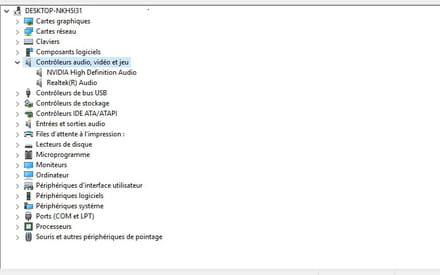
Otherwise, yes, I tried a headset and had the same problem.
As for the speakers, I don't know. During assembly, I simply connected the screen to the tower using the available cable.
My screen is a BenQ Zowie 24" LED - XL2411P. -
re
you don’t have any alerts in the device manager (? or /!\) yellow
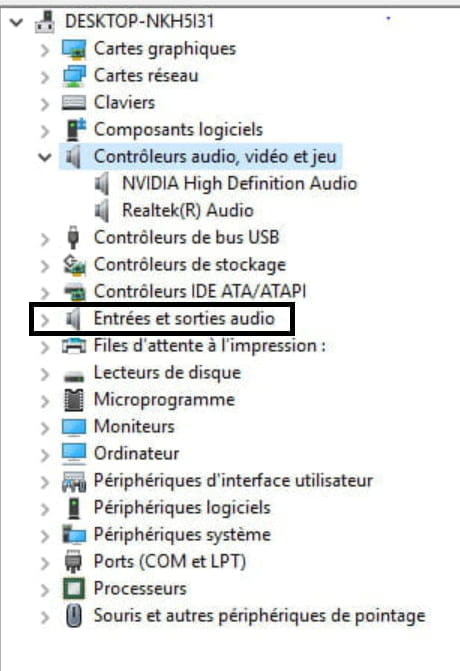
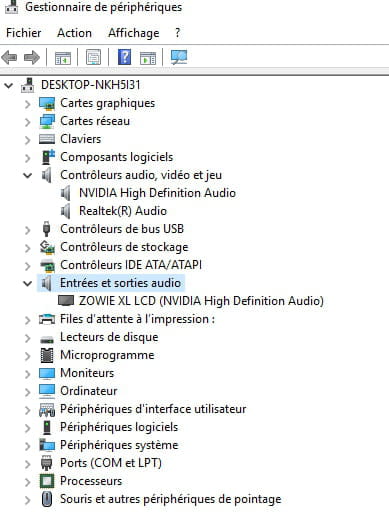
look at what you have in "audio inputs and outputs"
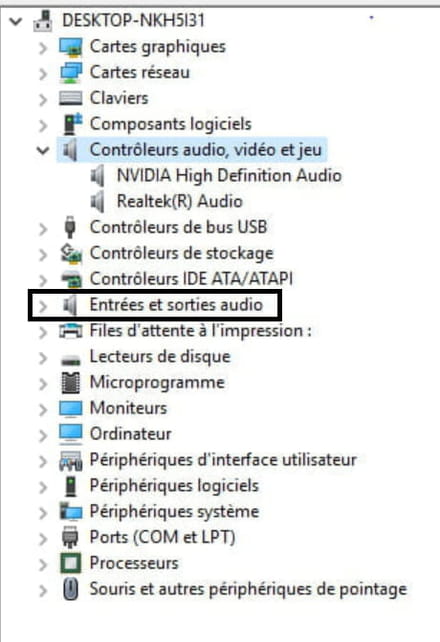
your screen is not equipped with speakers:
Multimedia
Built-in speakers
No
Webcam
No
TV Tuner
No
right-click on the sound icon in the taskbar >> troubleshoot
let me know the message(s) that appear
@+
-
re
in your screenshot, click on "speakers"
let us know what it says
@+
--
the radiation level is higher at the job center than at Chernobyl -
re
ok, have you connected any speakers?
@+
--
the radiation level is higher at the unemployment office than at Chernobyl-
No.. I just realized that I haven't received the cable in question and I'm certain of it because I've been very careful about everything.
However, while consulting the manual that lists the cables available for the screen, I could either have a DVI cable or a DP cable but not both, so it might be normal. In any case, the DP cable is normally well connected; I will try unplugging and plugging it back in to see.
EDIT: After looking a bit online, DVI has nothing to do with it; it doesn’t even serve for audio, sorry. So yes, I have a DP cable that's supposed to serve for audio that is connected. Unplugging and plugging back in has no result, still no sound.
-
-
No solution to this problem?
-
hi
your screen is not equipped with speakers
set the speakers as default in playback devices, and plug in your headset
let me know how it goes
see you later
--
the radiation level is higher at the unemployment office than in Chernobyl-
Hi,
Yes, it works when plugging in a headset, tested this afternoon. If my monitor is not equipped with speakers, it will never produce sound on its own, right, no matter the settings?
As a precaution, I bought PC speakers earlier, so at worst, the solution is sorted if it’s impossible regarding the monitor.
-
-
re
Yes, by plugging in a headset, it works, tested this afternoon.
ok
If my screen is not equipped with speakers, it will never produce sound on its own, right, regardless of the settings?
exactly, since it is not equipped with speakers
As a precaution, I bought PC speakers earlier, so at worst, the solution is sorted if it's impossible with respect to the screen.
connect the speakers and let me know how it works
@+
--
the radiation level is higher at the employment office than at Chernobyl -
re
1) With the speakers plugged in, check if you have any updates in Windows Update
2) If not, check in the BIOS which sound card is set as default
3) Download and run Drivers Cloud, and post the URL of the "My Drivers" page >> https://www.commentcamarche.net/telecharger/utilitaires/8153-driverscloud/
If you have any questions...
@+
-
re
if you have no more issues, remember to mark your topic as resolved >> https://www.commentcamarche.net/infos/25917-marquer-un-fil-de-discussion-comme-etant-resolu/
thank you
@+
--
the radiation level is higher at the employment office than at Chernobyl -
re
It's done!
I saw it, and I'm glad your problem is resolved
Good luck
See you later
--
The radiation level is higher at the employment center than at Chernobyl