Access the Thomson BIOS
Soso
-
pat -
pat -
Hello,
I am desperately trying to figure out how to access the BIOS on a Thomson Notebook PC. I have tried all the common keys but with no success. Any help would be greatly appreciated.
Configuration: Windows / Chrome 74.0.3729.169
I am desperately trying to figure out how to access the BIOS on a Thomson Notebook PC. I have tried all the common keys but with no success. Any help would be greatly appreciated.
Configuration: Windows / Chrome 74.0.3729.169
1 answer
-
pistouri Posted messages 19008 Registration date Status Contributor Last intervention Ambassadeur 8 723
Hello,
If your PC is working when you start it, an image will appear to tell you which BIOS key to use.
This is at the beginning of the startup, it should be indicated at the bottom of the screen.
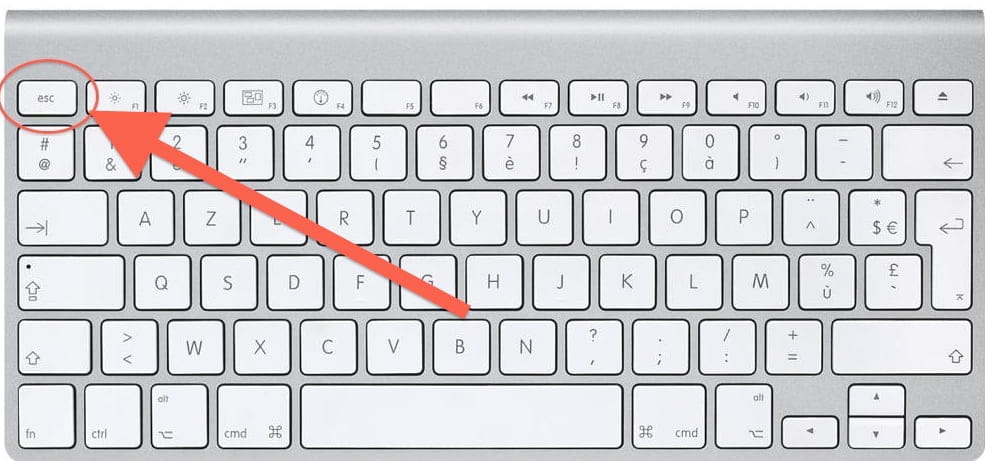
Try using the ESC key located at the top left of the keyboard.
Start the PC and tap (press every 1 second) until you see the BIOS menu.
Sometimes after pressing ESC (or Escape), you need to press the Enter key on the
keyboard.

A+