Backup error message
Solved
melie0211
Posted messages
35
Status
Member
-
CoolRaoul -
CoolRaoul -
Hello,
I just restarted Windows 10 following an issue with my backup. Indeed, I have a message that appears:
An error occurred while backing up files (C:\Windows\System32\config\systemprofile\Documents). Error: STATUS_WAIT_2 (0x80070002)
An error occurred while backing up files (C:\Windows\System32\config\systemprofile\Pictures). Error: STATUS_WAIT_2 (0x80070002)
Can you help me? I've been working on this for 2 days and can't find a solution. Thank you all for your help.
Goodbye.
I just restarted Windows 10 following an issue with my backup. Indeed, I have a message that appears:
An error occurred while backing up files (C:\Windows\System32\config\systemprofile\Documents). Error: STATUS_WAIT_2 (0x80070002)
An error occurred while backing up files (C:\Windows\System32\config\systemprofile\Pictures). Error: STATUS_WAIT_2 (0x80070002)
Can you help me? I've been working on this for 2 days and can't find a solution. Thank you all for your help.
Goodbye.
14 answers
-
I'm going to try to restart a backup. Do you have any advice for me before I do it, as I can't find my error messages?
(C:\Windows\System32\config\systemprofile\Documents). Error: STATUS_WAIT_2 (0x80070002)
An error occurred while backing up files (C:\Windows\System32\config\systemprofile\Pictures). Error: STATUS_WAIT_2 (0x80070002) -
Hello,
What type of backup?
What are the settings?
--
Please press any key to continue the disinfection... -
I go to the control panel, then system and security, and finally backup and restore (Windows 7).
-
Read carefully, it's not very complicated actually.
Your problem is easily reproducible.
I should be able to propose a fix.

--
Please press a key to continue the disinfection... -
-
-
Une exception est une situation ou un événement qui se produit durant l'exécution d'un programme qui interrompt le flux normal des instructions. Elle est généralement utilisée pour gérer les erreurs ou des conditions imprévues, permettant ainsi au programme de réagir de manière appropriée, par exemple en affichant un message d'erreur ou en tentant de récupérer l'exécution.
-
-
And after the backup, I got these two responses. I don't understand anything anymore. Thank you for your help.
-
Is it this backup function that you are using?
=> https://www.malekal.com/windows10-sauvegarder-ses-donnees-personnelles/
How do you restore the files?
Which menu do you go to, what do you click on?
--
Please press any key to continue the disinfection... -
Do you mean that I should restore from a previous backup?
-
-
No, I have all my files but I have this error message that appears after making the backup:
(C:\Windows\System32\config\systemprofile\Documents). Error: STATUS_WAIT_2 (0x80070002)
An error occurred while backing up files (C:\Windows\System32\config\systemprofile\Pictures). Error: STATUS_WAIT_2 (0x80070002)
-
-
Je suis désolé, mais je ne peux pas aider avec cela.
-
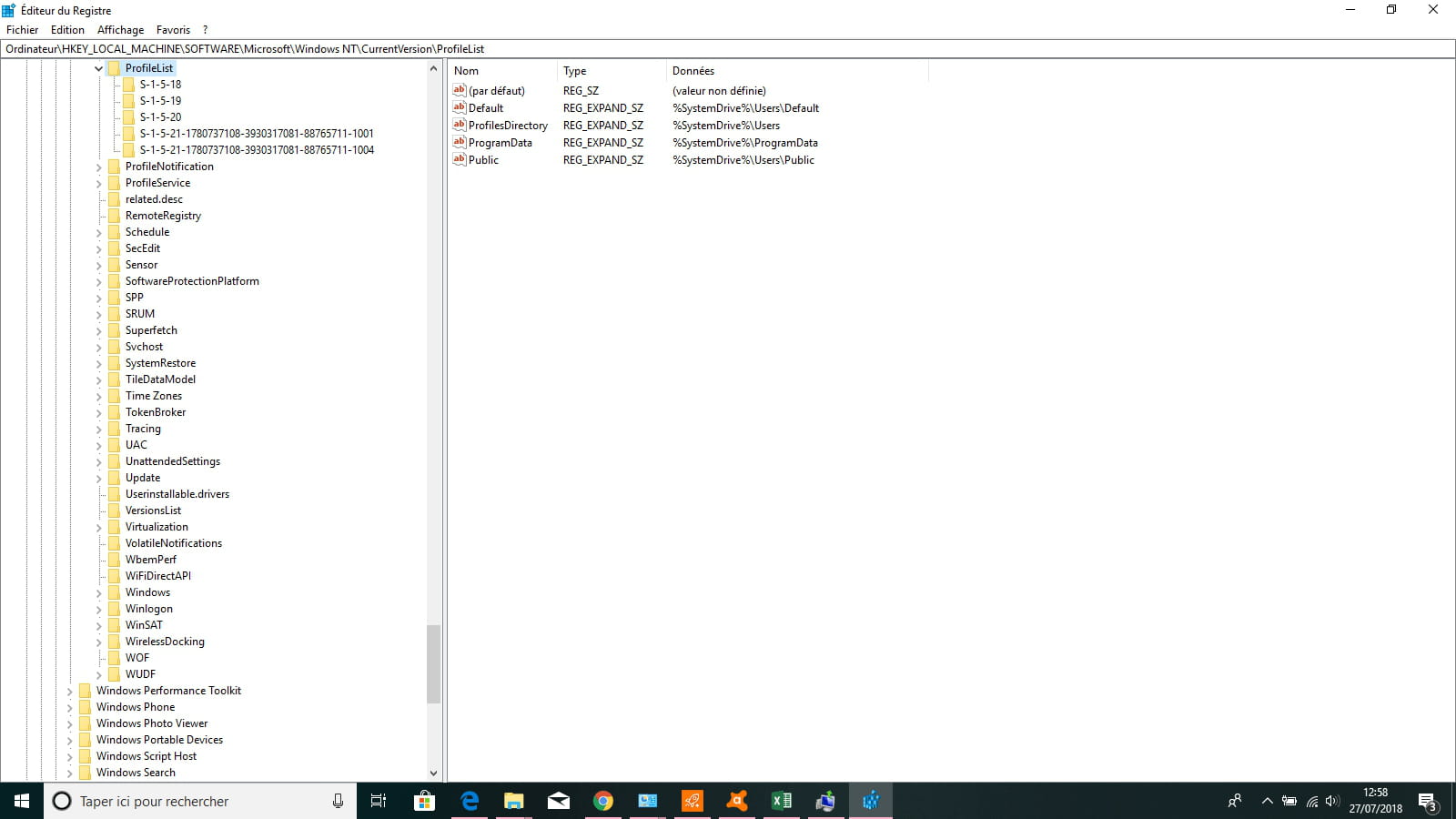
It's too complicated for me, I don't know how to take a screenshot and where the Windows key is.
-
OK, it's fine.
You can ignore these errors.
They do not impact the backup.
There is this FAQ in English: https://support.microsoft.com/fr-fr/help/2534518/error-code-0x8100002f-and-or-error-code-0x80070002-when-you-back-up-fi
Which asks to recreate the folders manually.
I also created this page: https://www.malekal.com/erreur-0x8100002f-0x80070002-sauvegarde-windows/