EFI partition on wrong disk
Solved
letolah
Posted messages
30
Status
Member
-
Huitre -
Huitre -
Hello everyone!
So let me explain the situation first. I received a new computer but without Windows. The computer has an SSD, so I looked to install Windows on it. It turns out that by mistake I installed it on the HDD of the computer. I finally managed to install it on the SSD by converting the partition to GPT.
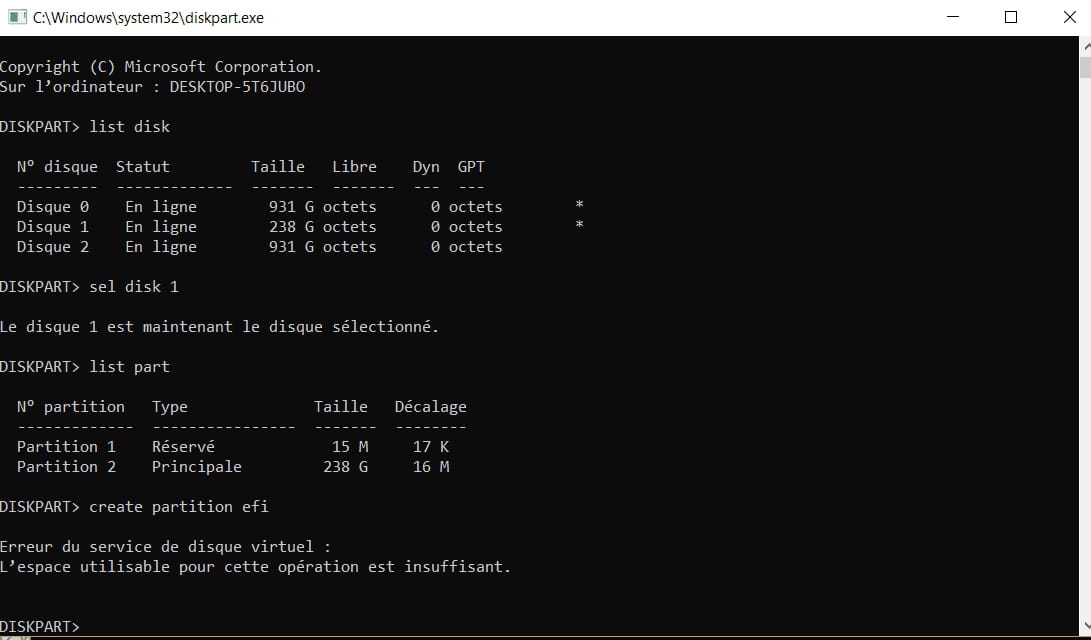
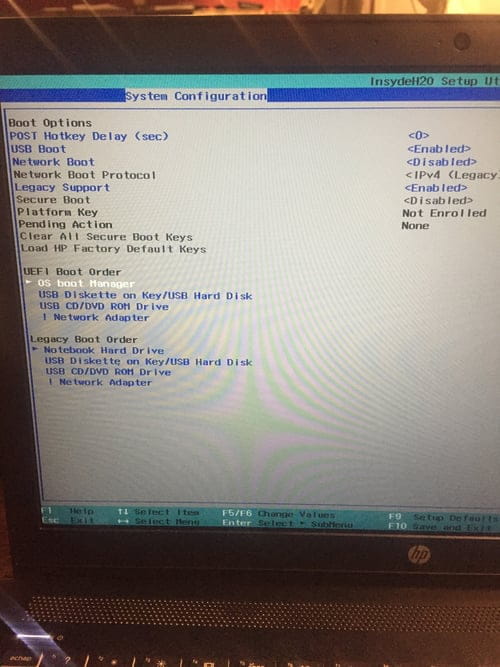
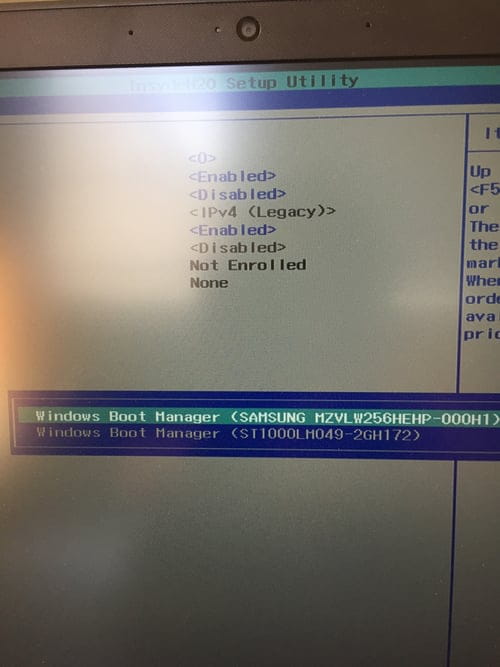
I managed to delete the system files from my HDD by formatting it, but the EFI system partition remains. My question is: how can I move this EFI partition to the SSD? Because as it currently stands, I assume that at startup the HDD is being used, whereas I've installed Windows on the SSD to avoid that.
I'm posting a screenshot of the disk manager.
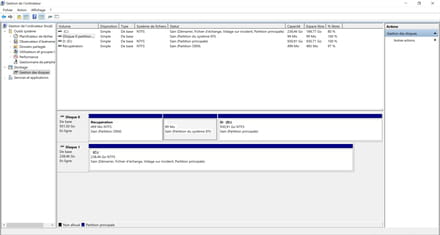
Thanks in advance for your insightful opinions!
So let me explain the situation first. I received a new computer but without Windows. The computer has an SSD, so I looked to install Windows on it. It turns out that by mistake I installed it on the HDD of the computer. I finally managed to install it on the SSD by converting the partition to GPT.
I managed to delete the system files from my HDD by formatting it, but the EFI system partition remains. My question is: how can I move this EFI partition to the SSD? Because as it currently stands, I assume that at startup the HDD is being used, whereas I've installed Windows on the SSD to avoid that.
I'm posting a screenshot of the disk manager.

Thanks in advance for your insightful opinions!
8 answers
-
Hello,
I have never done this, but in this discussion, the issue was similar to yours, and after resolving it, the person shared the solution they used to create the EFI partition and fill it: https://forums.commentcamarche.net/forum/affich-35448867-bootage-sur-windows-boot-manager#9
--
a stranger is a friend you haven't met yet.-
-
Hi,
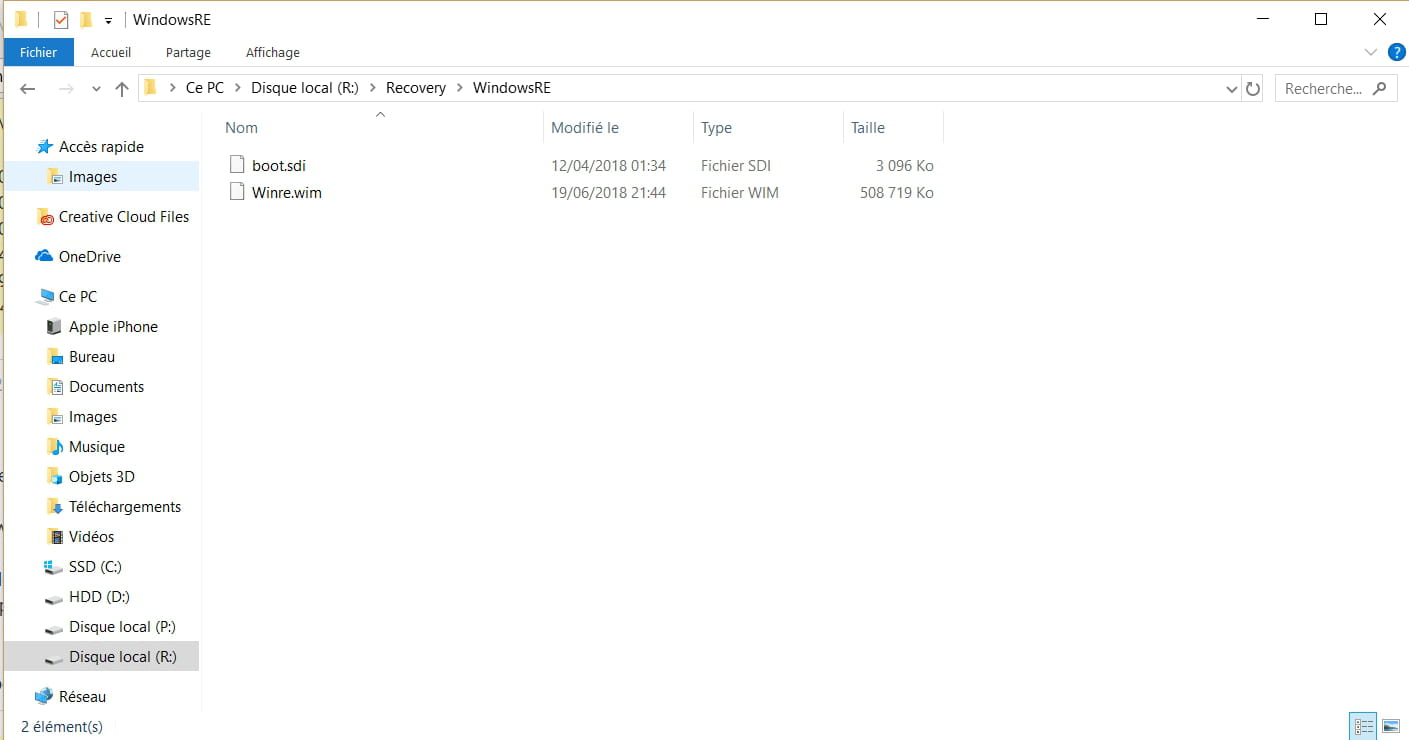
There is no need to reinstall Windows to add the EFI partition and the boot files on the SSD. In your case, you also need to move the recovery partition, which is also misplaced.
The missing partitions could be placed at the end of the disk, but it is better to put them at the beginning. So, with partitioning software, you need to reduce the C volume by 800 MB from the left. And do not touch the small hidden MSR partition of 15 MB.
-