Vectorizing image: loss of transparency
Solved
Hello,
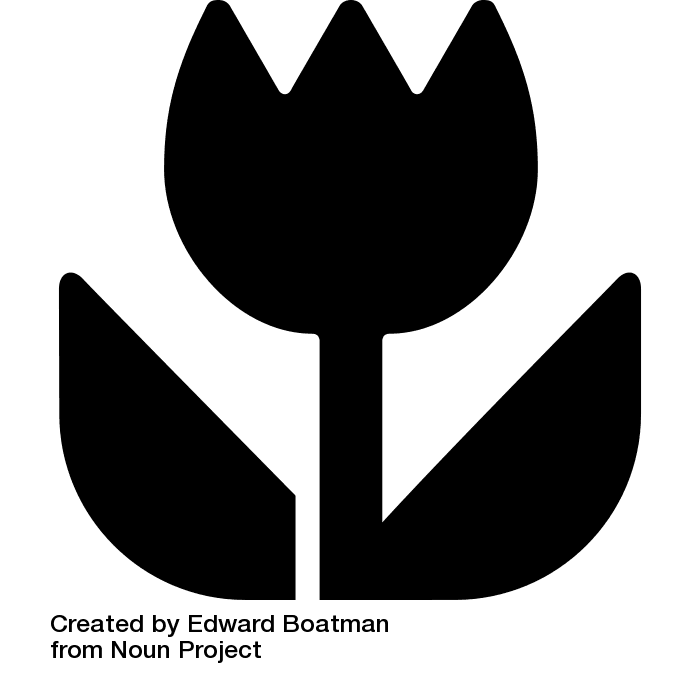
When I vectorize an image in Illustrator, it loses its transparency.
(there is only black and transparency in the image)
I have tried several options: "Outline", "Black and White", "Auto Colors", etc., but nothing works, I always end up losing the transparency of my image...
I would have liked to apply a transparent color, but I can no longer choose a color after vectorization (and Object>Ungroup is grayed out...)
If someone has the solution to vectorize AND keep the transparency... :)
Thank you!
Configuration: Configuration: Configuration: Configuration: Configuration: Windows / Chrome 56.0.2924.87
When I vectorize an image in Illustrator, it loses its transparency.
(there is only black and transparency in the image)
I have tried several options: "Outline", "Black and White", "Auto Colors", etc., but nothing works, I always end up losing the transparency of my image...
I would have liked to apply a transparent color, but I can no longer choose a color after vectorization (and Object>Ungroup is grayed out...)
If someone has the solution to vectorize AND keep the transparency... :)
Thank you!
Configuration: Configuration: Configuration: Configuration: Configuration: Windows / Chrome 56.0.2924.87
7 answers
-
Once you have vectorized an image, it is composed of surfaces that have a color.
The color can be white, black, green, etc., but you can also give the surface "nothing"...
In the color palette, it is the icon representing a square crossed by a red line. A surface filled with "nothing" is a contour with no color inside.
The contour can also have a color or not.