USB TV STK license key
naallah
Posted messages
5
Registration date
Status
Member
Last intervention
-
Papounet17000 Posted messages 26460 Registration date Status Member Last intervention -
Papounet17000 Posted messages 26460 Registration date Status Member Last intervention -
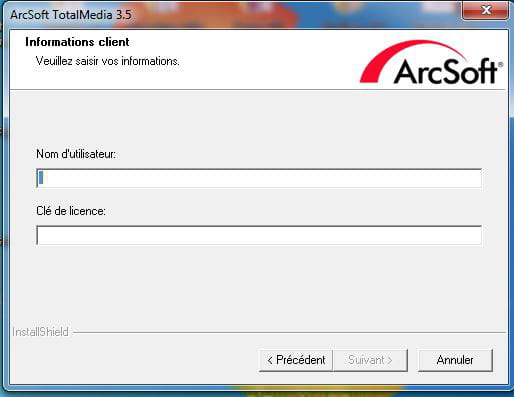
Please help me. I just bought a quit TV/AV/FM light wave global. It is asking me for a license key that I cannot find on the product CD.
3 answers
-
Hello,
Sorry for the delay, I am from Niger, and internet connectivity is very difficult here.
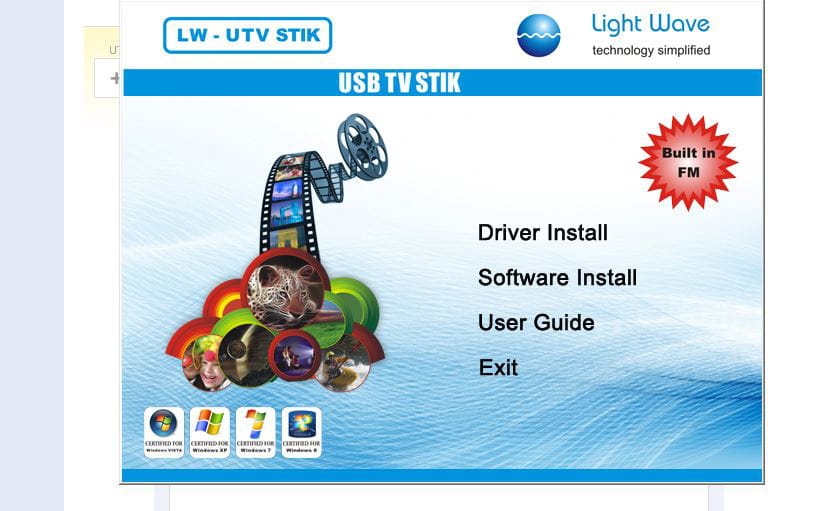
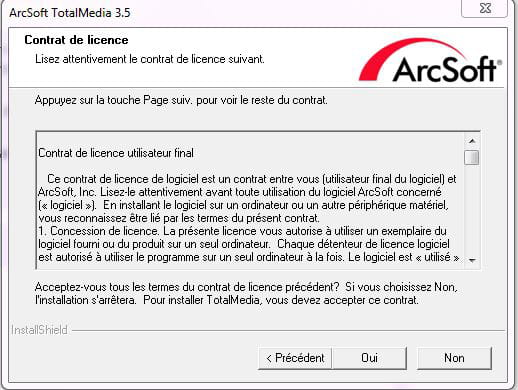
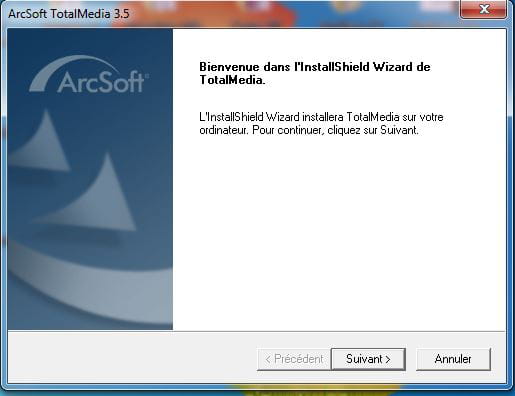
You'll see in the first screenshot the steps I followed according to the installation guide. Step 1 is okay, meaning DRIVER INSTALL is installed. Now, the SOFTWARE INSTALL is asking me for a license key. Thank you.
Attached are screenshots 1 to 4 in text mode; I don't know if that's it!!!!


-
Hello,
Brand and model of the device? -
Hi,
this is the USB key to receive TV signals from LIGHT WOVE
S/N: 1408150700801
Model: LW USB STIK-
I suppose you installed the provided drivers?
I haven't seen anywhere that a license key was required.
Take a screenshot so I can see what it's about and under what conditions you receive this message.- Hello,
Take a screenshot of the disk management.
Press the Print Screen key on your PC to take your screenshot.
Or Ctrl Alt Print Screen to select the active window.
Then open Paint, paste and save as.
Put the screenshot on the desktop and then upload it here by clicking on:
Reply to the topic at the bottom of the page, it's written in white on blue.

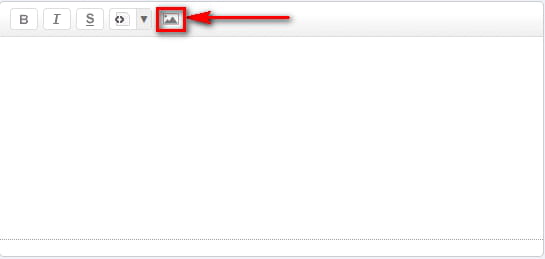
You will see an icon that looks like two little mountains with a sun (black and white).
Click on it and upload the image.
Wait for the process to finish.

Then you can confirm.
You can also use FastStone Capture to add comments on screenshots.
Tutorial here: http://www.rakforgeron.fr/documents/Utilisation%20de%20FastStone%20Capture.pdf
Personally, I use this tool much faster for screenshots because you can capture just a part of the screen or only one window instead of the entire screen.
-