Gray background in Illustrator
MrPok
Posted messages
3
Status
Member
-
Anonymous user -
Anonymous user -
Hello,
I'm reaching out with a question about Illustrator.
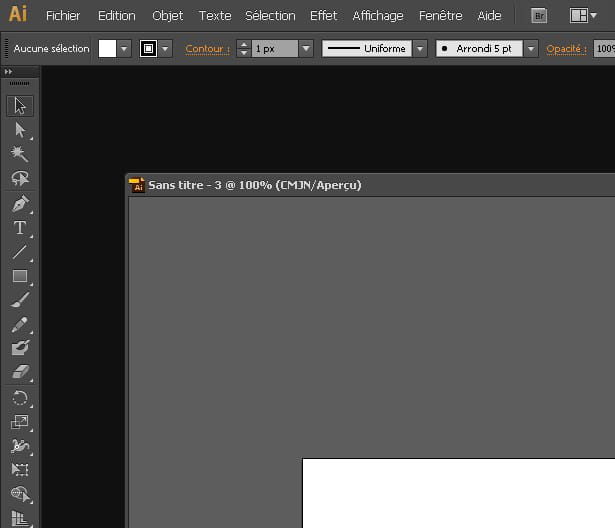
In Illustrator CC 2015, I don't have a gray background (as is the case in Photoshop). My elements (or panels) are independent elements instead of being a cohesive whole, and this is a problem for me.
I would like to set this gray background and link all the elements so that I can, for example, move the window all at once. I haven't found anything online explaining this (maybe because I don't know the exact terms).
Any solution?
Thanks in advance!
I'm reaching out with a question about Illustrator.
In Illustrator CC 2015, I don't have a gray background (as is the case in Photoshop). My elements (or panels) are independent elements instead of being a cohesive whole, and this is a problem for me.
I would like to set this gray background and link all the elements so that I can, for example, move the window all at once. I haven't found anything online explaining this (maybe because I don't know the exact terms).
Any solution?
Thanks in advance!
6 answers
-
Hello. If by gray background you mean changing the white of the "sheet" to gray: you can't.
However, you can cover the entire surface of the sheet with a rectangle that you color as you wish.
As for linking elements together, you can simply select them and group them (Ctrl G), or use the pathfinder (but be careful, it modifies the elements to create one single one).
--
quack quack quack