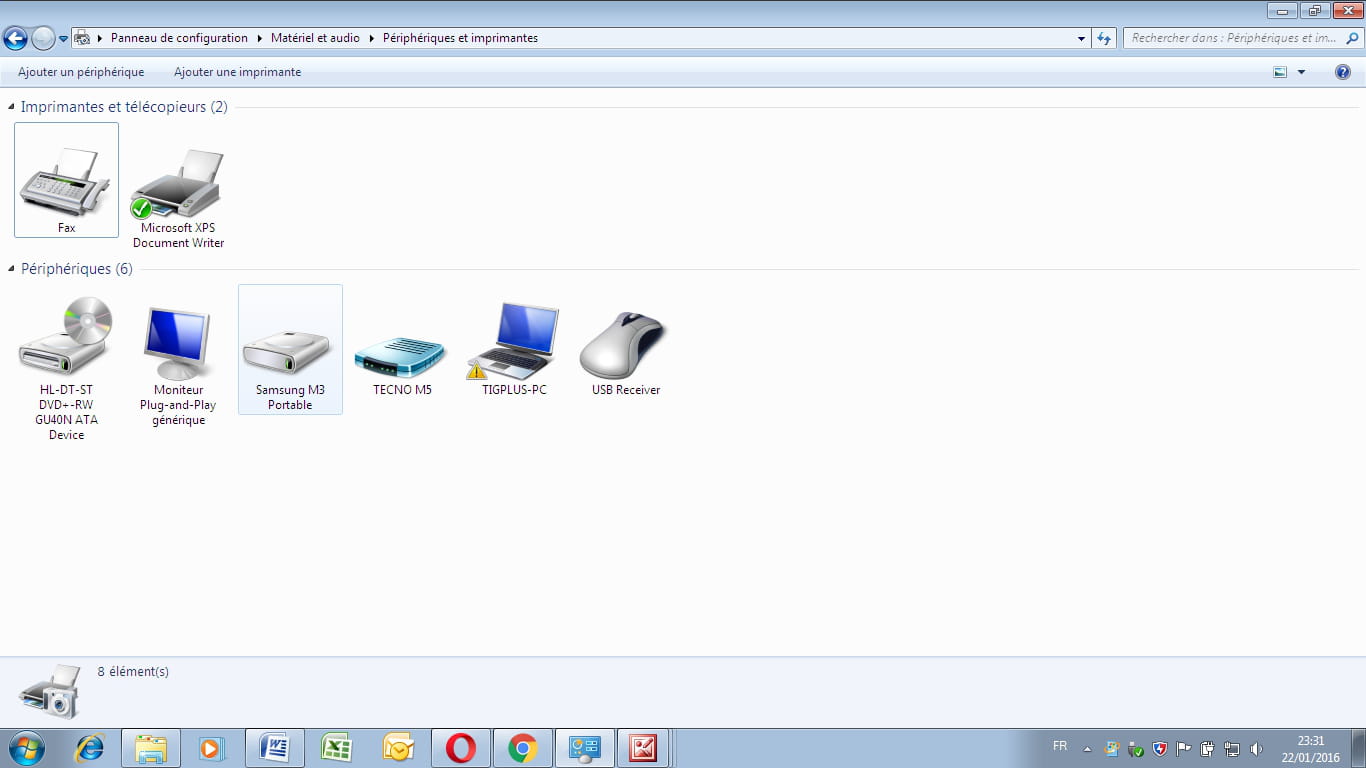
Samsung M3 Portable External Hard Drive
Solved
ThiernoBary
Posted messages
5
Registration date
Status
Member
Last intervention
-
Sannin_WD Posted messages 4316 Status Member -
Sannin_WD Posted messages 4316 Status Member -
Hello,
For the past two days, when I connect my hard drive to my computer, it appears on the taskbar, but when I look for it on my computer, I can't see it. Therefore, I can't access it to save the data inside. This problem started when I installed it on my computer.
I tried it on another computer and it behaves the same way.
Please help me.
Best regards,
Thiernobary
For the past two days, when I connect my hard drive to my computer, it appears on the taskbar, but when I look for it on my computer, I can't see it. Therefore, I can't access it to save the data inside. This problem started when I installed it on my computer.
I tried it on another computer and it behaves the same way.
Please help me.
Best regards,
Thiernobary
Related links:
- External hard drive not recognized USB
- Read a Mac hard drive on a Windows PC WITHOUT formatting it.
- Freebox hard drive not visible in my file explorer
- Transfer applications from SSD (C:) to hard drive (D:)
- Yellow triangle and open padlock on hard drive icon
- Windows installation impossible, no disks (or partitions) are appearing.
6 answers
-
Welcome to the Forum, ThiernoBary :)
If I understand your message correctly, this external HDD has worked on your PC before and this is not its first connection. If I'm mistaken, please correct me :)
If you don’t see the HDD in Computer, it means that the OS (Windows) was unable to assign it a letter. For this reason, I suggest you go to Disk Management to see what’s going on and possibly try to manually assign it a letter: right-click on the external HDD > Change Drive Letter and Paths > Add to assign/change a letter to the HDD. If this step remains impossible, please let me know what information you see displayed (a screenshot would be welcome :) )
By the way, @ThiernoBary, can you hear the HDD spinning? Are there any unusual rotations or noises? Don’t forget to test another USB cable as well…
Does the HDD appear in Device Manager? It's worth checking this too.
As for the health status of the HDD, I would recommend checking its integrity using the HDD manufacturer's utility.
@ThiernoBary, does the HDD contain important data? Do you have a backup of it? I ask because if we decide, based on the results of the checks and tests you perform, to format the HDD, the contents stored on it will be gone forever.
Keep me updated on your progress, please :)
Talk to you later
--
-----
If you found the answer to your question, please click on Resolved to help other members with the same issue ;)