Issue with clippings
Solved
stf_jpd87
Posted messages
92157
Registration date
Status
Moderator
Last intervention
-
Dori@n Posted messages 4651 Status Contributor -
Dori@n Posted messages 4651 Status Contributor -
Hello,
I just realized that my clippings used with the right-click have disappeared, so no more pre-recorded phrases??? to paste onto my messages??? Furthermore, all the other add-ons are disabled????
Any idea???
Best regards.
Configuration: Windows XP / Firefox 43.0
--
WARNING: any intervention is at your own risk. Disconnect your devices. Electricity, water, gas. Safety is priceless.
I just realized that my clippings used with the right-click have disappeared, so no more pre-recorded phrases??? to paste onto my messages??? Furthermore, all the other add-ons are disabled????
Any idea???
Best regards.
Configuration: Windows XP / Firefox 43.0
--
WARNING: any intervention is at your own risk. Disconnect your devices. Electricity, water, gas. Safety is priceless.
9 answers
-
Hello Dori@n.
Thank you for the advice, but nothing is going as planned.
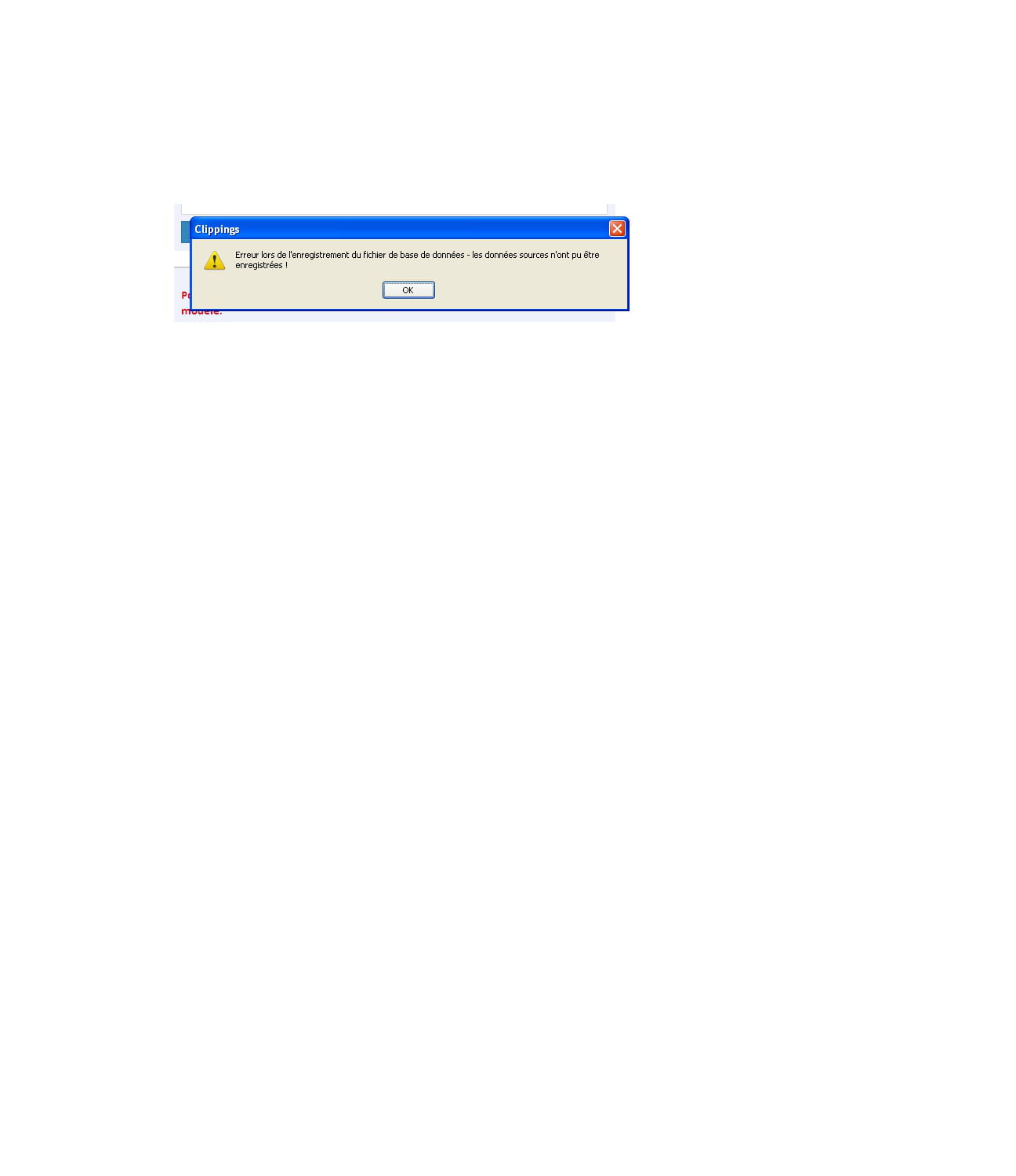
I have the clipping app installed but I can't access the source of my clippings.
I notice that if I want to save one, I get a message saying "the source data could not be saved." Shouldn't I reinstall the application???
Best regards.
--
WARNING: any intervention is at your own risk.
Unplug your devices. Electricity, water, gas. Safety is priceless. -
Hello,
For your Clippings, take a look at my additional tip that I made a while ago...:
https://www.commentcamarche.net/faq/19723-add-on-clippings
Could it be that Firefox has disabled them due to the new update?
https://support.mozilla.org/fr/kb/reactiver-modules-desactives-apres-mise-jour
It's just a guess ;)
SincerelyThe courage of the drop of water is that it dares to fall into the desert.
-
Hi,
Yes, you can delete and reinstall it, but do you at least have a backup of your clippings?
--
RegardsThe courage of the drop of water is that it dares to fall into the desert.
-
Re,
==> https://addons.mozilla.org/en-US/firefox/addon/clippings/
But normally, even in your Firefox profile folder, you should have this:
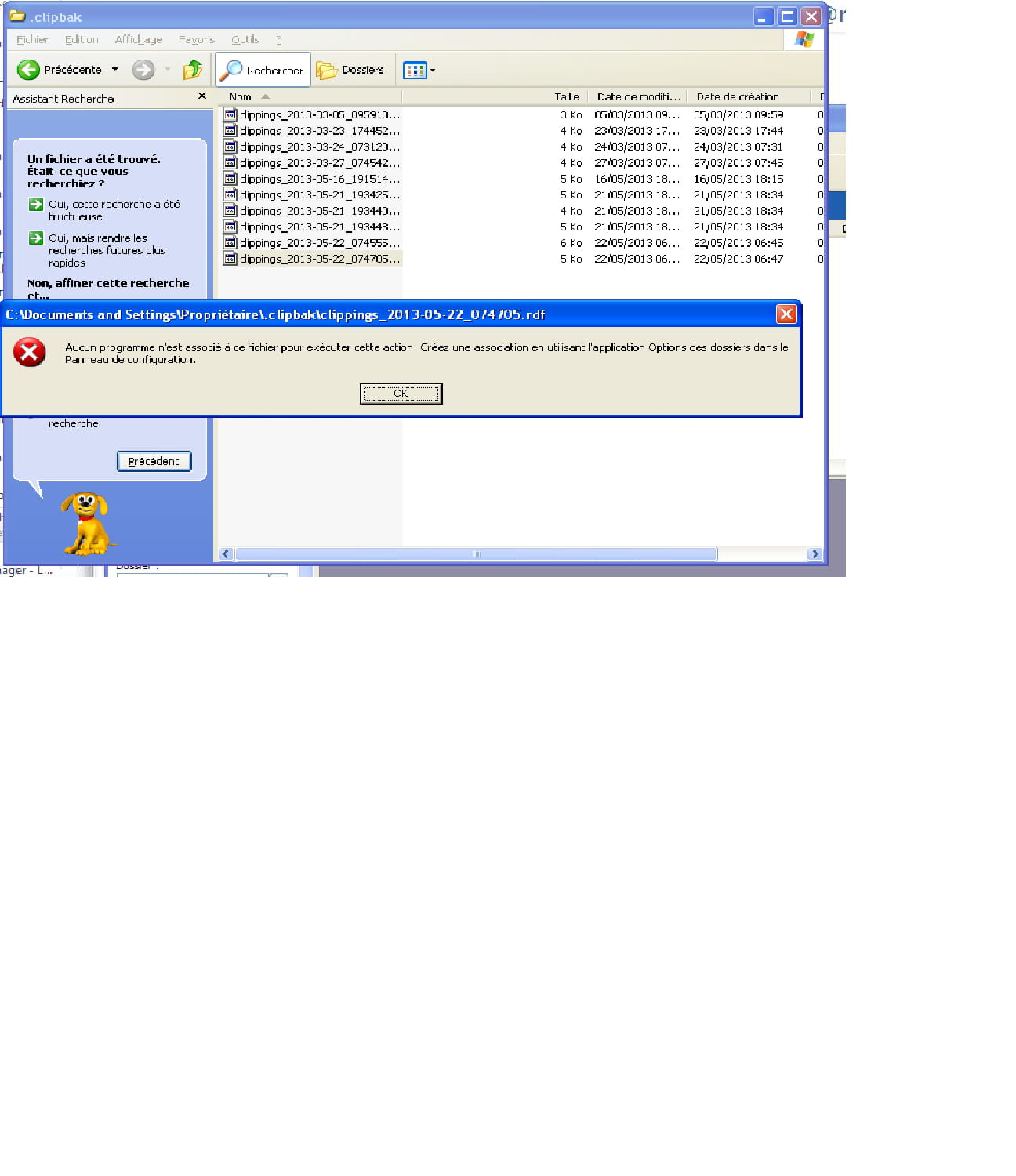
A folder named .clipbak
--
Best regardsThe courage of the drop of water is that it dares to fall into the desert.
-
I managed to find this without follow-up??;

--
WARNING: any intervention is at your own risk.
Disconnect your devices. Electricity, water, gas. Safety is priceless. -
Re,
Have you reinstalled Clippings? If so:Open clipping -->Tools, you then have 2 possible actions:
Either you click -->Restore and choose the date.
Or you click on Import, and you look for your files in the .clipbak folder of your choice.
SincerelyThe courage of the raindrop is that it dares to fall in the desert.
-
Hello
I uninstalled and reinstalled the version you gave me.
I create a shortcut and as soon as I want to validate it as a new clipping, I get this:
Isn't another module necessary??? Because all the others were disabled during an update.
Best regards.
--
WARNING: any intervention is at your own risk.
Disconnect your devices. Electricity, water, gas. Safety is priceless. -
Hello,
No, no other module, but you don't open the file directly, do you? You do the procedure I gave you?
At worst, you reset Firefox and reinstall your extensions, then redo the procedure for Clippings:
Go here => https://www.mozilla.org/fr/firefox/new/
Click on Repair Firefox.What does the repair feature do?
All your Firefox settings and personal information are kept in a profile folder. The reset works by creating a new profile folder for you while retaining your essential data.
Add-ons that are normally stored inside the Firefox profile folder, such as extensions and themes, will be removed. Add-ons stored in other locations, such as plugins, will not be removed, but any modified preferences (such as plugins you have disabled) will be reset.
Firefox will save the following:
your bookmarks
your browsing history
your passwords
your active windows, tabs, and tab groups
your cookies
your auto-filled web form information
your personal dictionary
These items and settings will be removed:
Add-ons and themes, website permissions, modified preferences, added search engines, download history, DOM storage, security settings for certificates and devices, download preferences, plugin settings, toolbar customizations, user styles, and social network settings will be deleted.
Note: your old Firefox profile is saved on your desktop in a folder named "Old Firefox Data." If the repair fails to fix your problem, you can restore some of the unsaved information by copying the files into the newly created profile. If you no longer need this folder, it’s best to delete it as it contains sensitive information.
P.S.: Your screenshots are too small to be useful ;)
Best regardsThe courage of the drop of water is that it dares to fall in the desert.
-
Good news, by searching and modifying a parameter, everything is back.
I went to the clippings application, opened the "options", and validated "firefox profile folder" under general
instead of "other location"
and!!! surprise everything is back.
Thank you for the time spent searching.
Best regards and see you soon on CCM.
-
-
Hi,
Please, it was a pleasure ;)
@++
--
Best regardsThe courage of the drop of water is that it dares to fall in the desert.