Airplane mode stuck Win 10
Solved
Hello
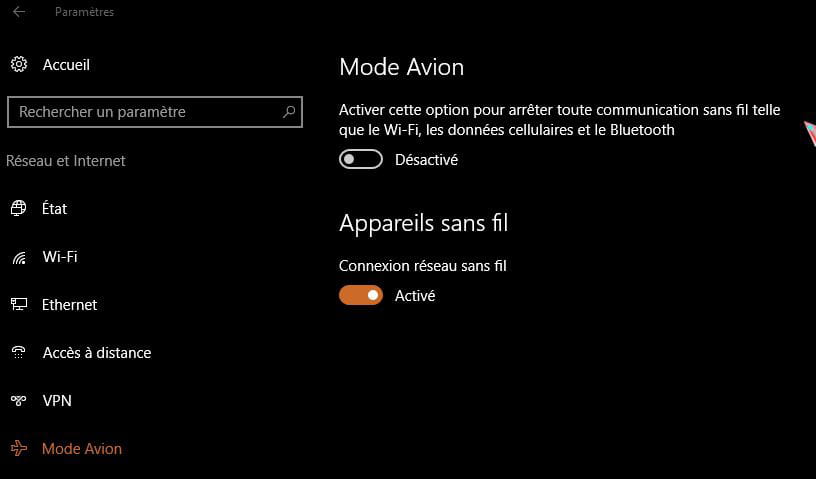
Following a mishap (?), the airplane mode has become stuck. It has turned on and I can't turn it off, the "on" checkbox remains checked...
I tried pressing the F12 keyboard key (connect or disconnect wifi) but it doesn't change anything. No other "airplane mode" buttons are visible on the computer...
It's certainly Windows 10 that's bugging.
Please help me, I’m stuck for my work!! Thank you!
Following a mishap (?), the airplane mode has become stuck. It has turned on and I can't turn it off, the "on" checkbox remains checked...
I tried pressing the F12 keyboard key (connect or disconnect wifi) but it doesn't change anything. No other "airplane mode" buttons are visible on the computer...
It's certainly Windows 10 that's bugging.
Please help me, I’m stuck for my work!! Thank you!