Googleadservices.com
Solved
Hello everyone.
It's in the title... I'm looking to get rid of it, all the classic "cleaners" are ineffective, I've also read a lot of things and nonsense,
Thank you for kindly enlightening me and suggesting a solution.
In the browser, it also appears: everesttech? Is it related?
I'm using Free and Vista
Thank you
It's in the title... I'm looking to get rid of it, all the classic "cleaners" are ineffective, I've also read a lot of things and nonsense,
Thank you for kindly enlightening me and suggesting a solution.
In the browser, it also appears: everesttech? Is it related?
I'm using Free and Vista
Thank you
11 answers
-
Hello,
I will help you remove these unwanted items.
Your PC is infected with adware, here are the steps to follow:- Download AdwCleaner by Xplode to your Desktop
- Run AdwCleaner
- Click on "Scan"
- Once the analysis is complete, click on "Clean".
- Wait for the cleaning process to finish.
- Once the cleaning is done, you may be prompted to restart.
- Upon restarting your PC, a report will open.
- Go to pjjoint click on "Browse", select the report
- Click on Send file. Wait while the file is being sent, then copy/paste the provided link in your next response on the forum.
Then:- Download Malwarebytes Anti-Malware
- Uncheck "Enable Malwarebytes Anti-Malware Premium trial"
- Run MalwareBytes
- In the Dashboard tab, click on Update
- Then click on the "Scan" tab
- Check "Threat Scan"
- Click on "Scan Now"
- Wait for the analysis to finish
- Once the analysis is complete, click on "Quarantine All"
- Accept the restart of the PC if prompted
Once your computer has restarted, relaunch Malwarebytes Anti-Malware and this time go to the "History" tab,
then "Application Logs".
Select the most recent report, open it and click at the bottom on Copy to clipboard.
All you have to do is paste the report in your next message.- Go to pjjoint to host the report.
- Post the link you will be given
And finally:- Download ZHPDiag
- On the ZHPDiag download page, click the blue button "Nicolas Coolman - Download".
- Run it (if you are on Windows Vista, 7, or 8, do it by right-clicking -> Run as administrator
- Follow the installation instructions, then click on "Finish" at the end.
- Two shortcuts will be created on the Desktop (ZHPDiag and ZHPFix):
- launch ZHPDiag (if you are on Windows Vista, 7, or 8, do it by right-clicking -> Run as administrator

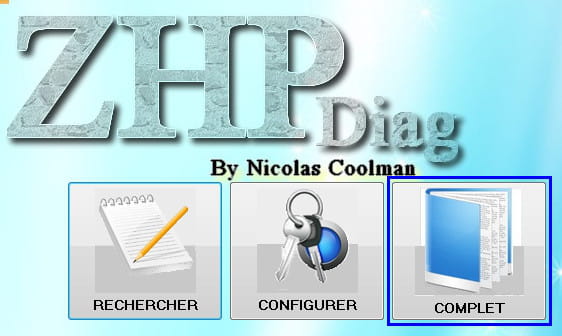
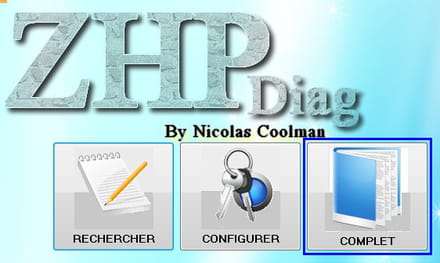
- Click on the "Complete" icon to perform a full scan and wait, it may take a few minutes.
- At the end of the scan, a report will open, save it on your Desktop (File -> Save As).
- Go to pjjoint click on "Browse", select the ZHPDiag report and click on Send file. Wait while the file is being sent, then copy/paste the provided link in your next response on the forum.