Problem with Terminal
Solved
Hello,
I am on High Sierra 10.13.6. iMac 27" mid-2011.
I want to use Terminal to enter a "sudo" command.
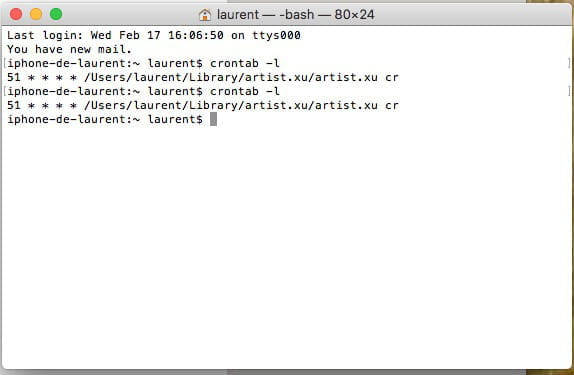
The issue is that when I open Terminal, here's the info I get:
Last login: Tue Feb 16 22:51:47 on ttys000
You have new mail.
iphone-de-laurent:~ laurent$
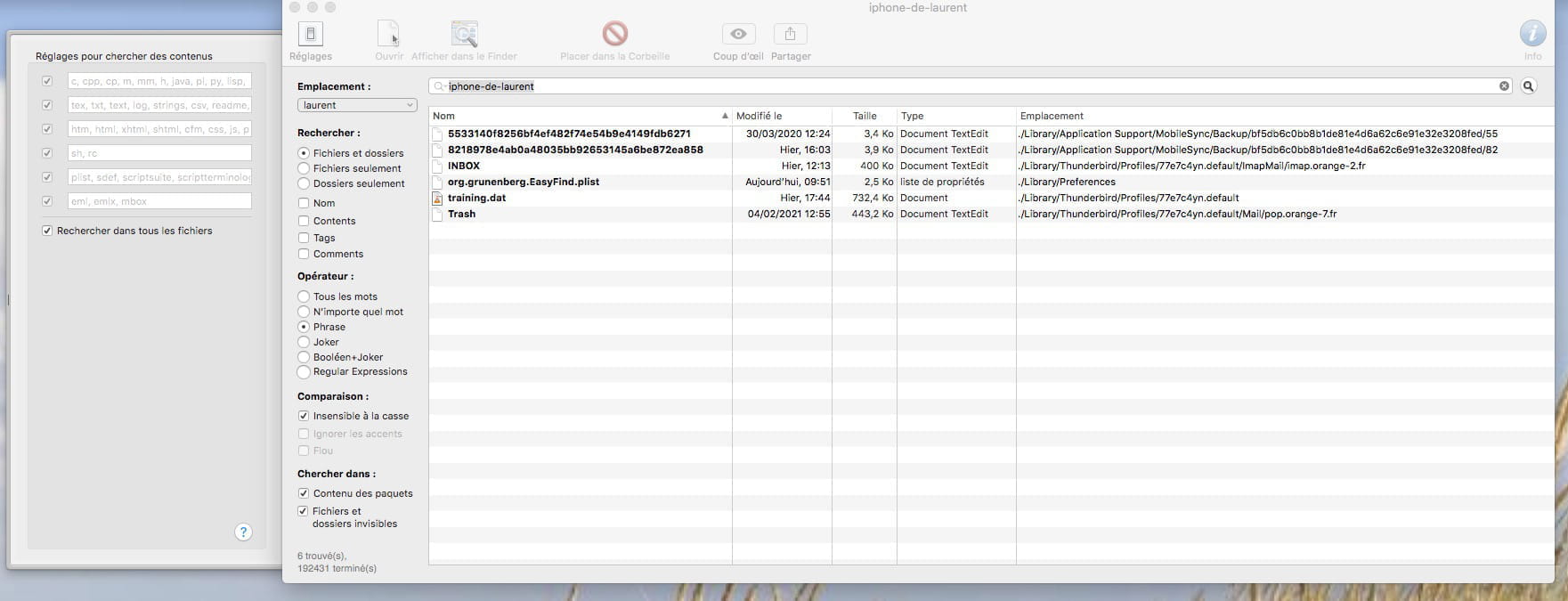
It's not my iMac that appears, but my iPhone.
Why?
I don't know how to switch back to "iMac-de-Laurent:......." to launch my command.
Thank you for your help.
--
Best regards
profiler31 (Toulouse)
I am on High Sierra 10.13.6. iMac 27" mid-2011.
I want to use Terminal to enter a "sudo" command.
The issue is that when I open Terminal, here's the info I get:
Last login: Tue Feb 16 22:51:47 on ttys000
You have new mail.
iphone-de-laurent:~ laurent$
It's not my iMac that appears, but my iPhone.
Why?
I don't know how to switch back to "iMac-de-Laurent:......." to launch my command.
Thank you for your help.
--
Best regards
profiler31 (Toulouse)
27 answers
-
Hello,
Perseverance always pays off. After my diagnosis and a few hours of trial and error, I started from scratch and went back up the chain;
So the very beginning is the Livebox; I did a "reset" and checked/assigned the IP addresses of my devices.
I then went to "Network Configuration" and clicked "Automatic." And there were no more conflicts! In "System Preferences," "Sharing,"
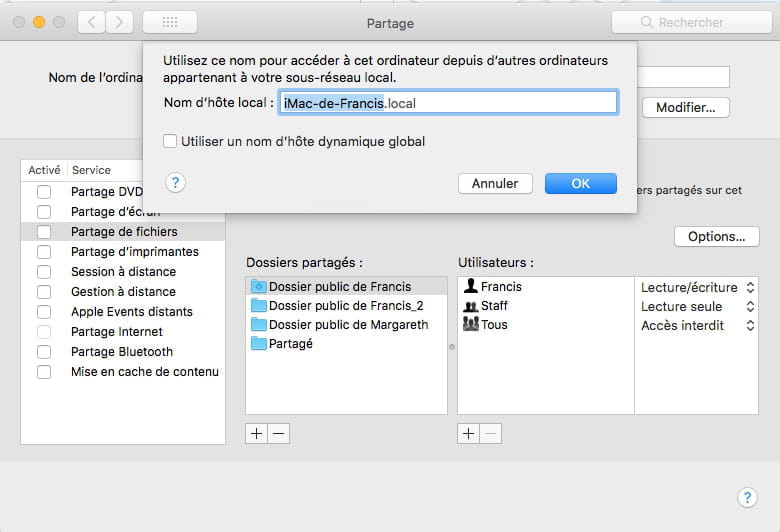
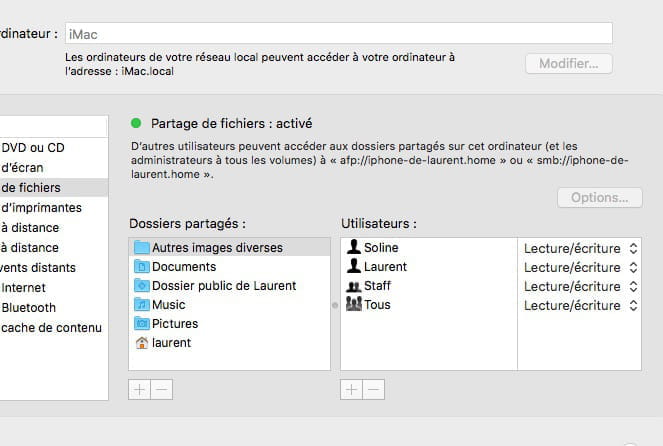
1. I confirmed the firewall identity between the "Computer Name" and access via afp://...... and smb://.......
2. I took the opportunity to update "Users and Groups," and after that, I can access both my computers (MacBook Pro and Asus), and each of them can access "iMac" and "MacBook Pro" or "Asus."
Q.E.D.
In the meantime, a very big thank you to you and Ritchi for your assistance and support (technical and moral).
Have a great weekend, all the best, and see you soon on the line
--
Best regards
profiler31 (Toulouse)