
Start Menu: do not display "All"
Solved
MPMP10 Posted messages 47524 Registration date Status Member Last intervention -
Hello
Since the last Windows update, all available applications/software appear in the Start menu (under "all")...
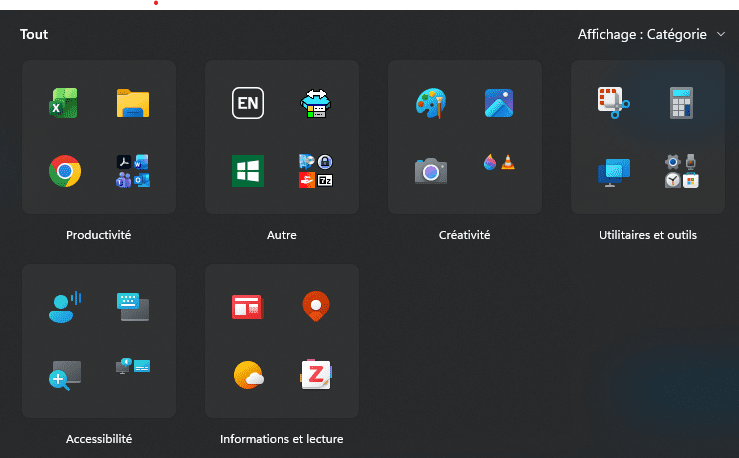
You can modify the display, but I haven't found how to hide them completely.
Is it possible?
Thanks :)
3 answers
-
Hello,
As far as I know, we can’t.
I use Open Shell where the old-style presentation (Start menu on the left like Windows 7 without Widgets) is different, with programs on one side and applications on the other, but also everything by default.
The only other way I know of is to delete what you don’t use and cut-paste what you don’t want to see into a customized toolbar, but you can’t do that under Windows 11 anymore except by individual pinning, which will quickly overwhelm you, or by using a utility that allows you to create categories.
The best tool in the latter case is Explorer Patcher, but it has been crashing Windows 11 for a few months, so I switched to True Launch Bar which will give something in this style where a number of icons are actually shortcuts not to applications but thematically categorized shortcuts of applications.
-
Hi Radinoz,
There is no official setting for this type of configuration at the moment.
However, here is this.
Table of contents
-
- Updated March 26, 2025
As a precaution, it would be wise to create a restore point beforehand.
Have a good evening.
-
-
Thank you for your responses.
Too bad it will stay like that (it's the work computer, I can't modify anything). An habitual question I imagine.;)

