
Intrusive antivirus alerts and proposals
Yeticommeca
Posted messages
7
Registration date
Status
Member
Last intervention
-
fabul Posted messages 42224 Registration date Status Moderator Last intervention -
fabul Posted messages 42224 Registration date Status Moderator Last intervention -
Hello,
For some time now, my computer screen (Lenovo running Windows 11) has been cluttered with alert messages, followed by antivirus proposals (screen captures attached).
I am already protected by Bitdefender and using my PC is becoming increasingly critical (screen stuck on the subscription page, for example).
How can I get rid of it?
Best regards
3 answers
-
Hello.
Do these messages appear in your browser?
If yes, clear the cache and the problem will be fixed.
-
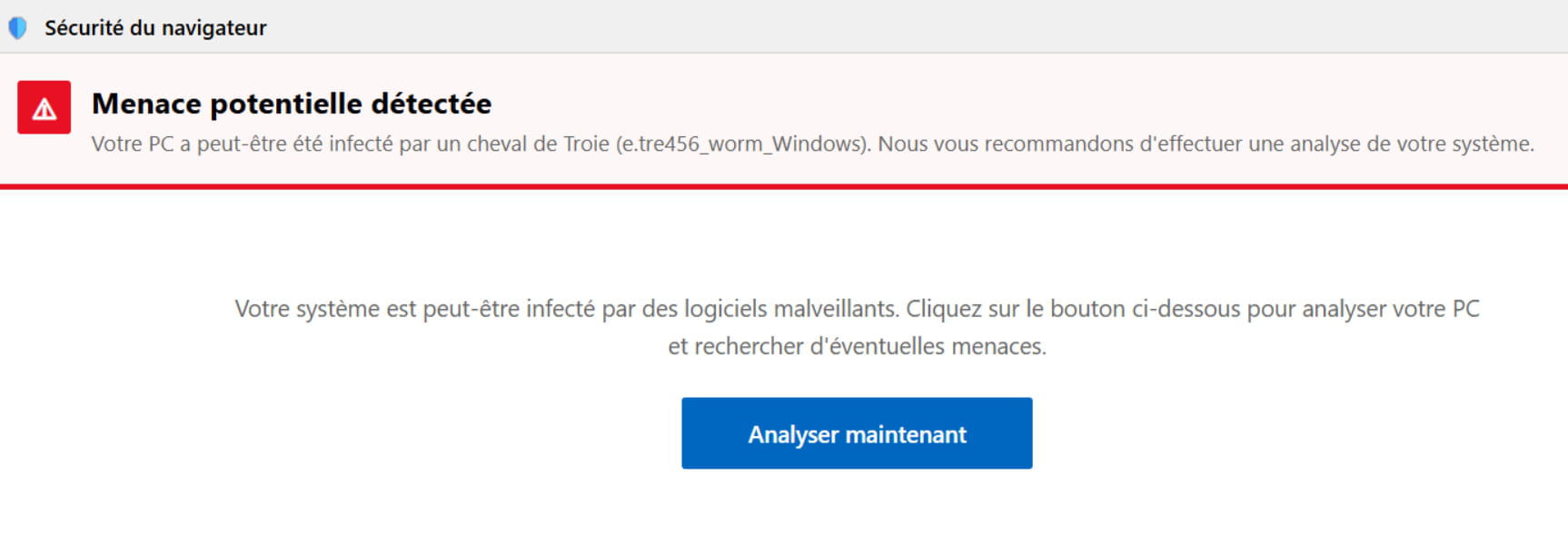
Yes, screenshot attached
-
Good evening,
Please refer to the two pinned tutorials at the top of the Virus forum.
First, with ResetBrowser if it's for Chrome or Firefox, or manually reset Edge.
https://forums.commentcamarche.net/forum/securite-412
https://www.commentcamarche.net/telecharger/utilitaires/19335-resetbrowser/
