Taskbar icon visibility

brucine Posted messages 25262 Registration date   Status Member Last intervention   -  
fabul Posted messages 42274 Registration date   Status Moderator Last intervention   -

Hello,

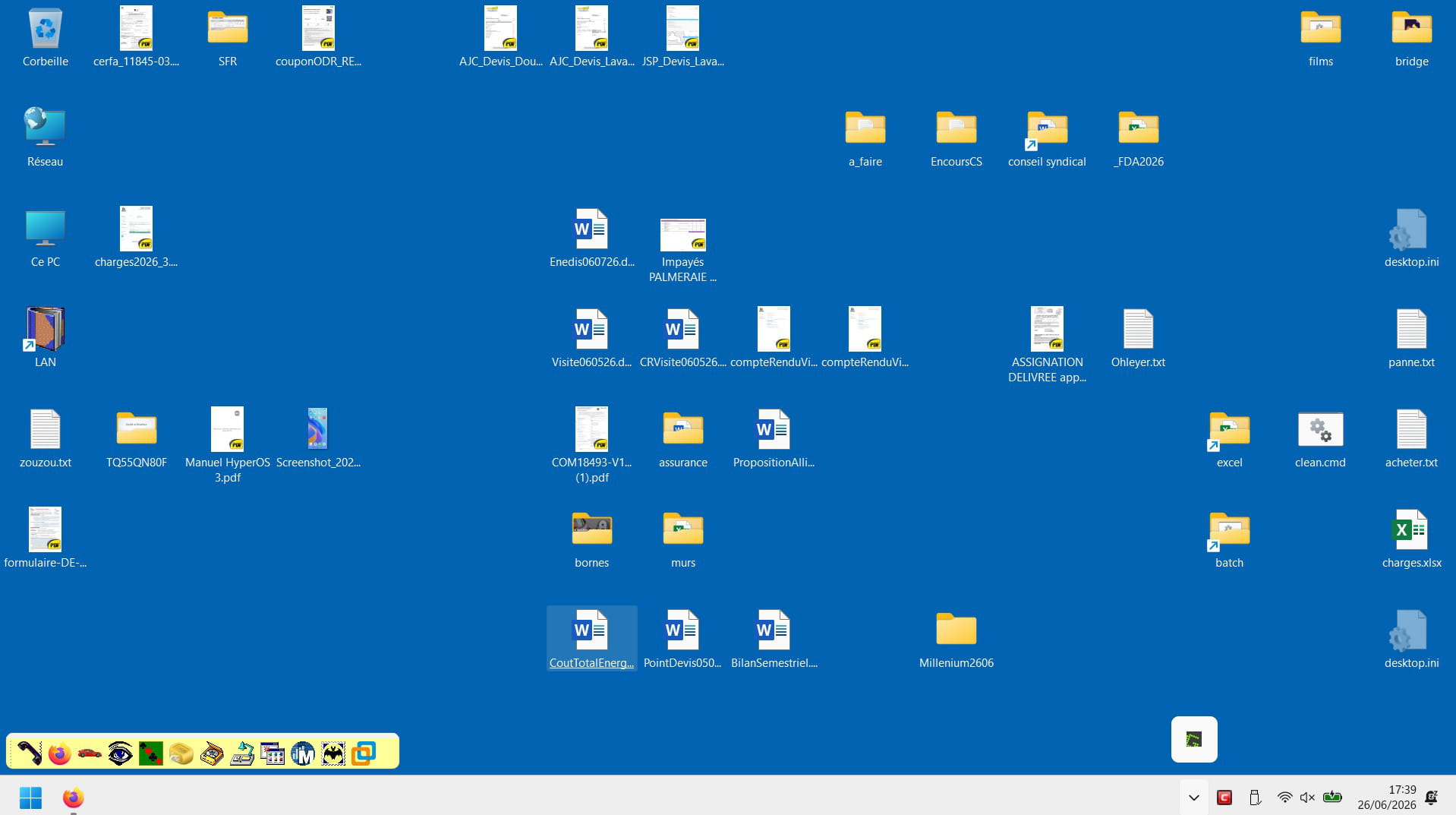
It’s more than secondary, but since the latest Windows 11 updates that crash Explorer Patcher, which I have therefore uninstalled, I can’t find any way other than that any potential new icons open directly in the taskbar and not in a separate window.
 

Thank you.

1 answer

  1. fabul Posted messages 42274 Registration date   Status Moderator Last intervention   6 091
     

    Hi,

    Following your warnings, regarding Explorer Patcher and the latest updates that I blocked with StopUpdates10 to keep Explorer Patch, it still occasionally releases updated versions of Explorer Patch at Windows startup.

    https://github.com/valinet/ExplorerPatcher/releases

    Besides a data-preserving repair, I don’t know what else can fix it, maybe nothing other than a new version of Explorer Patch (Verified with).

    With the Windows 11 ISO

    https://www.microsoft.com/fr-fr/software-download/windows11

    Right-click the ISO > Open with > Windows Explorer

    Then click the setup.exe file

    Follow the instructions to "install" without erasing everything, so that the checkboxes showing that you keep everything are all OK.

    0
    1. brucine Posted messages 25262 Registration date   Status Member Last intervention   4 188
       

      Hello,

      Well, hmm...

      I’m not going to reinstall Windows just for that nor risk an Explorer Patcher reinstall on a random site: if there’s nothing else, we’ll skip it or wait until a version universally recognized as stable is published.

      I got revenge on True Launch Bar, but it sets up a toolbar above the taskbar that can’t be modified like in Windows 10 (and Explorer Patcher that mimics this behavior).

      0
      1. fabul Posted messages 42274 Registration date   Status Moderator Last intervention   6 091 > brucine Posted messages 25262 Registration date   Status Member Last intervention  
         

        I’m not talking about reinstalling,


        Have you ever done a repair without data loss?


        You end up with the same system, the same programs, the same associations as before


        ...except some Windows settings have been reset to "factory" state


        It repairs almost any problem.


        See you later

        0
      2. brucine Posted messages 25262 Registration date   Status Member Last intervention   4 188 > fabul Posted messages 42274 Registration date   Status Moderator Last intervention  
         

        Yes, I know, and it’s the reparameterization (relatively complex and not only through Windows but through a certain number of graphical or manual "Tweaks") that wears me out.

        0
      3. fabul Posted messages 42274 Registration date   Status Moderator Last intervention   6 091 > brucine Posted messages 25262 Registration date   Status Member Last intervention  
         

        I know, it's annoying, but a lot less so than reinstalling from scratch.

        Otherwise it gives us practice at redo or refine our techniques, our tweaks...

        No other ideas, sorry.

        @+

        0