
Issue with Carrefour CBK01 keyboard
baladur13 Posted messages 47412 Registration date Status Moderator Last intervention -
Hello, I bought this keyboard to pair it with my Android tablet; it is recognized well but I have issues typing certain characters. For the key that displays for example the space (the key above 6 on a Windows keyboard), this character shows up: = . Does anyone have a manual or an answer? Thank you in advance. The mamounette......
2 answers
-
jeannets Posted messages 28458 Registration date Status Contributor Last intervention Ambassador 6 618
Hello,
It's up to Carrefour to address this issue; it's covered by the warranty. There are certainly hundreds of customers asking the same question.
Or maybe you're the only one who hasn't read the manual.
Are you properly configured in French from France?
-
Hello,
This keyboard being "compatible" with Android/Windows/iOS, there is a way to configure it for the device you wish to connect it to:
- Fn+A for Android device
- Fn+Z for Windows device
- Fn+E for iOS device
Excerpt from YouTube video comments https://www.youtube.com/watch?v=ZR-hJfYS2E4
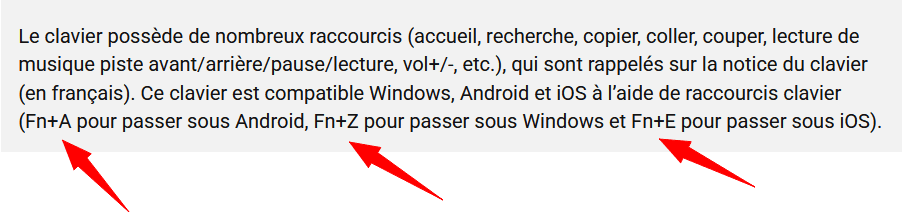
Make sure you are properly configured for Android by executing the command Fn+A
Very hard to catch a black cat in a dark room.
Especially when it isn't there...

