
I'm having issues with Outlook.
Closed
cruchot45 Posted messages 139 Registration date Status Membre Last intervention -
Good evening,
When I open an email received in Outlook, a second page opens up. How can I make it so that when I click on the email, it opens directly on the same page?
I have noticed that the text on the Outlook pages is full of spelling mistakes. How can I correct this? I notice that this "phenomenon" occurs only on my PC and not on my laptop?
Thank you in advance
Sincerely
4 réponses

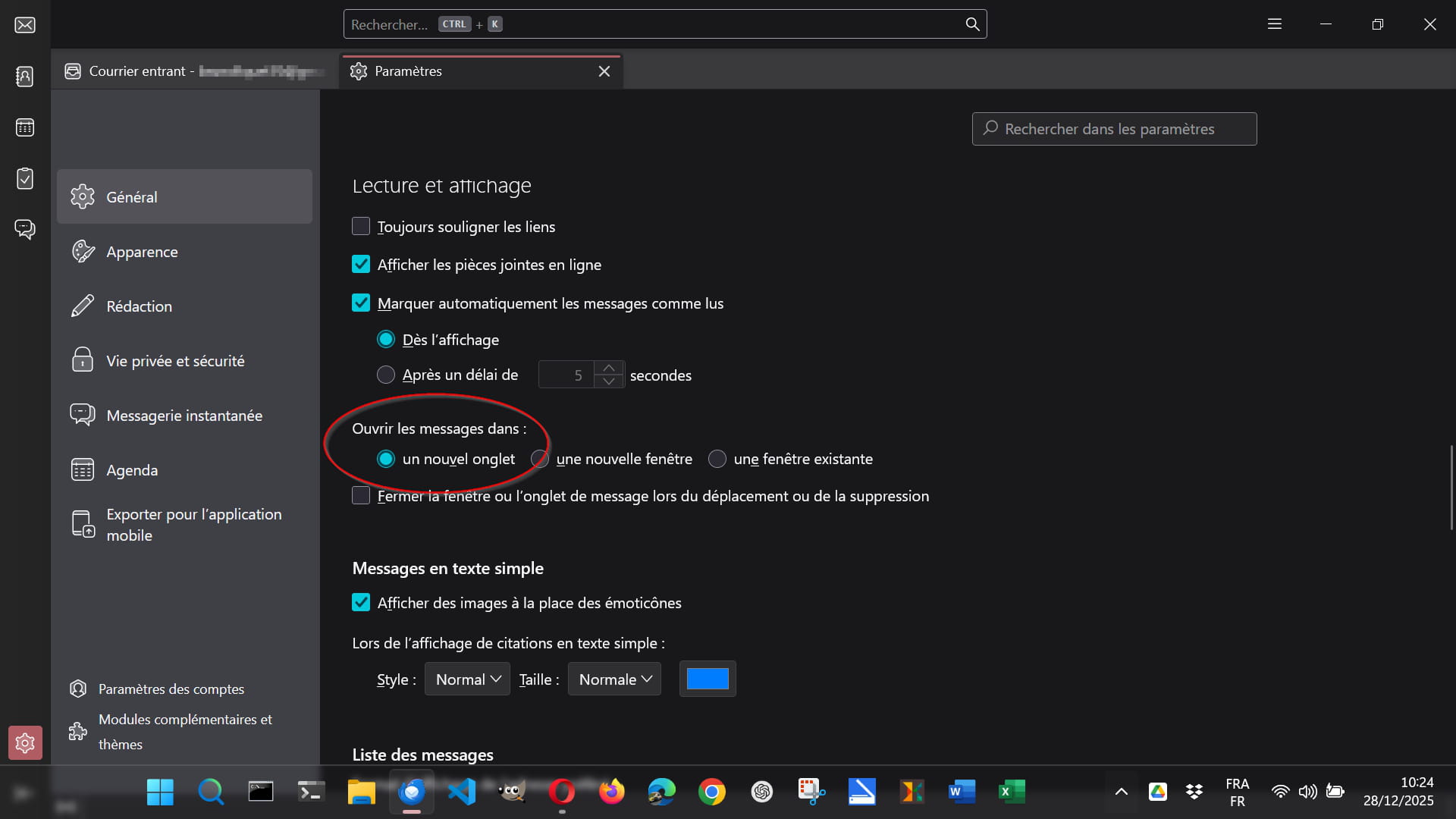

Good evening,
thank you for your response. Unfortunately, the display is not like yours... I have searched everywhere in Outlook to no avail. Moreover, the phrases in Outlook are becoming less and less understandable...
I’m trying to send you screenshots...
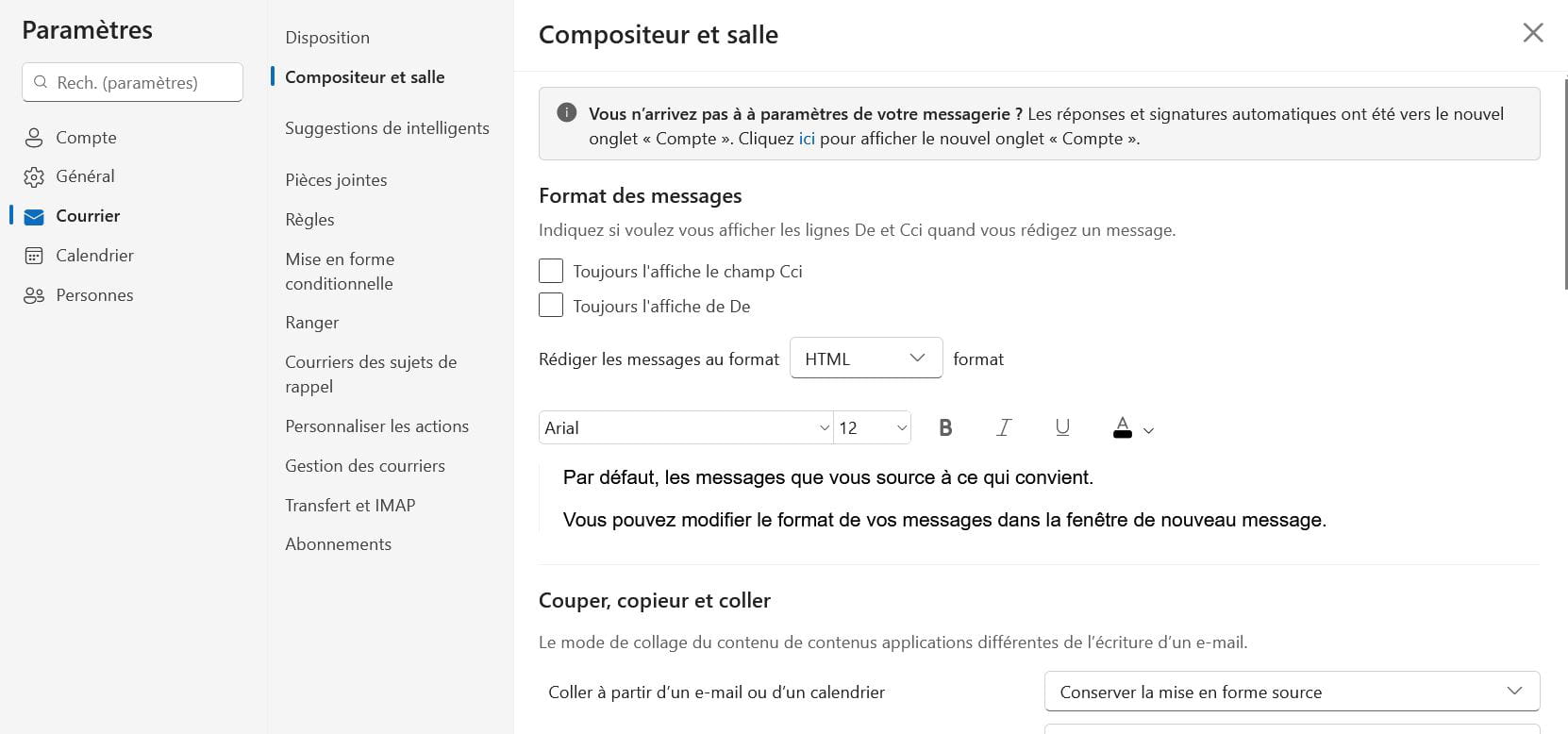
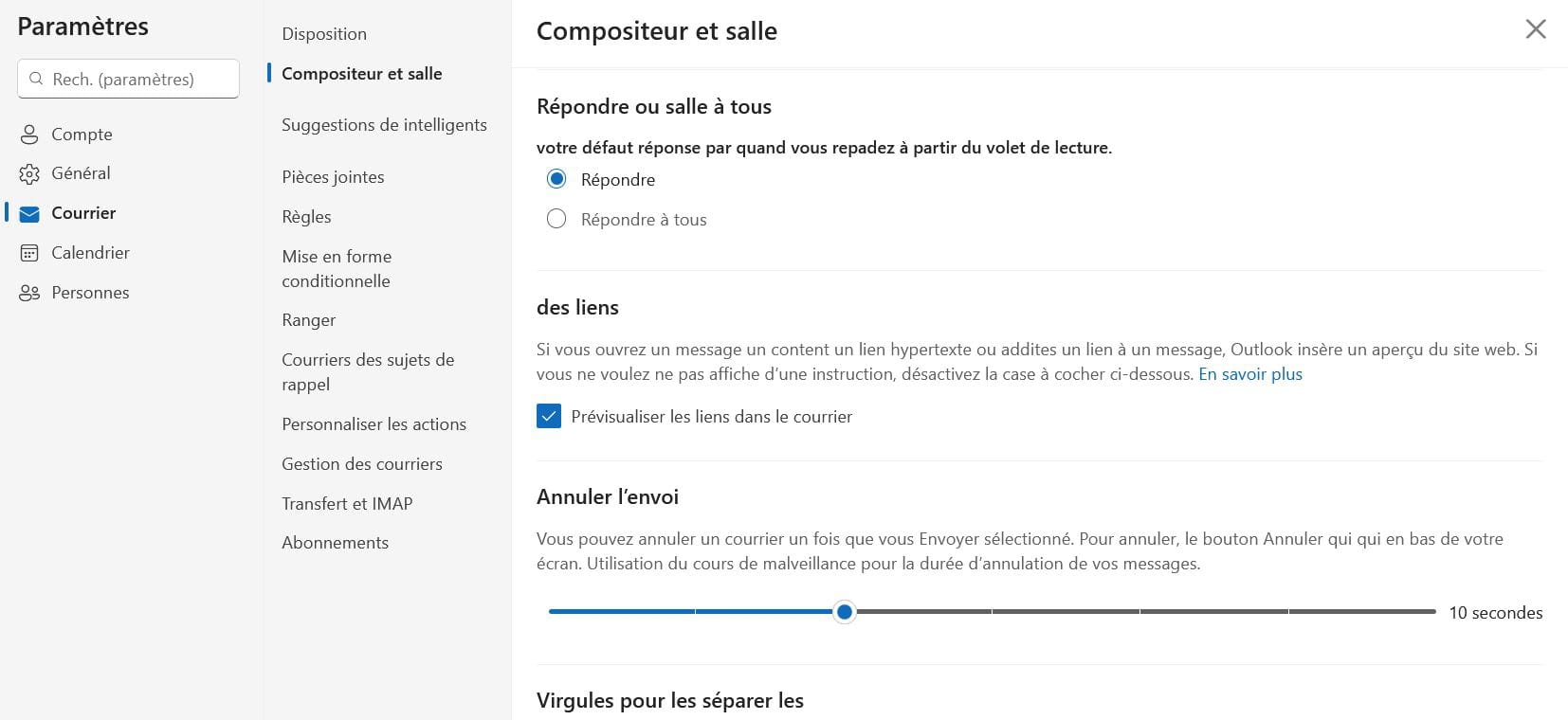
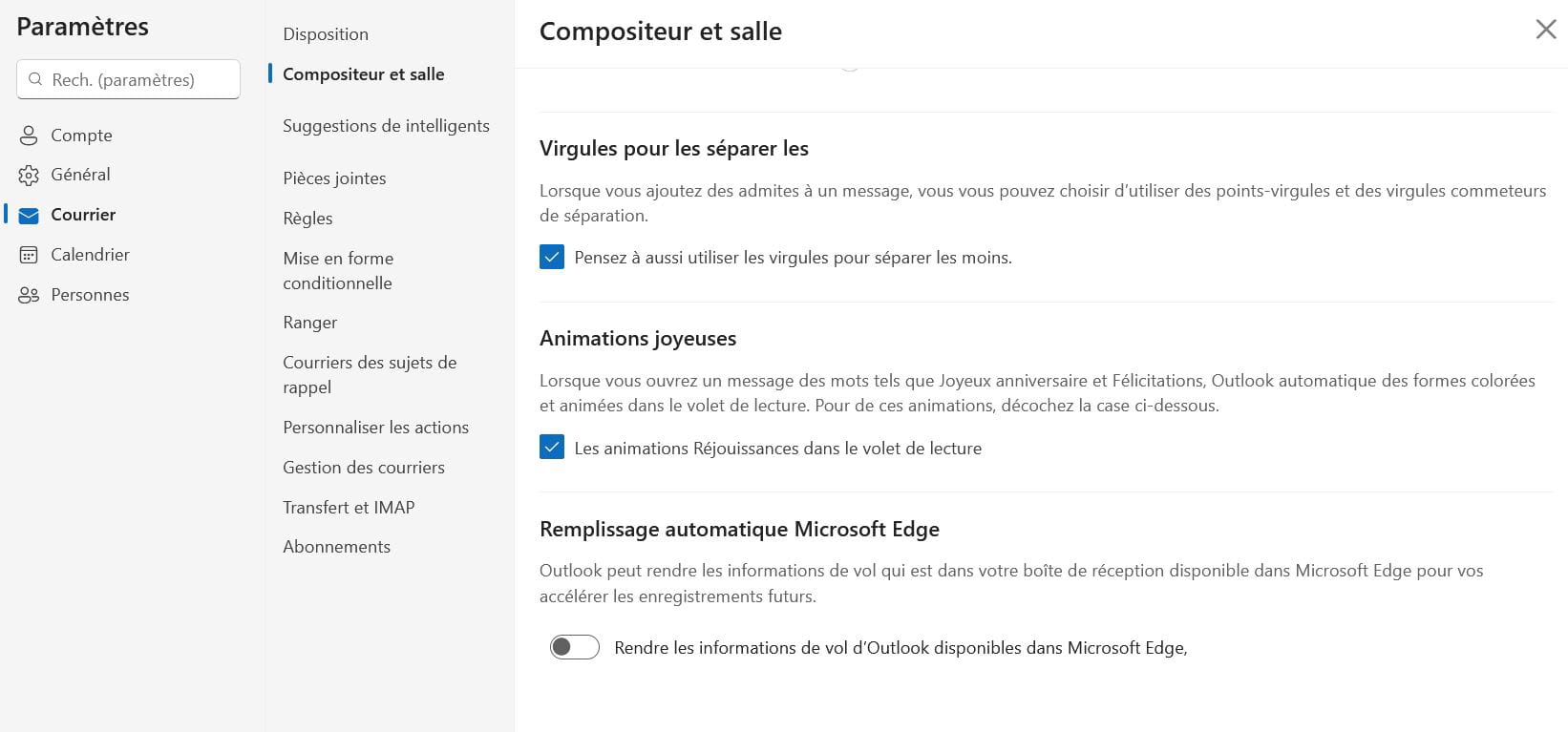
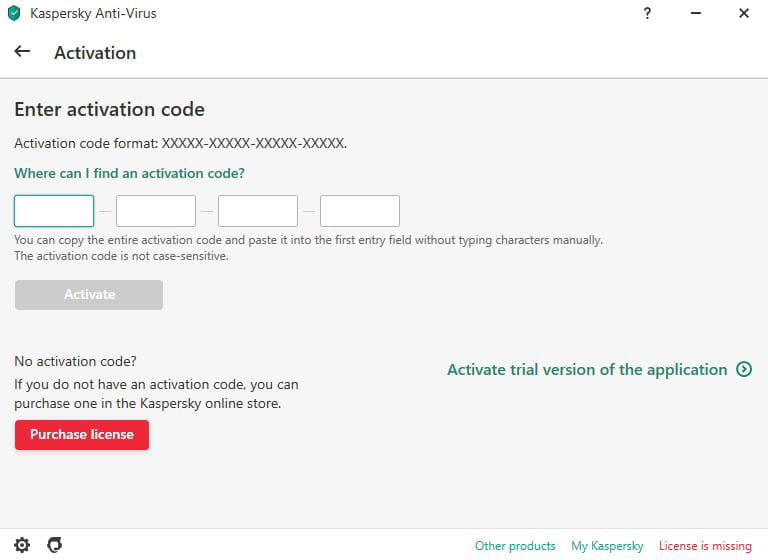
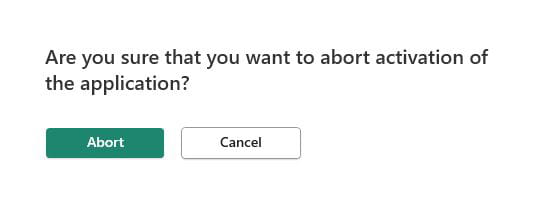
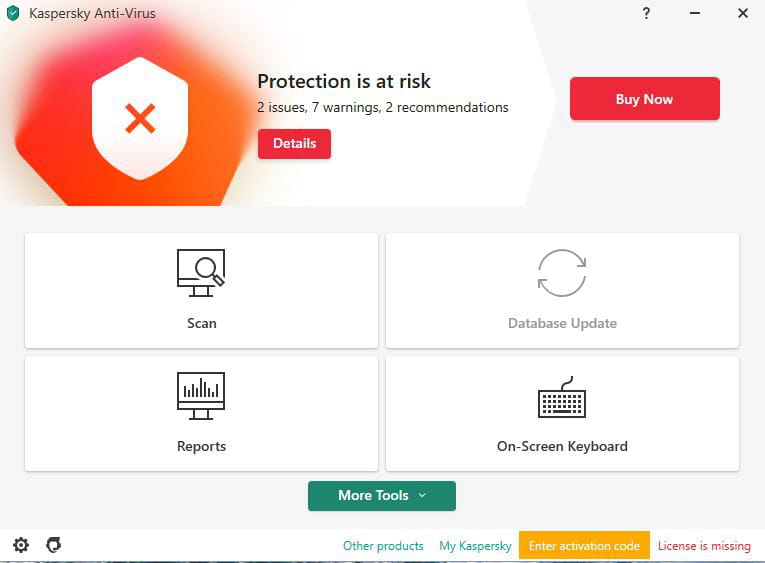
In addition, every time I turn on or use my PC, three Kaspersky registration screens pop up. I thought I had eliminated them, but no, they reappear tonight...
Do you have any solutions to my problems?
Thank you in advance
Sincerely

Hello,
When I open an email received in Outlook, for a few days now, a second page opens. How can I make it so that when I click on the email, it opens directly on the same page?
View Menu --> Layout --> Reading pane --> Full screen