
Switch Android Auto to dark mode
SolvedTortue_25 Posted messages 82 Registration date Status Member Last intervention -
Hello, I bought a Carpuride screen that integrates Android Auto for my car. The problem is that it always displays the map, but the Carpuride is always in light mode.
I'm not sure if I'm being clear, basically my Carpuride with Android Auto is always in light mode, even if I turn the brightness all the way down. The fact that it's white and not black is very disturbing when it's dark outside.
When I'm driving at night, I would like the theme to be dark and not light. I looked on the Carpuride and the settings don't indicate a dark mode; I think it must be changed in Android Auto, but I haven't found it.
Do you have a solution, please? Because I have to turn it off and do without it at night so I'm not blinded.
Example of the light display that it shows me all the time:
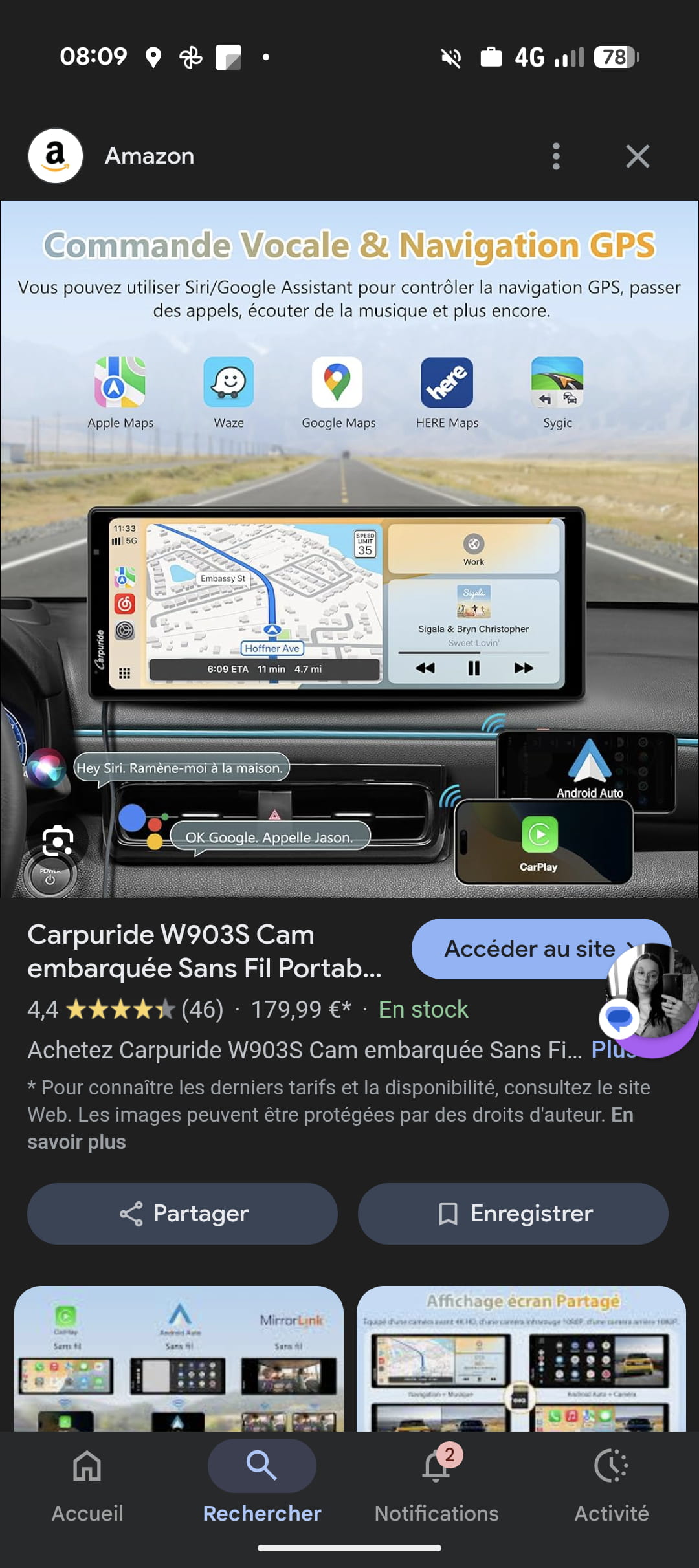
1 answer
-
Hello,
Since you just bought it, why not contact the brand's customer service directly!?
Google Translate if needed
See you!
-
Hello,
Regarding No Name, I find the price astronomical compared to a good quality standalone GPS that, admittedly, doesn’t have a camera, but is that really necessary?
The device is equipped with an auto-adaptive ambient light detection sensor that can be fine-tuned via a brightness scale from 0 to 100, or even 14.
https://manuals.plus/fr/carpuride/w903-portable-wireless-carplay-and-android-auto-car-radio-receiver-manual
But returning to my point, branded GPS devices, at least mine, have an automatic night mode.
-
-
