Windows Update Update

Hello,
impossible to perform the update KB 5061087 on Windows 10!!!
Some update files are missing or have problems. We will try to download the update again later. Error code: (0x8007000d)
Thank you for your help
3 answers
-
Moderator
Hello .
Do a Windows 10 repair without data loss (everything is kept), despite what is indicated on the screens, it is indeed a repair, not a Windows installation.
Go to this page and click on Download now.
Open the tool and do as indicated below:
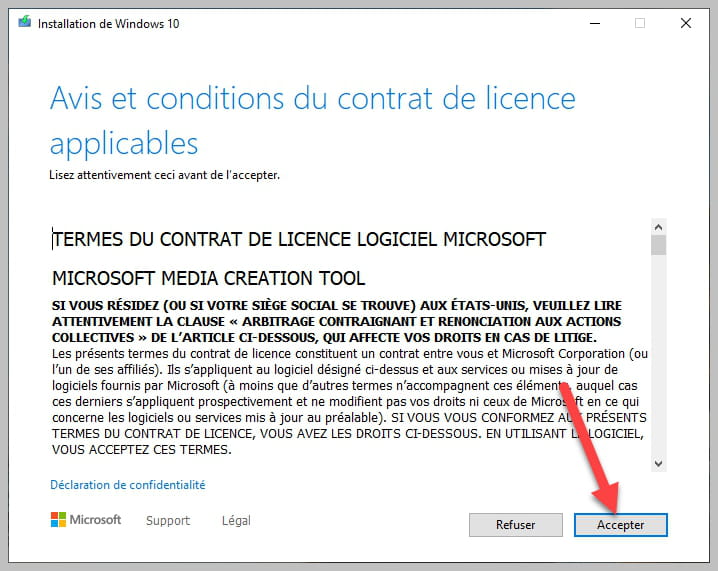


Make sure to check as shown in the photo.
bazfile
Moderator/Security Contributor.
a hello, a response, a thank you are always appreciated. -
Hello,
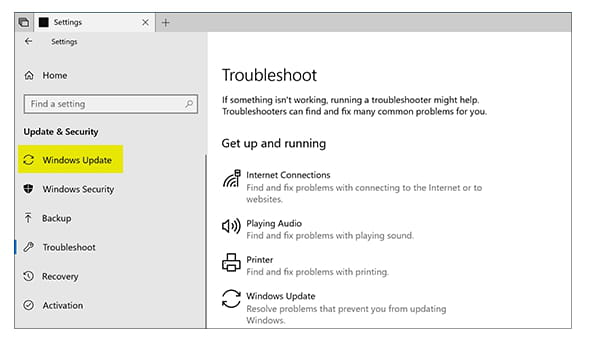
What are the sources of error 0x8007000d on Windows Update Here are the main reasons for this Windows Update installation issue: A problem during the update download leading to missing or corrupted installation files A problem on Microsoft's side, you have nothing to do except wait for Microsoft to fix this issue The Windows update is buggy on some systems. Generally, a few days later, Microsoft suspends it and therefore the error message disappears System files are missing or corrupted Windows Update is damaged The system is completely corruptedhttps://www.malekal.com/corriger-lerreur-0x8007000d-sur-windows-update/
https://www.ionos.fr/digitalguide/serveur/configuration/0x8007000d/
-
thank you, I will wait