Hisense Series 5 TV Update
HerissonGigantesque82
Posted messages
2
Status
Member
-
MPMP10 Posted messages 47361 Registration date Status Member Last intervention -
MPMP10 Posted messages 47361 Registration date Status Member Last intervention -
HISENSE Series 5 TV Update
1 answer
-
Hello,
CCM Forum - Charter - Respect for Others
See the exact reference here:
https://hisense.fr/telechargement?catid=19
The search for a possible update is possible (finally if the television in question is still eligible with the manufacturer…) via the settings of the television if it is connected to a box; it may also be proposed directly sometimes when turning on the television unexpectedly.
On my Hisense television (recent…).
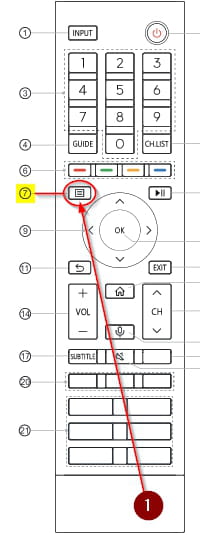
In the "Support" tab, and then in "System Update" (check if the box is checked or not in the first tab regarding automatic updates…) then just below in the "Check for Updates" tab, then press the "OK" button.