
Whatsapp blocked
SolvedHello,
My account got blocked after I tried to create a large group for an event.
The next day I received a message: your account was blocked by mistake, you can log in.
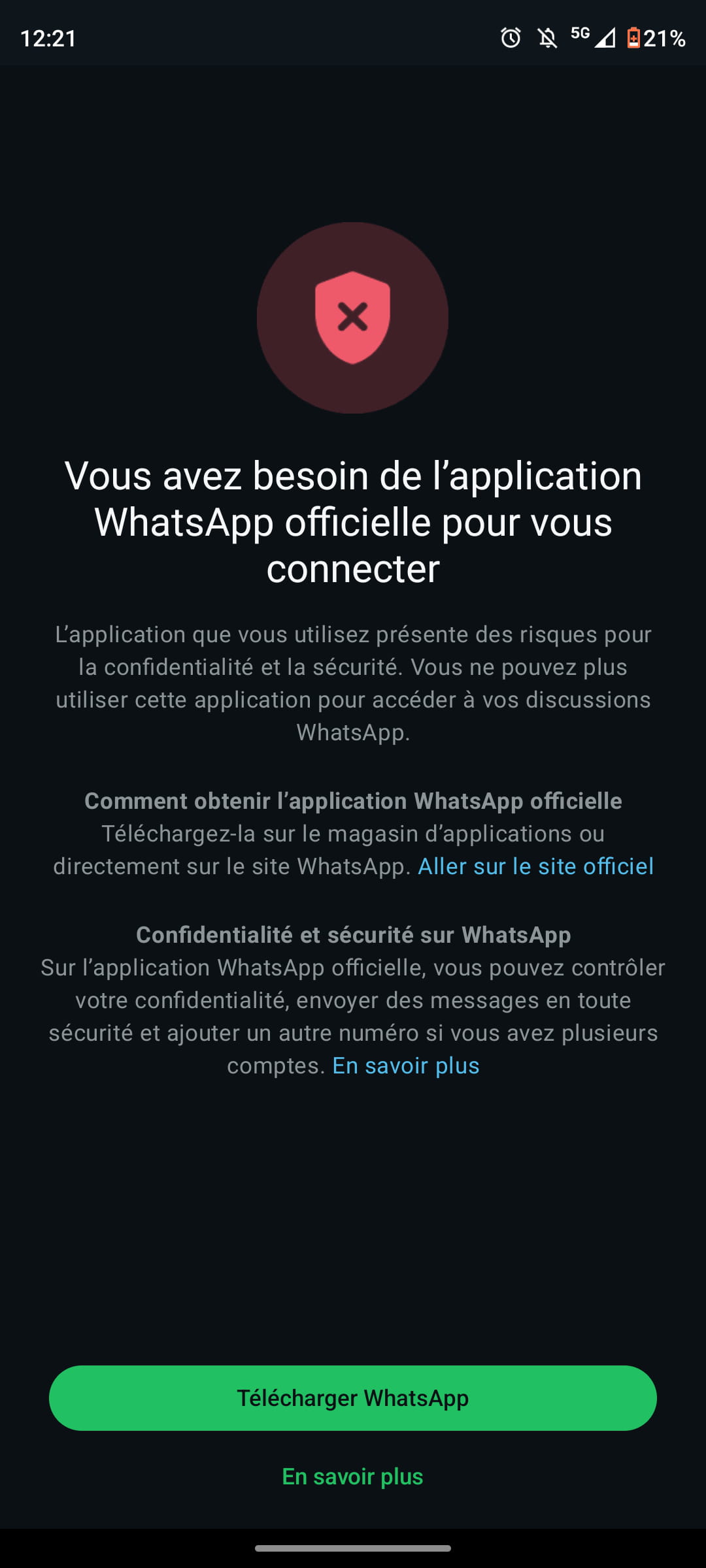
Since then, I can't log in to WhatsApp. I tried uninstalling and reinstalling, but WhatsApp blocks when it's supposed to send me the confirmation code by SMS and tells me: "you need the official WhatsApp app to log in, the app you are using poses risks..."
But my app has always been official!
I tried to write for help but only the AI responds with a message in a loop telling me to do exactly what I've tried 10 times.
SOS!
Thanks in advance to anyone who can help me resolve my issue
4 answers
-
Hello,
This is a recurring question here on CCM; there is no miracle solution in this area. The only thing possible is to check with the support available on whatsapp.com, and if that doesn't work (which is often the case...), all that's left is to give up on the account in question.
https://faq.whatsapp.com/852892549070029/?helpref=hc_fnav&cms_platform=web
https://faq.whatsapp.com/852892549070029/?helpref=hc_fnav&cms_platform=web
https://faq.whatsapp.com/465883178708358/?helpref=hc_fnav
https://www.whatsapp.com/contact
-
A big thank you for your reply... even if it doesn't really help me :-)
In fact, what surprises me is that WhatsApp doesn't tell me my account has been banned, whether temporarily or permanently, but when I try to reinstall the app it keeps claiming that the version is not official (and yet it is, just like the previous one, there’s no doubt about that).
It's a bit frustrating...
Thanks again
-
@Poulette007
whether temporarily or permanentlyIn your case, it must be the algorithm that is mistaken and unfortunately, in this area, there is no miracle solution. Is this ban marked as permanent or temporary?
-
@MPMP10
Thank you for your interest in my request, it's kind of you...
In my case, I don't receive any message saying that my account is banned.
Here is the message that appears when I enter a new upload. It happens at the moment when I should receive the confirmation code via SMS. There is no mention of any blockage whatsoever.
And a day after the first issue, I received a message saying that my account had been blocked by mistake and that I could log in again. Since then, I have tried many times, always encountering these recurring messages. I have sent messages to WhatsApp support to try to explain my situation, but I always receive the same response from the AI.
Best regards!
Philippe
-
@Poulette007
See by clicking on the green button and try to see by following the procedure (if it works, that is...), but for my part, I don't see anything else as soon as the algorithm is wrong; I don't think there is really a viable solution in this context.
-
@Poulette007
Afterwards, at the same time, when we make too many attempts in a very short period, this tends to block everything at the server level for the algorithm. It would be better to let the matter rest and try again after a minimum delay of 24 hours.
-
-
I have already tried several times all the available options to download the application, especially the green button, but nothing works :-(
So I will follow your advice to wait a while before attempting a new download...
We'll see...
Thank you again!
-
Hello
Good news, the problem is resolved. In fact, much to my surprise, when we tried to log into my WhatsApp account on a phone other than mine (but with my phone number, of course), WhatsApp no longer blocked the SMS - which therefore reached my phone. And by entering the password received on my phone on the other phone, the account opened (I hope I'm making myself clear).
From there, I only had one solution to restore my contacts and conversations, which was to get a new phone. I found a used one and everything is back to normal.
Thank you again for your support and maybe see you next time :-)
Philippe
-
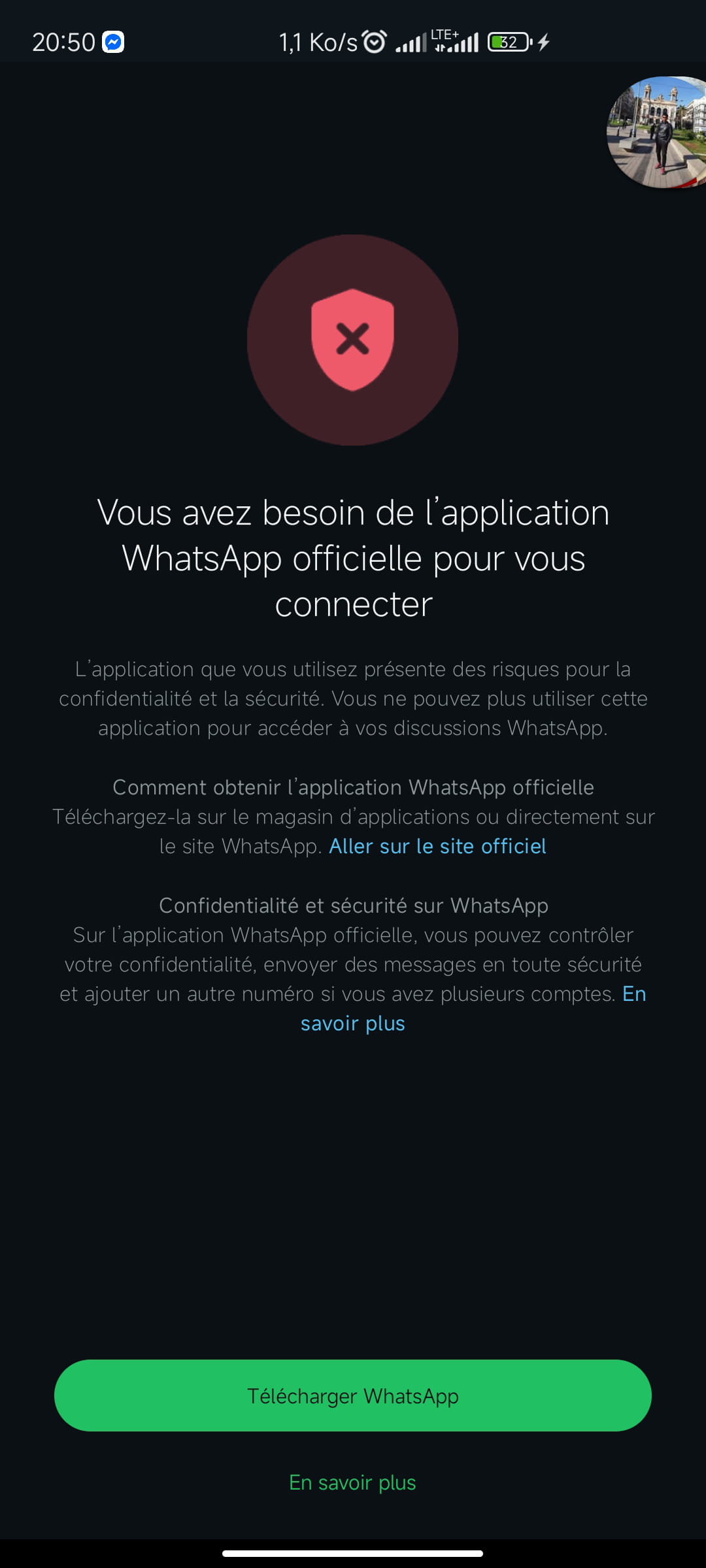
Mine is also having the same issue; I also tried your tip of using another phone, but it doesn't work?
