Reading a Messenger backup (*.json)?
Solved
bg62 Posted messages 23433 Registration date Status Moderator Last intervention -
Hello,
- I just backed up my conversations on Messenger
- I downloaded the requested 'zip'
- it contains a "media" folder and a bunch of files named pseudomachin.lson
Question: how do I read all this?
Is it possible to make it so that reading is available as if one were on a web page, or even better on a website (to navigate from username to username, from conversation to conversation, to display the media from the folder, possibly those from other links leading to URLs)...
HELP!!
8 answers
-
For MESSENGER, ultimately, the backup of discussions is only possible from a computer.
To read the downloaded file, containing *.JSON files, the only currently known, effective and free converter is "Viewer-Messenger-JSON".
I have provided a summary of the various manipulations (well detailed, I think), as well as a download link here:
retrieve and read all discussions on Messenger
if you have any comments.... :)
enjoy :)
-
In order to facilitate the download of my software, and to make it available to everyone, I created a website
-
I hadn't noticed this little gem arriving... :)
I confirm = it works very well, although a bit slow when the targeted discussion is significant, but it works +10
Just one small thing: in the backup folder, I have "x" conversations, would it be possible, after conversion, to be able to navigate between them or switch from one to another as we can do online?
:)
-
-
-
Hello,
I found this tool on GitHub that should be the solution. It allows you to read the archive while mimicking a Messenger-like interface.
-
Ok, I've downloaded and unzipped it, but... I don't know how to make all this " .Json " work, it's not really my specialty... In the demo they show, it seems to be incorporated into an HTML or PHP page, but...??? :)
There doesn't seem to be a "user manual" either...
-
The tool is already operational on the web page and can be used without any issues.
No, I don't think so... We can clearly see 'images,' but once we reach the last one, the button isn't clickable to retrieve a file... Am I wrong or???
I just tried again with Chrome, I can click (not in Firefox!) but then when I choose (and I have 3 different archives though):
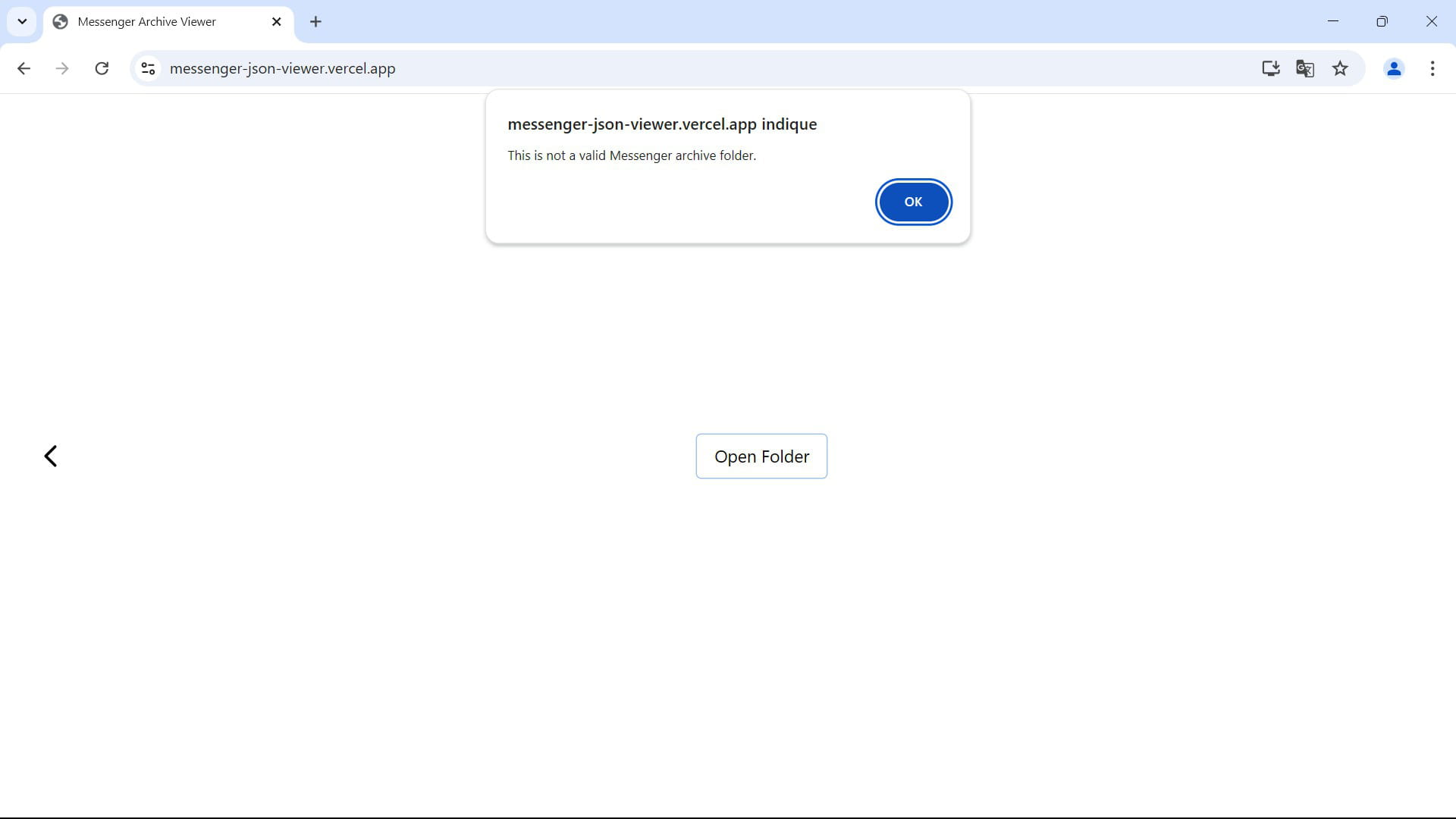
echec © echec ..... ???
Hello,
And by selecting only the "messages.json" file in the archive? Or maybe the tool has become obsolete. Unfortunately, I haven't found any others.
As another solution, make a new request for your data from Facebook and choose HTML instead of JSON. The backup should be viewable directly in the browser.
-
I don't have that file 'messages.json', I only have a list of files named "username.json", and then a folder named "media" which contains the images and videos...
I want to remind you that this is a backup of Messenger that I'm trying to read and the options aren't exactly the same as for Facebook, it seems to me... (you have to go through: https://www.messenger.com)
@see you later :)
Hello,
Messenger is now integrated with Facebook, so it’s the same version on both platforms. You can request your data in HTML format directly from Facebook or the Messenger site.
JSON files can be viewed as they are (for example, by opening them with Notepad), but they won’t be pleasant to read, as they are just plain text. Since the tool I suggested doesn’t seem to work and apparently, it seems to be the only one available for now, I recommend you request a copy of your data again, this time choosing HTML, so that your messages are easier to review.
You need to manually open each file you want to view in the backup. To view a conversation, open the corresponding file. In JSON format, open it with Notepad, and in HTML format, open it with a browser. For media files, you can open them with a photo viewer or a video player.
I would have preferred for the tool to work, as it seemed to be able to format the conversation threads with the photos and videos from these JSON files, as if you were on Messenger. Unless you maybe activated end-to-end encryption in your conversations, which makes your backup unreadable for the tool?
Hello, the post is a bit outdated but maybe it can help you. I created a small software that allows you to generate an HTML file from a JSON that will display the conversation like in Messenger with media included. Just in case, here’s a link to download it.
https://ti1ca.com/zkogze93-Viewer-Messenger-JSON-Viewer-Messenger-JSON.exe.html
-
I just tested Seb14's exe, I admit I was a bit freaked out at the idea of loading malware. In fact, it's great. Be careful, the conversion can take a while if the conversation is long (for example: 2 years of conversations with my daughter generate an HTML file of 135 MB, and it took several minutes while the .json was only 664K (but without the much larger files that are in the media directory).
I have 2 feature requests for the author of this .exe:
1) that the generated file contain the name of the conversation to avoid mutual overwriting of files
2) that the name of the HTML contain the name of the interlocutor instead of the word "Conversation" (it's cumbersome when you open 10 tabs at the same time)
I'm adding a comment because I forgot to identify myself (for the context of the conversation and if you have any questions… and also to allow you to verify that I'm not a Russian troll)
-