
Change theme color

F.F.Windows Posted messages 96 Registration date Status Member Last intervention -
Hello
Following the update of my phone, the colors have changed
I don't really know how to explain my problem
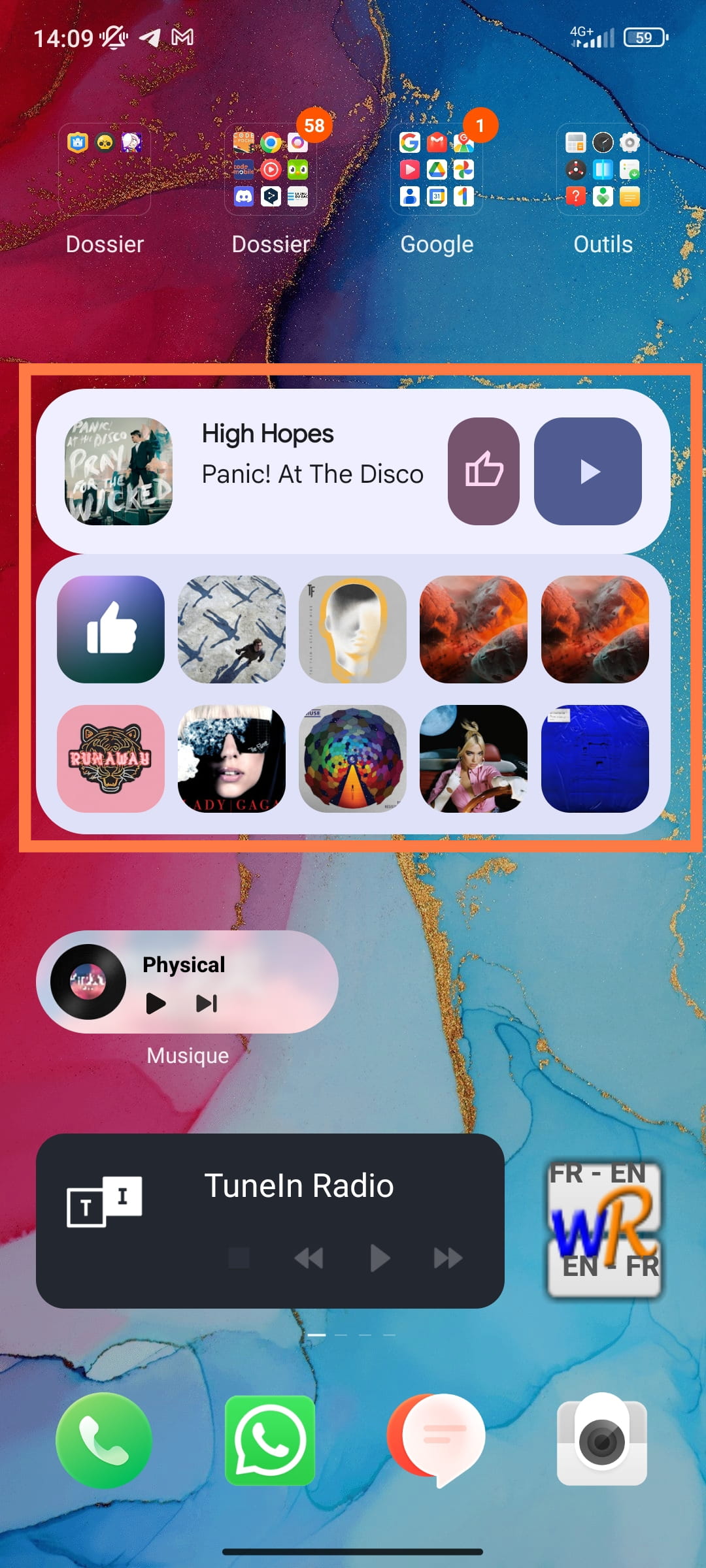
For example, this widget was orange before (like the rectangle around it):
This color is the same for the other apps that are synced with the device's color.
And I find it really disturbing because this color ends up giving me headaches
My question is therefore: How can I change the color of the "theme" or the system?
Best regards.
FFW.
1 answer
-
-
Hello Emmy
Do you also have a Xiaomi smartphone from the Redmi range?
And does it have the "MIUI 14" version? I'm asking this just to know if the issue comes from the update or something else (in which case, I don't know).
Thank you
P.S.: There is a button to report that another person has the same problem, which is located just under my original message ;)
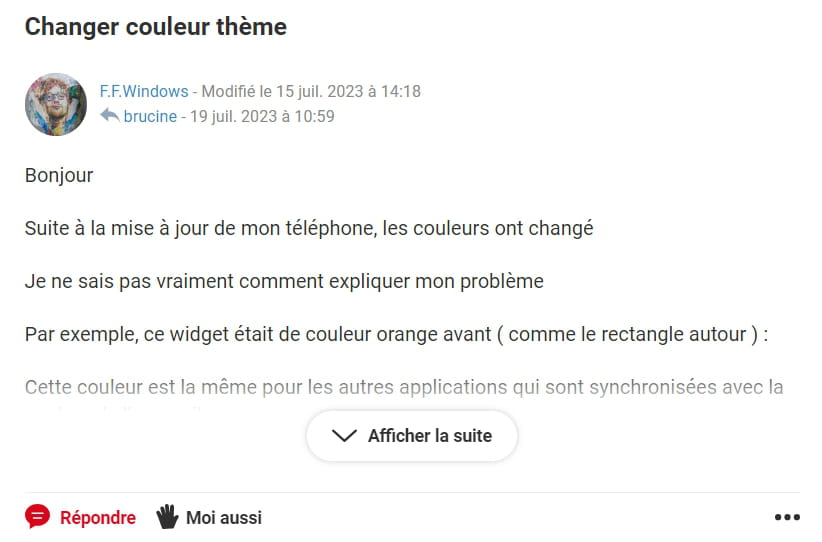
I check the forum from a PC, but normally everyone should have this little hand-shaped button (even if you are not logged in)
And it is true that I am not precise enough in the title, but this pastel blue color is found "in the background of all Google apps, Messages, ...
So where did you find these "Theme collections"?
-
