PR_CONNECT_RESET_ERROR code
Solved
Hello,
with my computer, I can't connect to any websites; I can only connect to Google and YouTube. For all the others, it shows me the error code: PR_CONNECT_RESET_ERROR, or it says that the connection timeout has been exceeded and that an error has occurred during the connection. As for the Wi-Fi, it works perfectly on my smartphone without any issues, only on the computer I can connect to YouTube and Google. For your information, I am using Windows 7.
Thank you for helping me find a solution to this ????
11 answers
-
Moderator
Have you tried restarting your box? Unplug it, wait a minute, plug it back in, and as soon as it's ready, try again on the PC.
-
Moderator
Hello,
Have you tested another browser? What is your antivirus?
-
Hello,
Yes, I have Firefox and Google Chrome and it's the same for both.. I don't have any antivirus.
-
Yes, I tried that, I rebooted them several times by unplugging and plugging them back in, and it's always the same. I can only contact myself on YouTube or Google.
-
Moderator
Did you have the same problem in May 2022? How did you resolve it?
https://forums.commentcamarche.net/forum/affich-37601404-probleme-de-connexion-au-reseau-wifi
-
Moderator
So it’s a blockage on the box. Which box is it? Which ISP?
-
It's a fiber optic box, I don't understand what ISP is.
-
Moderator
ISP => Internet Service Provider (Orange / SFR / Free / others)
Concerning the box, it has a model name according to the ISP, fiber optic box, it is not the model of the box
-
Oh okay, I understand, it's in Algeria and it belongs to Algérie Télécom.
-
Moderator
RE_
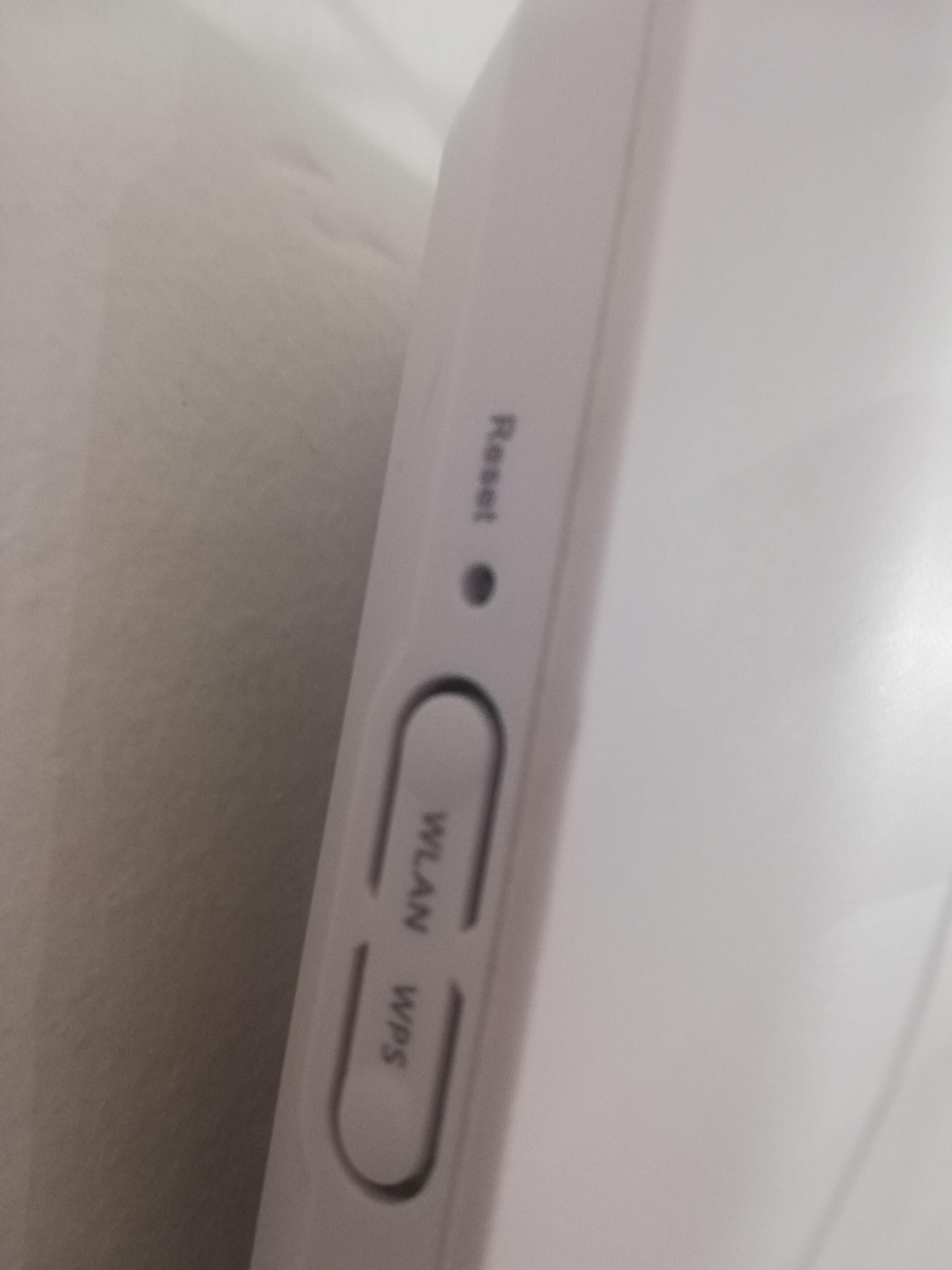
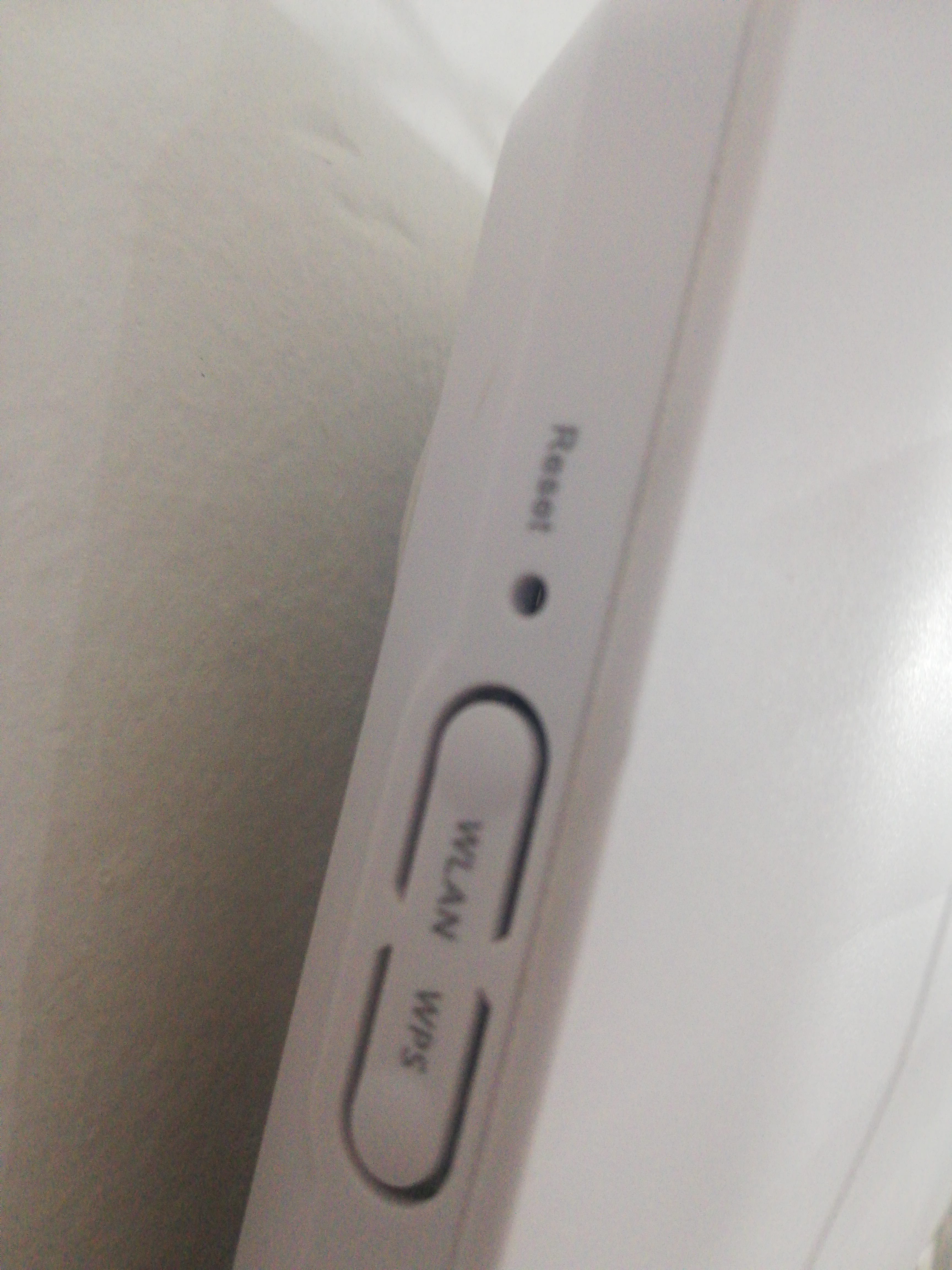
You should check with your ISP if there are any issues with their network, and if not, ask them to reset the router because we couldn't find any documentation for this type of modem.
-
-
Moderator@kurtnetfr1
If the problem comes from the ISP's network, changing the modem won't change anything.
Check if you have a manual that explains how to reset it.
-
@MisteryBean
I'll go get it from the cases, thanks again.
-
-
Moderator@kurtnetfr1
I don't know this box, but you can give it a try. I think you need to press it for a few seconds until the display or the lights go out.
-
-
Thank you very much