Dust in philips projector?
Closed
Superman1212
Posted messages
491
Registration date
Status
Member
Last intervention
-
Superman1212 Posted messages 491 Registration date Status Member Last intervention -
Superman1212 Posted messages 491 Registration date Status Member Last intervention -
Hello,
I have a Philips Neopix Easy video projector
and I assume there is dust inside, given the spots projected on the wall screen.
Do you know how to fix this problem, please?
Thank you
I have a Philips Neopix Easy video projector
and I assume there is dust inside, given the spots projected on the wall screen.
Do you know how to fix this problem, please?
Thank you

11 answers
-
Good evening,
I suppose there are some dust particles inside given the stains projected on the wall screen.
Would you know how to fix this problem
By opening it and cleaning it... !
-
ok thanks MPMP10
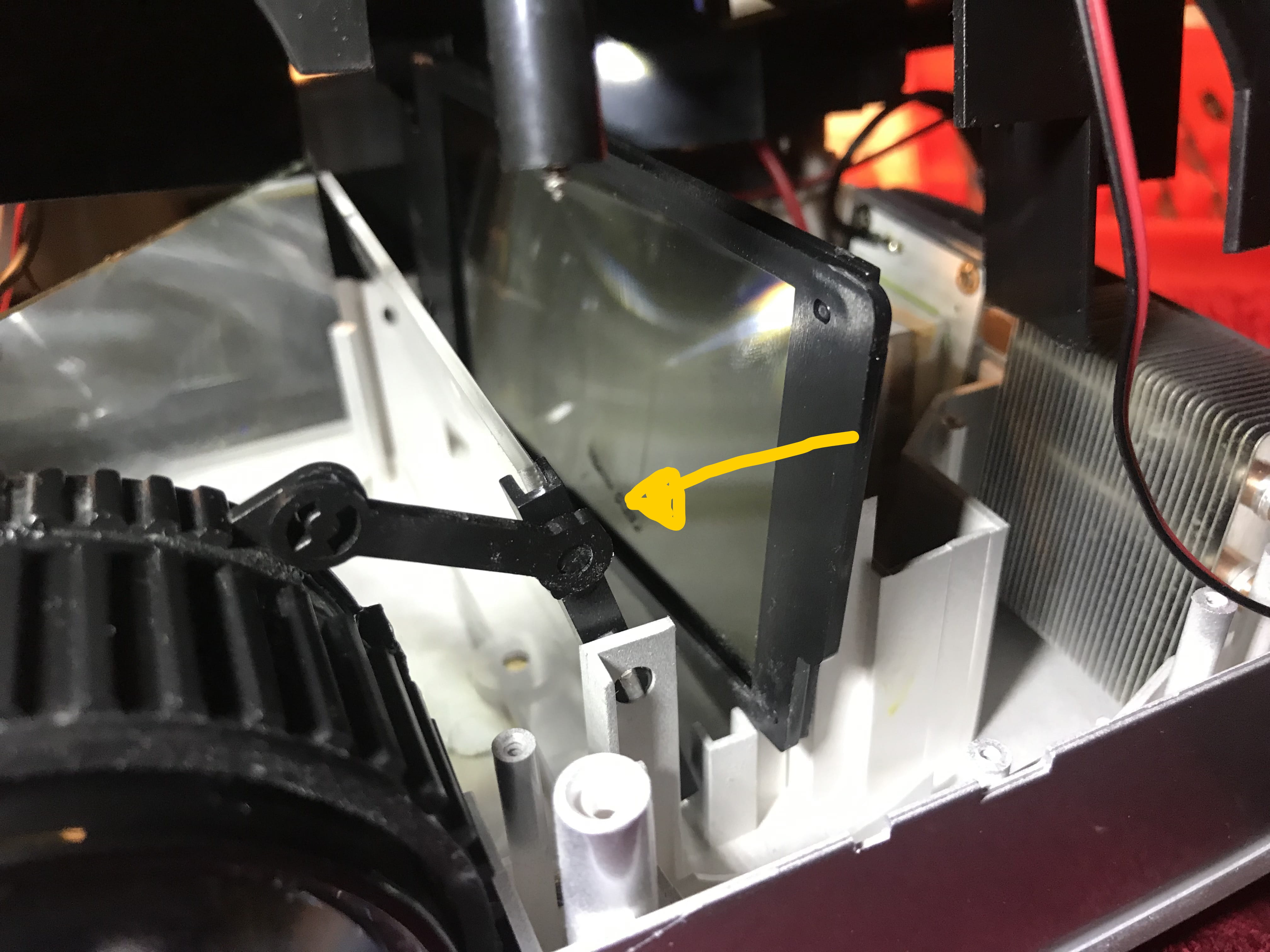
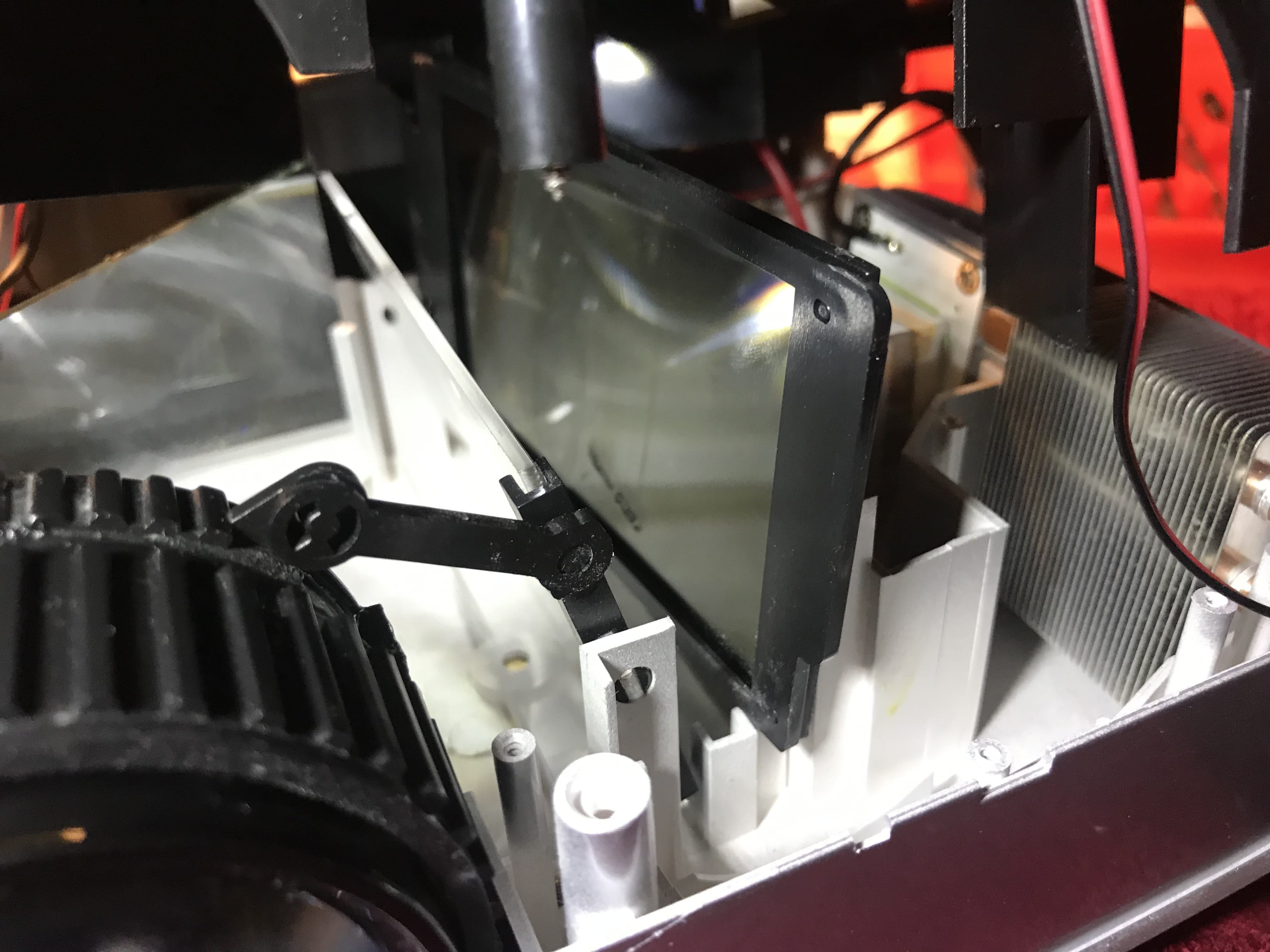
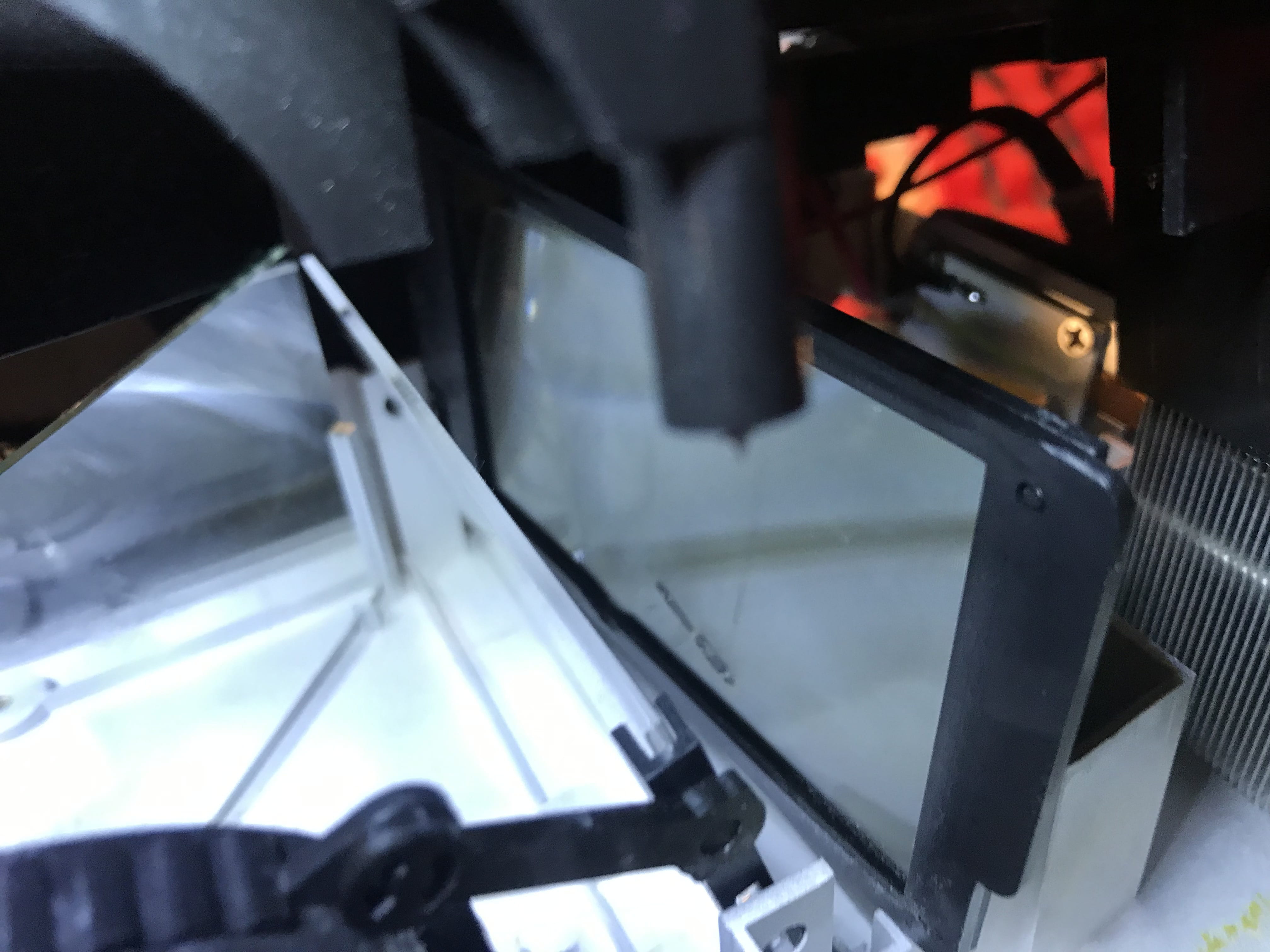
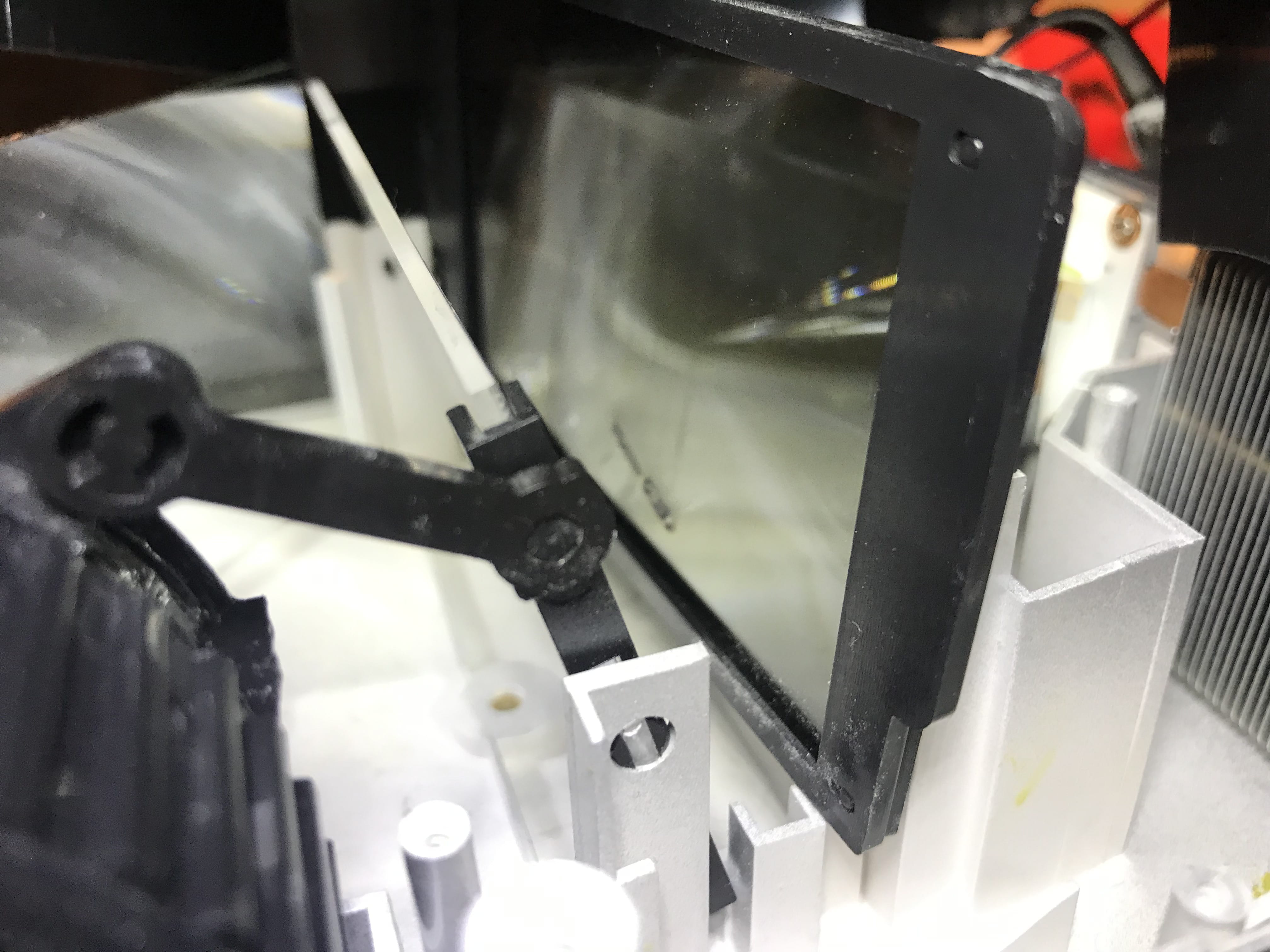
I opened it, see photos.
But how do you clean it?
Is it inside the lens in the tube we can see?
Do they put grease to protect it from dust and to adjust the lens?


-
I found this video
but it's still quite a lot of work and I've never done it before..
a professional might charge me almost as much as the purchase price.... right?
https://www.youtube.com/watch?v=aStyGjQNBv8&feature=youtu.be -
I was able to unplug and unscrew the motherboard and unscrew the cover, then I accessed the mirrors; there was a fly inside that I removed with a cotton swab and a little tuft of dust as well.
Now there are 3 small connectors; I just hope I plugged the right ones together...
Do you know if I can find the connection diagram somewhere?
Apparently, I took them as they came, but I still forgot to note them down when unclipping... -
Well, I was able to rely on the photos taken before disconnecting the motherboard, and I reconnected it correctly.
However, I still have the 3 spots on the screen.
I think I might need to buy a small can of compressed air, which I don't have. -
In fact, I found the problem but I can't solve it.
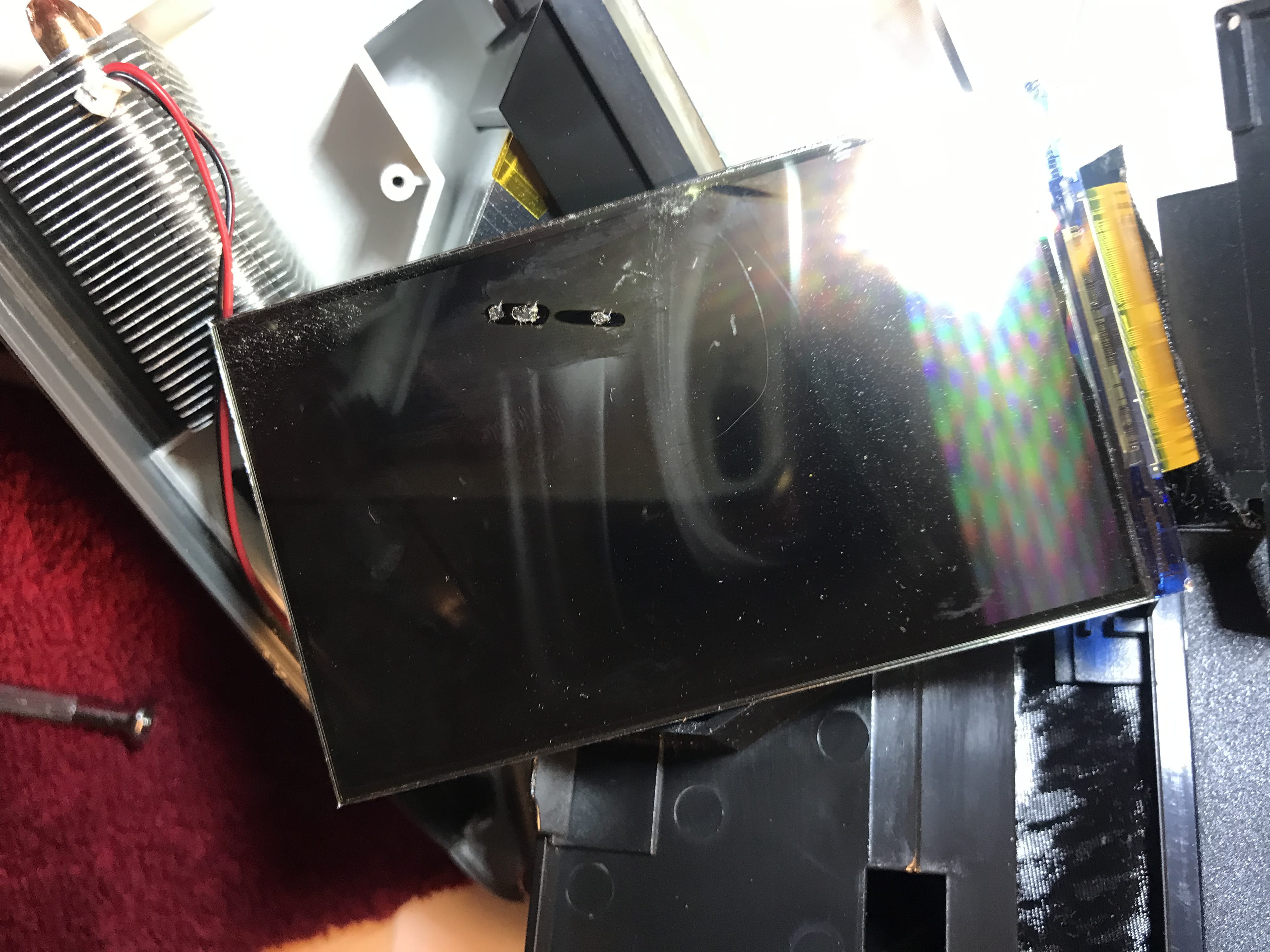
In the photos below, on this kind of plastic film, I think it’s the one that displays the images, there’s a kind of spot that looks a bit melted or burned in this plastic film.
It doesn't prevent images and videos from being displayed, but these stains appear on the screen, so this plastic film is connected to a printed circuit, so replacing it isn't really straightforward, I suppose.
Can these parts be replaced?
Are they available?
Here are the photos


-
I didn't understand why you told me to open it if you're saying that it's a professional who should do it?
It's not very clear.-
Hello,
I didn’t understand why you told me to open it
In that case, I’m repeating your question here:
I suppose there are dust particles inside given the marks projected on the wall screen.
Do you know how to fix this problem?
How do you want to clean it without opening it?
And seeing a professional was just a suggestion to avoid damaging it....
-
-
So, I went today to return it to the store with the warranty, and he told me that if I opened it and the repair technicians have to open it and process it under warranty, there will either be fees if they process it under warranty or even fees if they refuse the warranty because I opened it.
So I should have never opened it; now I've lost the warranty and the video projector.
However, I think I read, but I could be wrong, that overheating, etc. is not covered under warranty, so I don't think it's overheating, but I can't help it if the small glass inside melted anyway.
So, in fact, it's a device worth 150 bucks, but what’s certain is that by opening it, I've lost my warranty. -
I believe he should have told me that to see what's inside, it needs to be opened, but he should have specified that I shouldn't open it myself. So, if he wanted to advise me to have it opened by a professional, he should have asked me if it's under warranty, and if so, to definitely not open it myself and to bring it back under warranty, and that’s it.
-
Hello, sorry, I'm sticking to my point of view. Besides, you're digging yourself in deeper; you should have asked if it was under warranty. I'm dreaming! I never thought you would open the device while it was under warranty. I was thinking "slight" now I think "reckless" and unfair.
-
-
Just to remind you, we are on a forum here...
I suppose there are dust particles inside given the stains projected on the wall screen.

Do you know how to fix this problem?
Given the way the question is phrased, a response that fits the logic of opening it (plus the question is dumb...!).
In any case, if he had told me not to open it, I wouldn't have opened it.
And just to remind you, no one told you to open it here, so there's no reason to blame others...
I just answered your question.By opening it and cleaning it...!
-
-
-
-
no problem, stay on your point of view
it doesn't bother me. -
To summarize, as a non-professional, I shouldn’t have opened it, especially since it was still under warranty. On your part, as an expert, you should advise against opening it if I’m not a professional and ask me if it is under warranty, in which case I definitely shouldn’t open it.