Laptop black screen (after sleep and more)
Pitrox
Posted messages
1
Registration date
Status
Member
Last intervention
-
Pitrox Posted messages 1 Registration date Status Member Last intervention -
Pitrox Posted messages 1 Registration date Status Member Last intervention -
Hello or good evening to you
I am a high school student in Ile de France, and on occasion the region lent us a laptop. I wanted to let you know that when I, for example, close my laptop (just lowering the screen without turning it off) and then reopen it, the screen stays black. This problem continues when, for instance, I leave my laptop on; when I come back, the screen is black, which is normal, but once again, the screen won't turn on. I've pressed all the buttons, but it still doesn't work even though my laptop is definitely on.
Thank you
Configuration: Android / Chrome 90.0.4430.91
I am a high school student in Ile de France, and on occasion the region lent us a laptop. I wanted to let you know that when I, for example, close my laptop (just lowering the screen without turning it off) and then reopen it, the screen stays black. This problem continues when, for instance, I leave my laptop on; when I come back, the screen is black, which is normal, but once again, the screen won't turn on. I've pressed all the buttons, but it still doesn't work even though my laptop is definitely on.
Thank you
Configuration: Android / Chrome 90.0.4430.91
13 answers
-
-
Yes, that's normal, copy the command I wrote earlier and paste it into the window (black box).
-
it is about "powercfg /devicequery wake_armed" without the apostrophes
there is indeed a space between g and /
and also a space between devicequery and wake_armed -
-
You just need to tell the keyboard that you can wake up the PC from it
try the command: powercfg -deviceenablewake "PIH Keyboard Device"
make sure to write the apostrophes correctly this time -
-
I wanted to add that if you're wondering, I press the start button for 30 seconds to regain access, which is a bit annoying. Thanks again in advance :)
PS: it didn't do this before. -
Hello,
Press the Win + R keys and type powercfg.cpl, then click on "choose what closing the lid does" and check that the option "When I close the lid" is set to "sleep". -
Okay, try this: Press the Win + R keys and type devmgmt.msc, then expand the "Keyboard" menu, click on the name of your keyboard, then click on "Power Management" and make sure the option "Allow this device to wake the computer from sleep" is checked. Thank you.
-
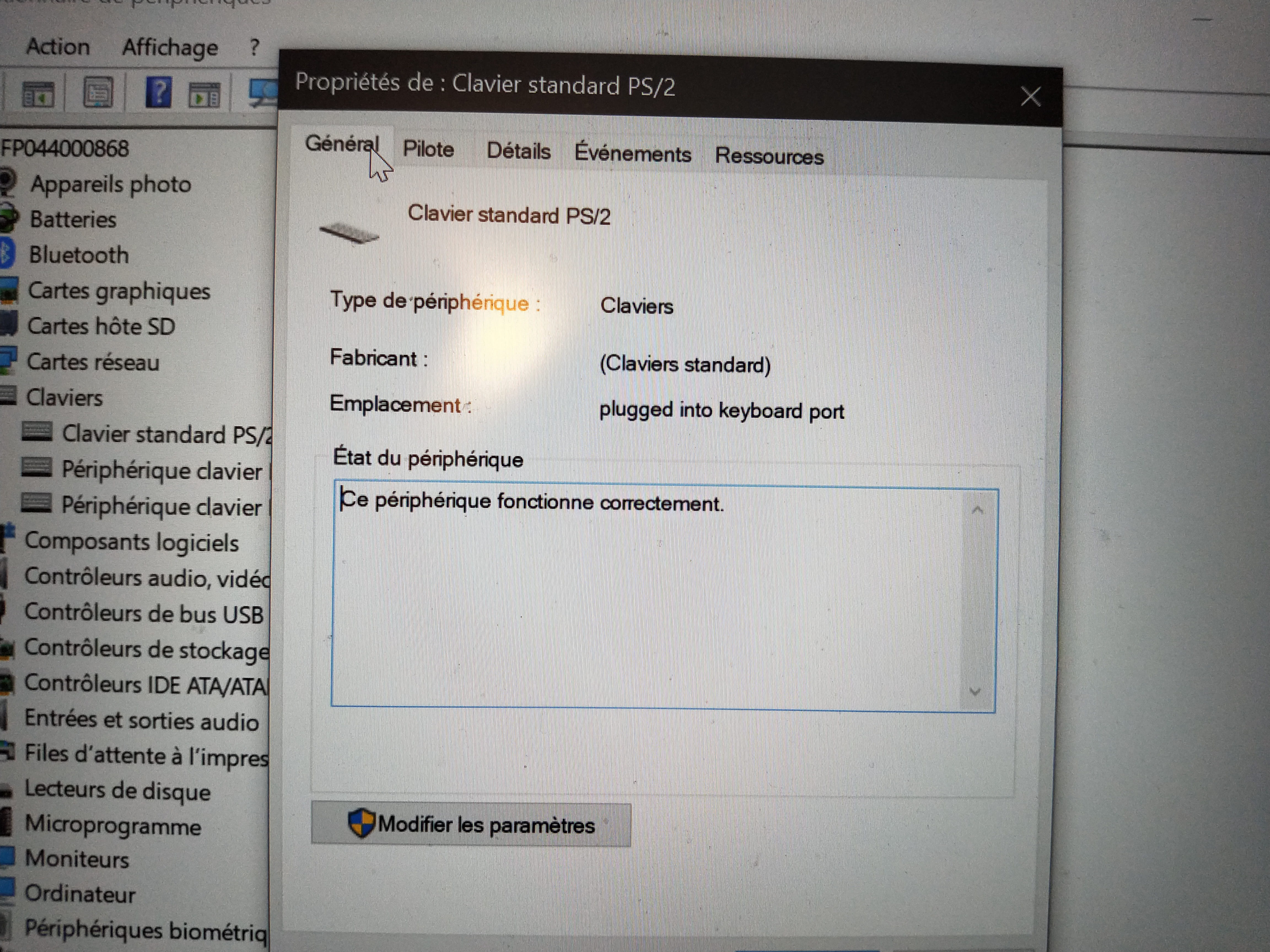
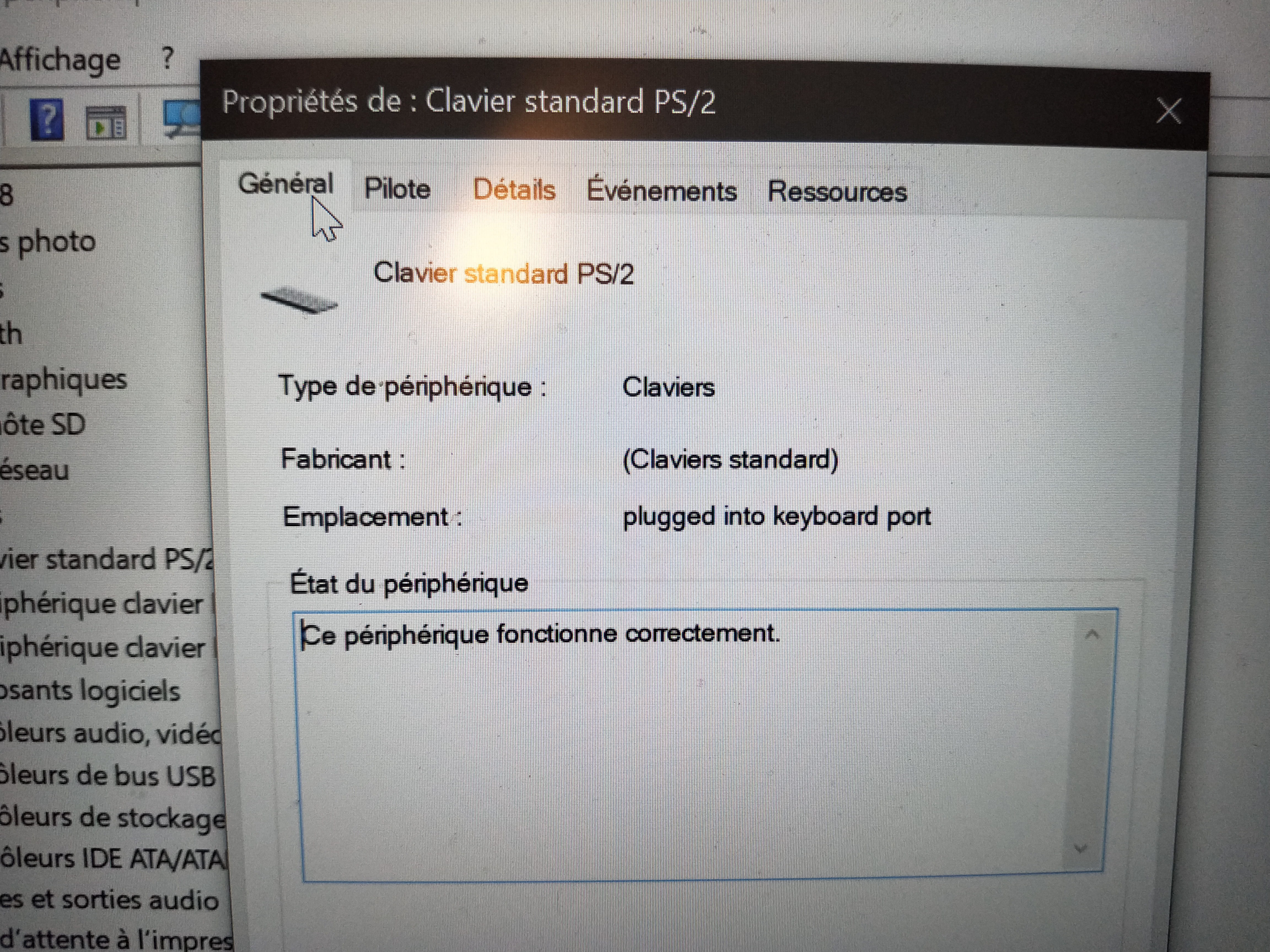
Double-click on "standard PS/2 keyboard" then at the top of the window, there are several menus including the power management menu.
-
-
Yes, I think so too, your account is limited, try this command by opening a command window (Win + R then cmd) and type this command powercfg -devicequery wake_armed
-