To bypass the check, press a key Windows 10
Solved
LHokage
Posted messages
46
Status
Member
-
billmaxime Posted messages 50527 Registration date Status Contributor Last intervention -
billmaxime Posted messages 50527 Registration date Status Contributor Last intervention -
Hello,
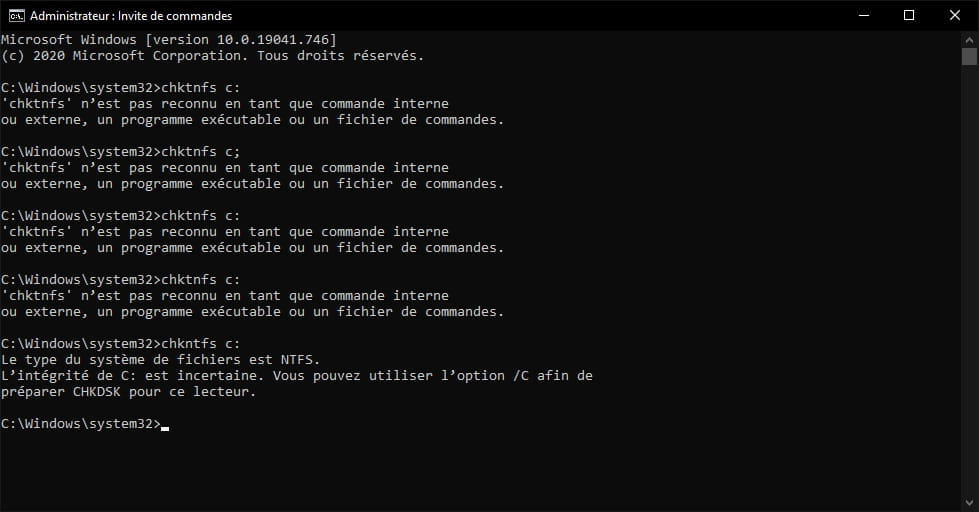
I noticed that for the past 2 weeks, each time I turn on my computer, Windows runs a check on my hard drive (SSD) where my Windows, and only Windows, is stored.
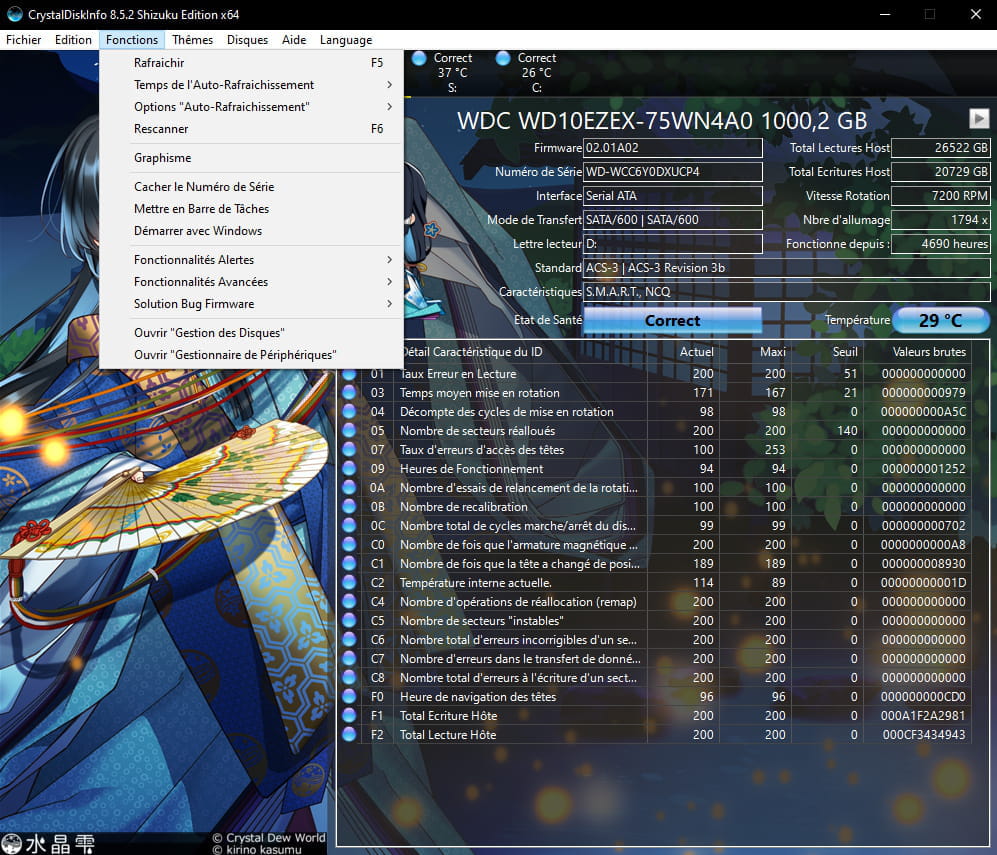
I checked the status of my drives in general and more specifically the C: drive (where Windows 10 is stored) using CrystalDiskInfo and there are no issues.
It’s only 5 months old (I had read that this could be a sign of weakness in my hard drive) but I don’t know how to make it go away or why it shows up?
Best regards,
I noticed that for the past 2 weeks, each time I turn on my computer, Windows runs a check on my hard drive (SSD)
 where my Windows, and only Windows, is stored.
 I checked the status of my drives in general and more specifically the C: drive (where Windows 10 is stored) using CrystalDiskInfo and there are no issues.

It’s only 5 months old (I had read that this could be a sign of weakness in my hard drive) but I don’t know how to make it go away or why it shows up?
Best regards,