Double-sided printing cannot be enabled on HP DESK JET + 4100
Kira
-
trotte-menu Posted messages 912 Registration date Status Member Last intervention -
trotte-menu Posted messages 912 Registration date Status Member Last intervention -
Hello,
I just browsed the forum but my case isn't there!
The option to activate double-sided printing is grayed out in the print settings dialog, and I can't find the solution.
Please help me.
Thank you.
Configuration: Macintosh / Chrome 86.0.4240.193
I just browsed the forum but my case isn't there!
The option to activate double-sided printing is grayed out in the print settings dialog, and I can't find the solution.
Please help me.
Thank you.
Configuration: Macintosh / Chrome 86.0.4240.193
3 answers
-
Good evening
thank you for the tip, that's what I do when there's only one sheet
it's more complicated when it's a file ;) -
Hello,
The printer manual (http://h10032.www1.hp.com/ctg/Manual/c06613778) on page 54:
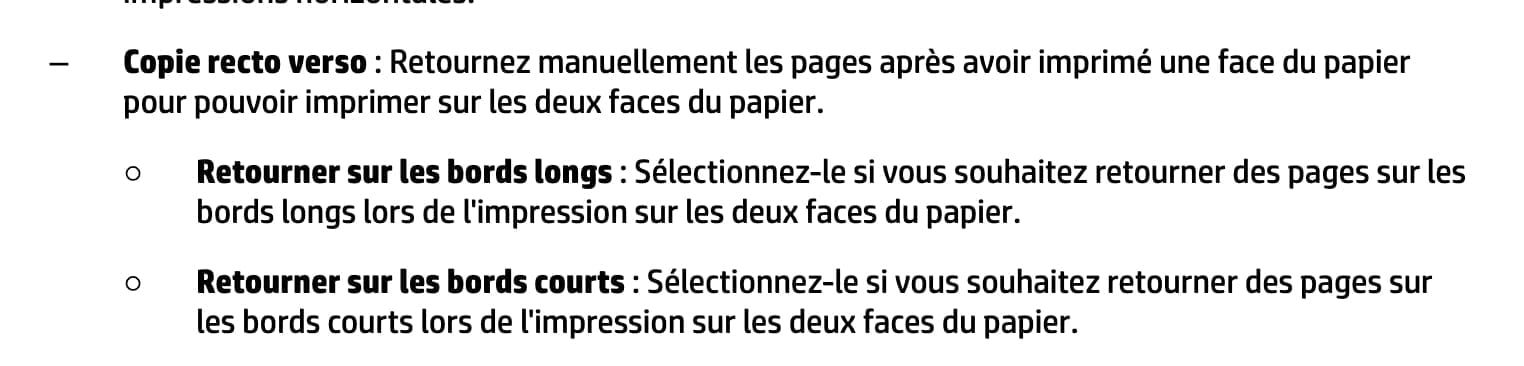
"Two-sided copying: Manually flip the pages after printing one side of the paper to print on both sides of the paper."
It therefore seems normal, since the automatic duplex function does not exist, that the option is grayed out.
-
Good evening,
We print the front side, we only put one sheet of paper, we turn it manually and we restart the print for the back side!
--
“Take your chance, seize your happiness and go towards your risk. By looking at you, they will get used to it.” René Char