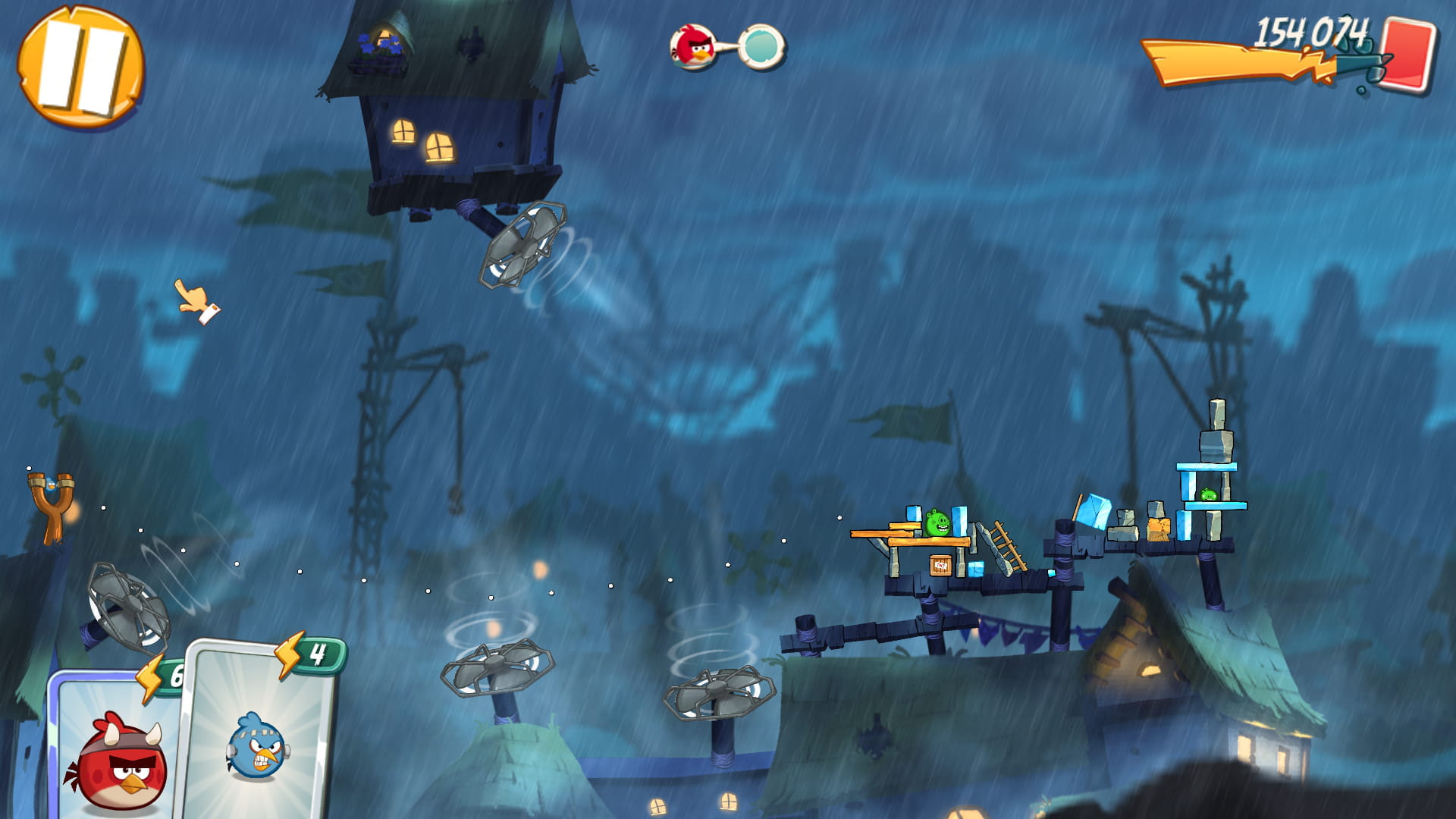
Screenshot shortcut is not working anymore
Solved
kasom
Posted messages
31980
Registration date
Status
Moderator
Last intervention
-
Banlas -
Banlas -
Hello to the community
Following a recent update, my screenshot shortcut is no longer working
I'm talking about the shortcut of the two keys Windows + Print Screen which used to directly place the screenshot in the "Screenshots" folder
I’ve looked at other topics, I’ve tried other shortcuts, none of them work
This trick is only useful for games (I'm cheating a little ;=)) ) when I'm short on time, I take a screenshot, pause the game and it allows me to find objects without stress
If you have an idea on how to get the shortcut to work again
Thanks
Configuration: Windows / Firefox 82.0
--
Do not confuse "taking some of your free time to help your friends" and "freeing up time to help them"
Following a recent update, my screenshot shortcut is no longer working
I'm talking about the shortcut of the two keys Windows + Print Screen which used to directly place the screenshot in the "Screenshots" folder
I’ve looked at other topics, I’ve tried other shortcuts, none of them work
This trick is only useful for games (I'm cheating a little ;=)) ) when I'm short on time, I take a screenshot, pause the game and it allows me to find objects without stress
If you have an idea on how to get the shortcut to work again
Thanks
Configuration: Windows / Firefox 82.0
--
Do not confuse "taking some of your free time to help your friends" and "freeing up time to help them"
5 answers
-
pistouri Posted messages 19008 Registration date Status Contributor Last intervention Ambassadeur 8 723
Hello,
1- Once in your game, try pressing the F12 key
Then go to your explorer.
In Images
And in the Screenshots folder.
Create the screenshots folder if you don’t see it.
With Angry Birds it worked.
2- Go to Settings ►Ease of Access
In the left menu, click on --► Keyboard
Section -► Print Screen shortcut
Highlight the checkbox ►Use the Print Screen button to open the Snipping Tool.
Restart your PC
Launch your game
Press the keyboard key only once -► Print Screen
Or -► Windows + Print Screen
Then press ESC to return to the game.
Then go to your explorer.
In Images
And in the Screenshots folder.
A+