Canon TS8051 no longer prints footers
Syl.p
Posted messages
1
Status
Member
-
Sophie -
Sophie -
Hello,
I have a problem that just appeared with my Canon TS8051 printer, which no longer prints the bottom of the page, to be exact the last 4 centimeters, despite all my attempts to fix the issue:
- all maintenance operations available in the menus (where only the alignment of the heads fails after it gave me a blank page and told me to put a sheet in A4 or Letter format, which is the case).
- reinstallation/resetting of the printer and drivers.
- using other paper formats (Letter, B5).
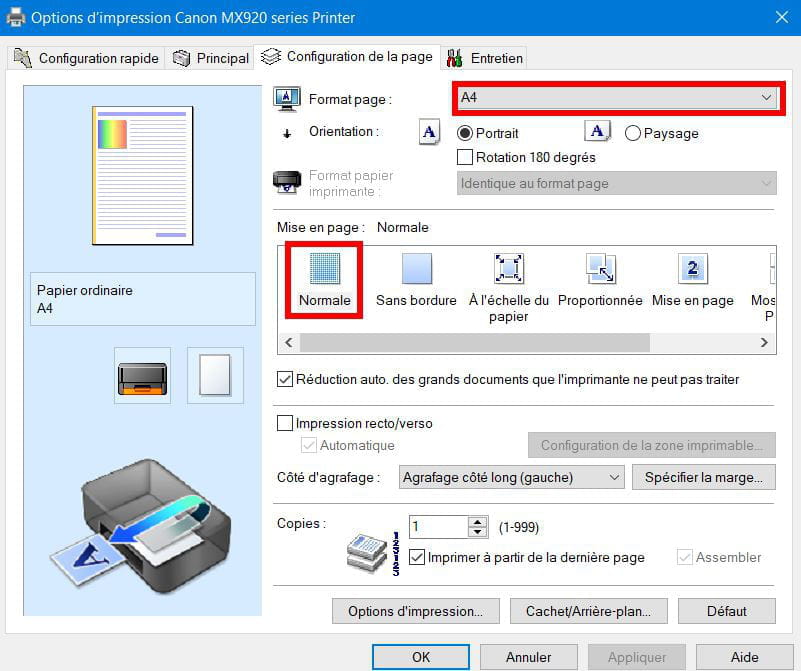
- trying to trick the printer by changing formats, margins... in Word.
But nothing works, no matter the format, it stops printing 4 cm from the bottom of the page...
I also contacted Canon support, which was of great help to me... They told me to perform the maintenance options available in the menus, and then return the printer at a cost of over €70 (the price of a new printer) for the repair estimate...
If anyone knows a solution!
Thanks in advance.
Best regards.
Sylvain.
Configuration: Android / Chrome 86.0.4240.110
I have a problem that just appeared with my Canon TS8051 printer, which no longer prints the bottom of the page, to be exact the last 4 centimeters, despite all my attempts to fix the issue:
- all maintenance operations available in the menus (where only the alignment of the heads fails after it gave me a blank page and told me to put a sheet in A4 or Letter format, which is the case).
- reinstallation/resetting of the printer and drivers.
- using other paper formats (Letter, B5).
- trying to trick the printer by changing formats, margins... in Word.
But nothing works, no matter the format, it stops printing 4 cm from the bottom of the page...
I also contacted Canon support, which was of great help to me... They told me to perform the maintenance options available in the menus, and then return the printer at a cost of over €70 (the price of a new printer) for the repair estimate...
If anyone knows a solution!
Thanks in advance.
Best regards.
Sylvain.
Configuration: Android / Chrome 86.0.4240.110
14 answers
-
Hello,
I had the same problem you described with a PIXMA TS9050. The last 4 cm of the page base remained and page breaks were random.
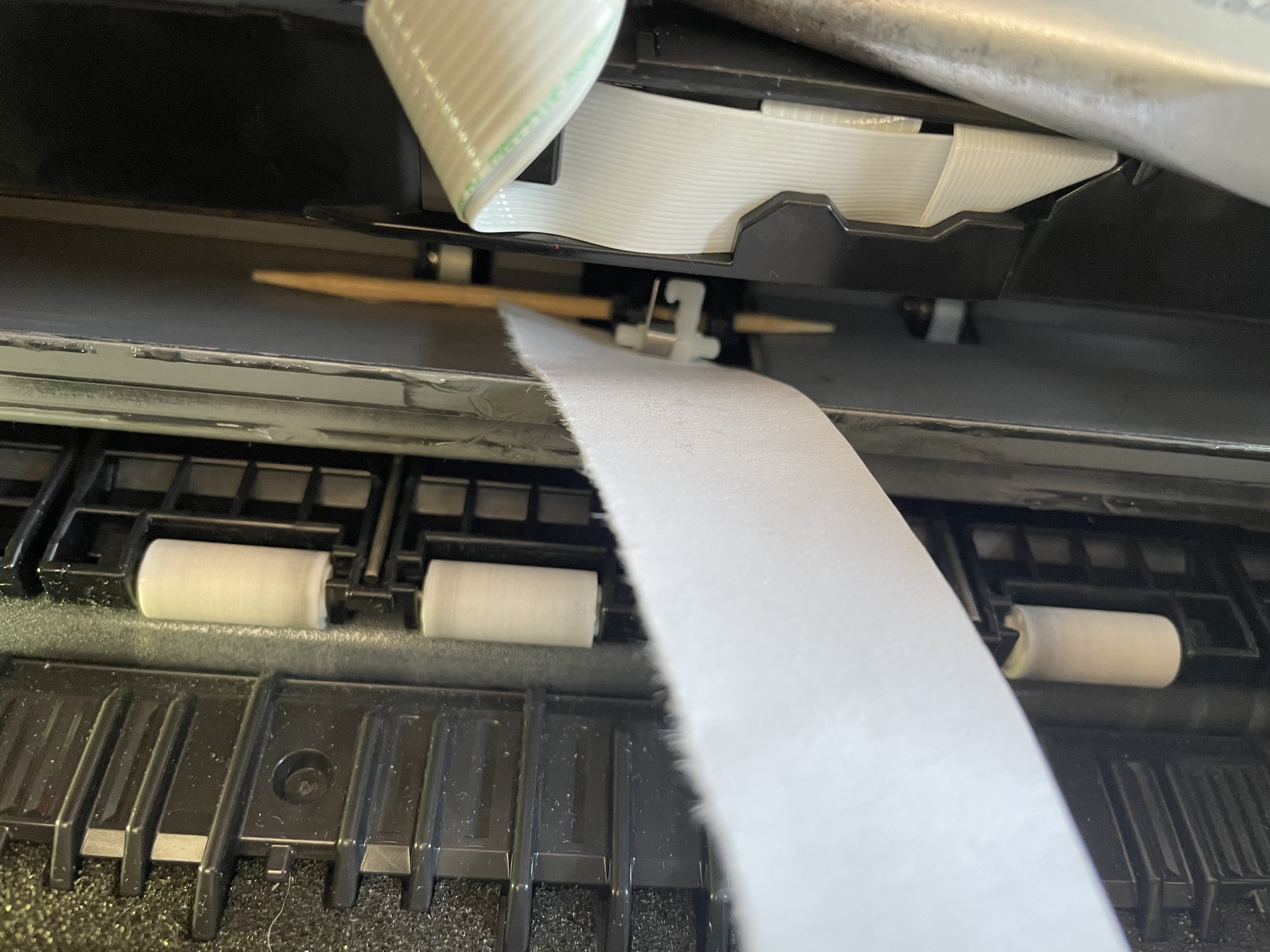
I "tackled" a repair attempt and seemingly succeeded. The problem is mechanical and comes from a small plastic part with a spring that I think detects the sheets. This part is caught between two tabs. It is located behind the print head (move the carriage if necessary to see it).
In my printer, the part had come out of one of the tabs and was no longer performing its function correctly.
To successfully put it back, I gently lifted the black part with a small screwdriver and then used tweezers to hold the white part and its spring and put it back between its tabs.
If the part "falls" into the printer (which will undoubtedly happen to you many times!), you can easily retrieve it from the back of the printer after removing the cover and taking out the rollers).
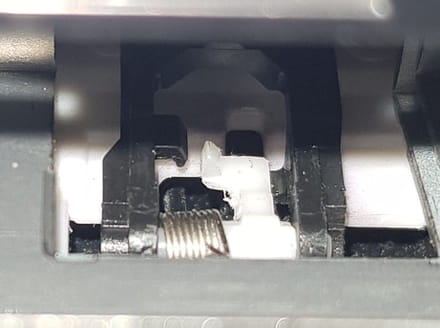
Manipulation requiring patience.
Hoping this helps you.-
Good evening Frantz_123 and good evening to the others who have contributed to this post,
Thank you very much for this response and this manipulation which indeed solved the problem for me...my printer is back up and running for, I hope, several years!
I had to be meticulous and patient, but I made it easier on myself by managing to free the black plastic cover that restricts access to that tight spot...I took a few additional photos, if needed, just ask for them and I'll send them to you
Happy printing to everyone! -
-