Google account paused upon reopening

A-R.T.74
Posted messages
5
Status
Member
-
Will -
Will -
Hello,
Google Sync pauses as soon as the account is reopened. Despite my research, I can't find the solution.
Google support suggests: > Settings > Advanced settings > Site settings > Cookies.
Unfortunately, in the advanced settings, there is no longer a site settings section.
Thank you for your help.
Google Sync pauses as soon as the account is reopened. Despite my research, I can't find the solution.
Google support suggests: > Settings > Advanced settings > Site settings > Cookies.
Unfortunately, in the advanced settings, there is no longer a site settings section.
Thank you for your help.
7 answers
-
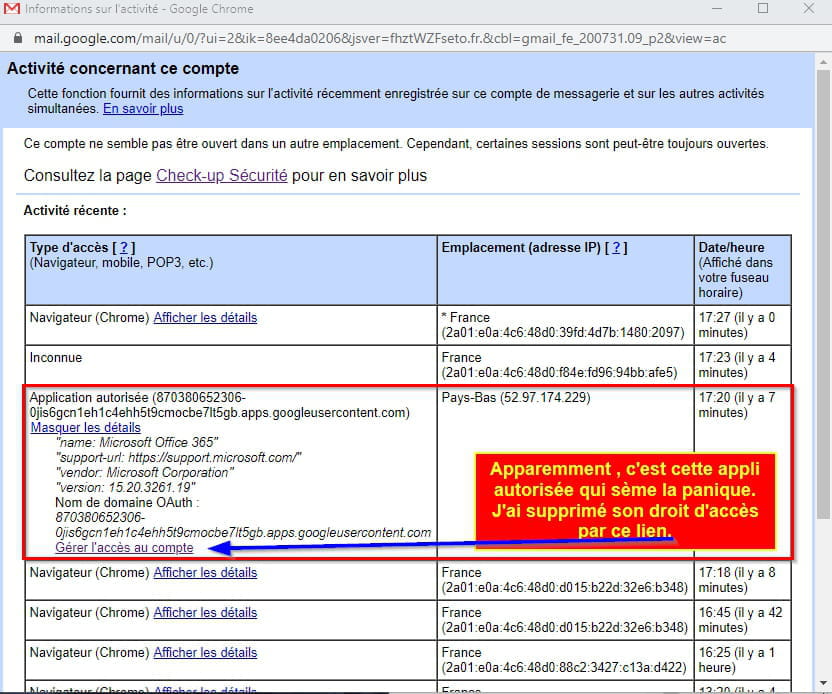
Indeed, "site settings do not exist". I have the same problem as you, however when I check my account activity from my Gmail inbox like you, I only see "Browser (Chrome)", "Mobile", or "Unknown". Nothing suspicious.
But I found the solution. Without going through "Site settings" we can find the function "Clear cookies and site data when you quit Chrome" and disable it, which allows us to fix the problem. Just go to Settings > Privacy and security > Cookies and other site data, and we disable the "Clear cookies and site data when you quit Chrome" function.
This way Chrome remembers us when we reconnect and maintains the synchronization of our account.