Open without downloading on new edge (edge chromium)

LeMultigaming
Posted messages
8
Status
Member
-
Barbish -
Barbish -
Hello, since the new super Microsoft Edge arrived, I no longer have the option to open a file without it downloading automatically, and afterwards I have to delete it. Is there anyone who knows how to enable a download prompt, like in the old Edge?
Best regards,
LeMultigaming
Best regards,
LeMultigaming
4 answers
-
Hello,
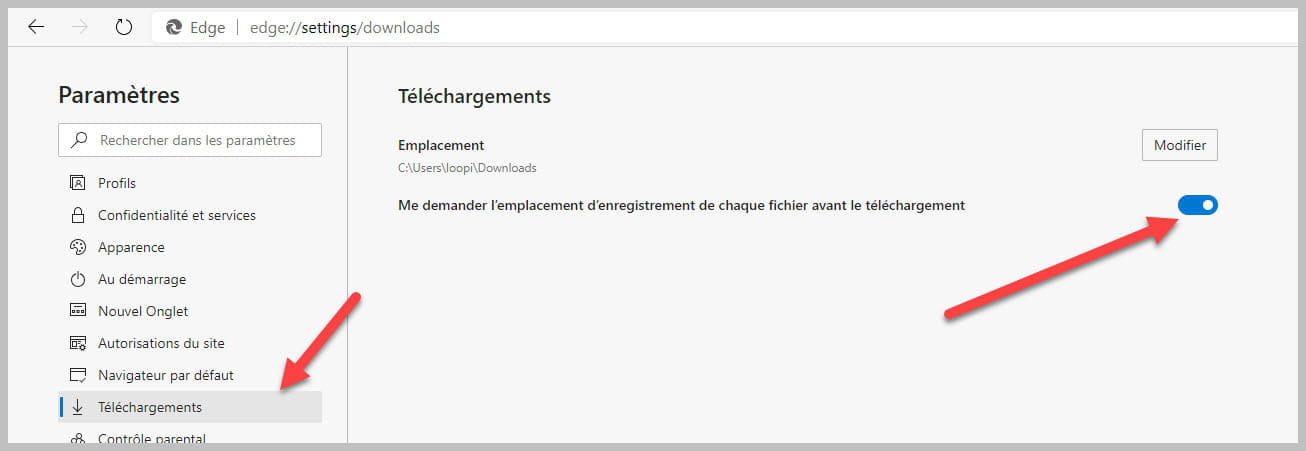
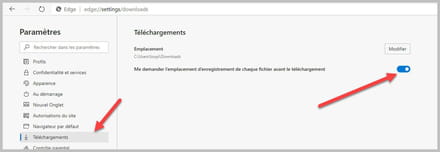
Click on the three dots in the top right corner then Settings==>Downloads and enable as shown below:Click on the image to enlarge.
bazfile
Moderator/Security Contributor.
a hello, a response, a thank you are always appreciated. -
Hello, I had already found this option to ask for each download where my browser should save the file, but I would like to know how to make my browser ask me if I want to open it, save it, or save it as in the old Edge. I would like to have this option back. Does anyone have an idea?
-
-
Hello, switch to Firefox. To my knowledge, it's the only one that still asks whether to open or save. I've never used Chrome because of that and Edge has started doing it too. I've been loyal to Firefox for over 10 years and it doesn't seem like that's going to change for me.
See you!