Windows 7 installation issue
Solved
Emeraude66
-
Malekal_morte- Posted messages 178136 Registration date Status Moderator, Security Contributor Last intervention -
Malekal_morte- Posted messages 178136 Registration date Status Moderator, Security Contributor Last intervention -
Hello,
My fiancée recently bought The Sims 2. But when trying to install it on her PC, she realized it didn't work on Windows 10. So I embarked on the perilous task (at least for me) of installing Windows 7 instead. However, the problem is that I am now stuck at the step where I need to choose the partition to install Windows, and nothing is working.. I had 5 partitions on disk 0, and each time I get this error message: "Windows cannot be installed to this disk." While watching a tutorial, I cleaned these partitions to convert them from GPT to MBR. But now it's the same, still the same problem plus the error message: 0x80300001
I'm completely stuck, and I believe I've already exceeded my area of expertise, so I'm turning to you to help me out of this mess!
Thank you in advance.
My fiancée recently bought The Sims 2. But when trying to install it on her PC, she realized it didn't work on Windows 10. So I embarked on the perilous task (at least for me) of installing Windows 7 instead. However, the problem is that I am now stuck at the step where I need to choose the partition to install Windows, and nothing is working.. I had 5 partitions on disk 0, and each time I get this error message: "Windows cannot be installed to this disk." While watching a tutorial, I cleaned these partitions to convert them from GPT to MBR. But now it's the same, still the same problem plus the error message: 0x80300001
I'm completely stuck, and I believe I've already exceeded my area of expertise, so I'm turning to you to help me out of this mess!
Thank you in advance.
3 answers
-
Hello,
You need a primary partition to install Windows 7 on.
So it must be created beforehand.
Given the message, you must have altered the BIOS settings.
Which you shouldn't have done.
Restore the BIOS settings to default or the boot/start in UEFI.
To read: Install a Dual-boot Windows 10 and Windows 7.
If you have important data, back it up beforehand.
--
Please press any key to continue the disinfection... -
Boot from the USB drive again.
- Go to Repair your computer (menu in the bottom left on the main page)
- Advanced troubleshooting options
- Command prompt
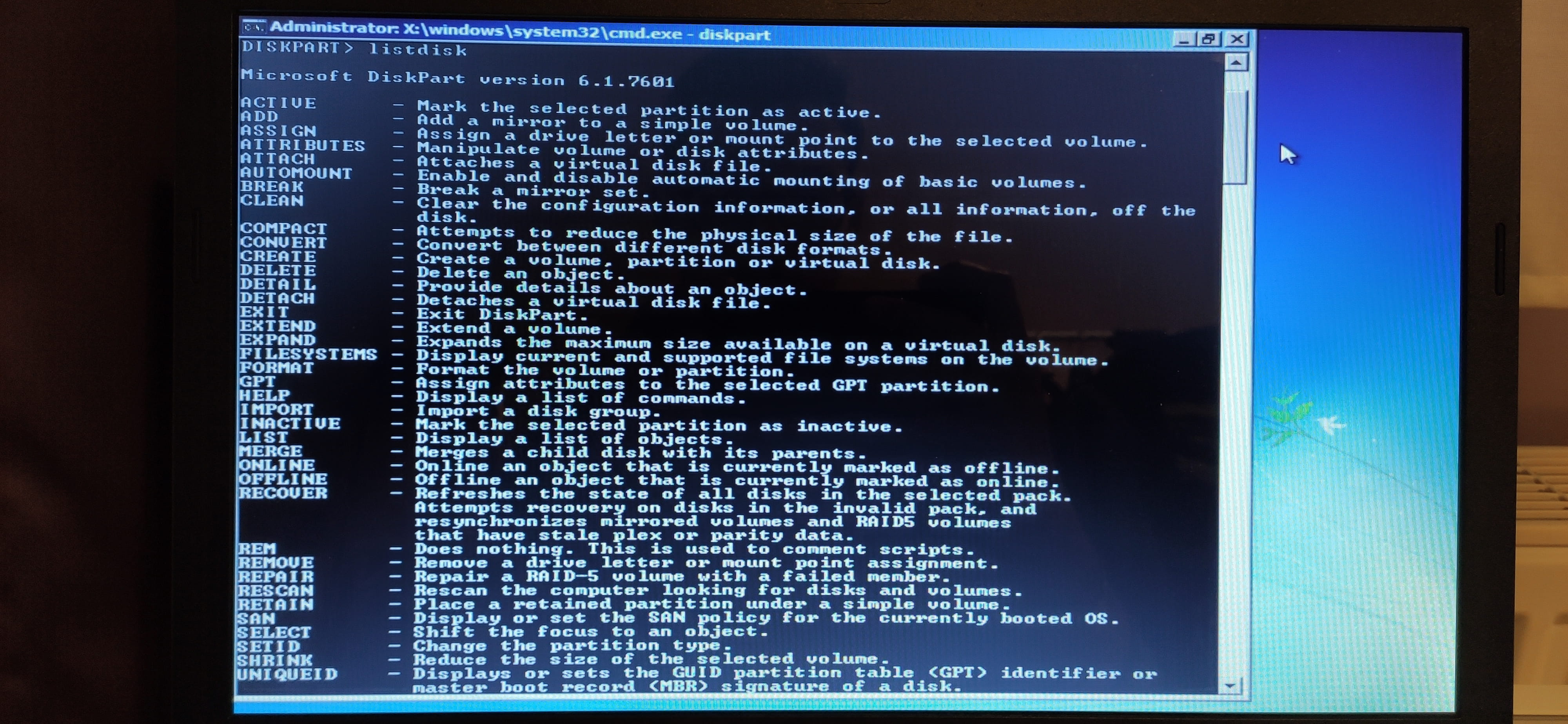
- type diskpart and press enter
Give the results of the following commands:
list disk
sel disk 0
list partition
list volume
exit
Take a photo of the results and provide a screenshot.
and give the result of the command:bcdedit /v
Take a photo of the results and provide a screenshot.
--
Please press any key to continue the disinfection... -
Super, it works! Except that during the installation of Windows 7, it restarts the PC (normal) but upon restarting, it starts the installation over from the beginning... it's a never-ending loop.
-
Maybe the PC is not compatible with Windows 7.
Or there is a hardware problem with the hard drive because the partition being RAW is not normal.
Try reinstalling Windows 10:
Follow these tutorials that explain how to install Windows 10:
All steps are provided from A to Z with tips at the end to secure Windows 10.
-