My house goes crazy when I turn on the computer.
Morgan
-
jeannets Posted messages 28452 Registration date Status Contributor Last intervention -
jeannets Posted messages 28452 Registration date Status Contributor Last intervention -
Hello,
Yesterday, I wanted to turn on my PC to see if I had any issues with the setup I had just completed. I still didn't have a processor or a graphics card.
I had a 350W power supply, I turned on the PC, and the case powered on. However, I changed the power supply to a Corsair TX650, I replaced the PSU and as soon as I plug it in and turn on the PC, it trips the circuit in my house. I wanted to know if the problem was due to the fact that I don't have a processor or graphics card or if the power supply is too powerful, or something else. I have ordered my processor and graphics card to add them, but before I try again, I want to know where the problem comes from.
I also want to know if this has damaged my setup?
Here is my setup:
Motherboard: MSI B450 Tomahawk Max
Processor: Ryzen 7 3700X
Graphics Card: RTX 2060 Gigabyte
16 GB Corsair Vengeance DDR4
PSU: Corsair TX 650W
SSD: Kingston 480 GB
Case: Empire Gaming
Yesterday, I wanted to turn on my PC to see if I had any issues with the setup I had just completed. I still didn't have a processor or a graphics card.
I had a 350W power supply, I turned on the PC, and the case powered on. However, I changed the power supply to a Corsair TX650, I replaced the PSU and as soon as I plug it in and turn on the PC, it trips the circuit in my house. I wanted to know if the problem was due to the fact that I don't have a processor or graphics card or if the power supply is too powerful, or something else. I have ordered my processor and graphics card to add them, but before I try again, I want to know where the problem comes from.
I also want to know if this has damaged my setup?
Here is my setup:
Motherboard: MSI B450 Tomahawk Max
Processor: Ryzen 7 3700X
Graphics Card: RTX 2060 Gigabyte
16 GB Corsair Vengeance DDR4
PSU: Corsair TX 650W
SSD: Kingston 480 GB
Case: Empire Gaming
14 answers
-
Thank you for your response, but I would like to clarify that it is only the outlet to which the PC is connected that trips. When I try on a single outlet, it's the connected outlet that trips and nothing else. Otherwise, above is what there is at the back of my PC. I will check that the PC has no issues with the connections, but since it's my first PC, I fear I may not see where the problem comes from.
-
jeannets Posted messages 28452 Registration date Status Contributor Last intervention Ambassador 6 616
This 220v cable doesn't make sense, but given the shape of the plug, you can't reverse it...
Did you try all the tests I mentioned in my previous POST..?? -
jeannets Posted messages 28452 Registration date Status Contributor Last intervention Ambassador 6 616
Hello,
If the fuse doesn't blow..?? your house trips the differential circuit breaker...??
That's the difference between a true short circuit and/or a ground leak...
Does your computer have a ground connection..??
I suppose in your case that you’re “touching ground” somewhere... or you haven’t used all the washers... or you mixed plastic washers with metal ones...
-- You could already take apart your PC power supply... put it “on the table” and plug in the 220V to see if it trips or not..?? That’s already a starting point.
The absence of a processor is not the cause. -
Hello
try another outlet in the house, it might just be your outlet and not the computer's fault. -
For me, your power supply is defective, either your power cord.
-
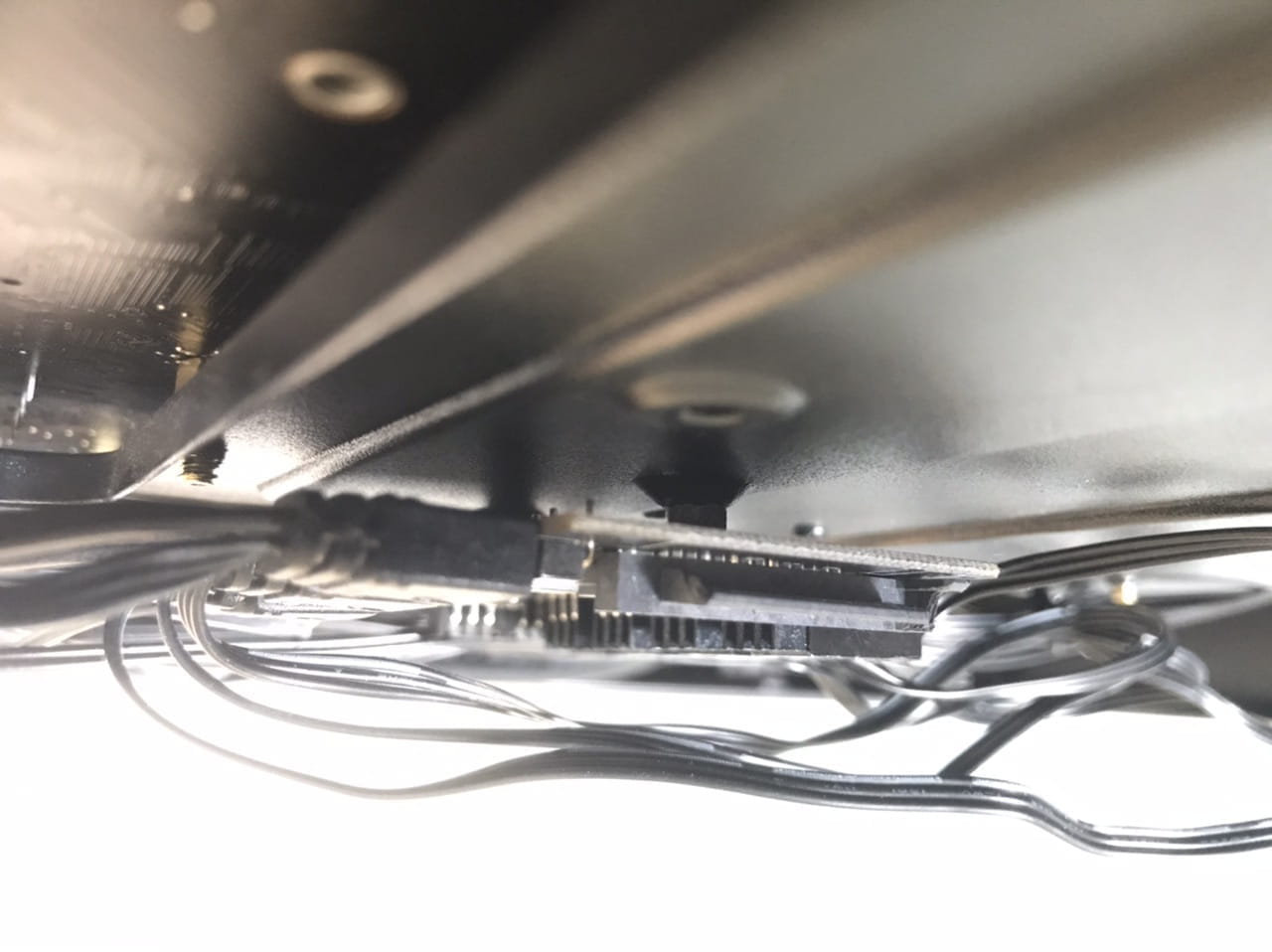
But there is a small additional point; I've noticed that in my case at the back there is a control panel and the data socket, or whatever it's called for powering it, is a little broken. Do you think it could be related to that?
- Take clear photos instead of a long speech... everything is possible.. This morning I told you to dismantle this PC power supply, put it on the table and connect it to the 220... if it keeps tripping, the fault is in this power supply, separate from the rest of the PC...
-- You don't need to be knowledgeable in electricity to read what is written on the circuit breaker that trips... Basically, electrical panels are organized by rows... The first one on the left is differential and the others are thermal and it’s written on each one... There’s the brand---the model---the amperage rating and it says "Thermal" or "Differential" or a symbol and I don't call that "knowing the science of electricity".
And if you plug something else into this outlet...? a lamp for example, could it trip too?
-
-
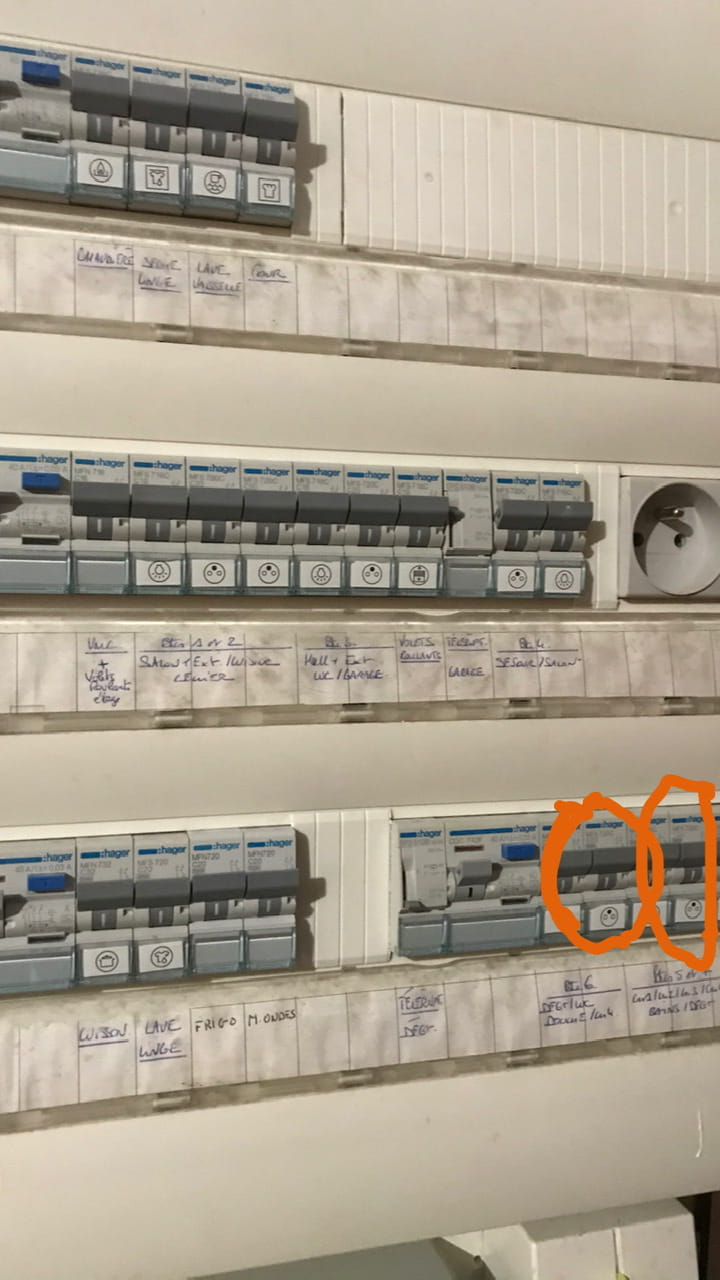
I tried with other things but nothing jumps. I can't try again now because I sent my power supply back for a replacement, so I will try again later. But I have never experienced this until now. I have pictures of the problem in my case and of my electrical meter with the outlets that tripped because these photos will help you more than my explanations.
-
-


For the plugs, it's the one that is surrounded, but it's the case for all of them as they all spark when I turn it on. -
jeannets Posted messages 28452 Registration date Status Contributor Last intervention Ambassador 6 616
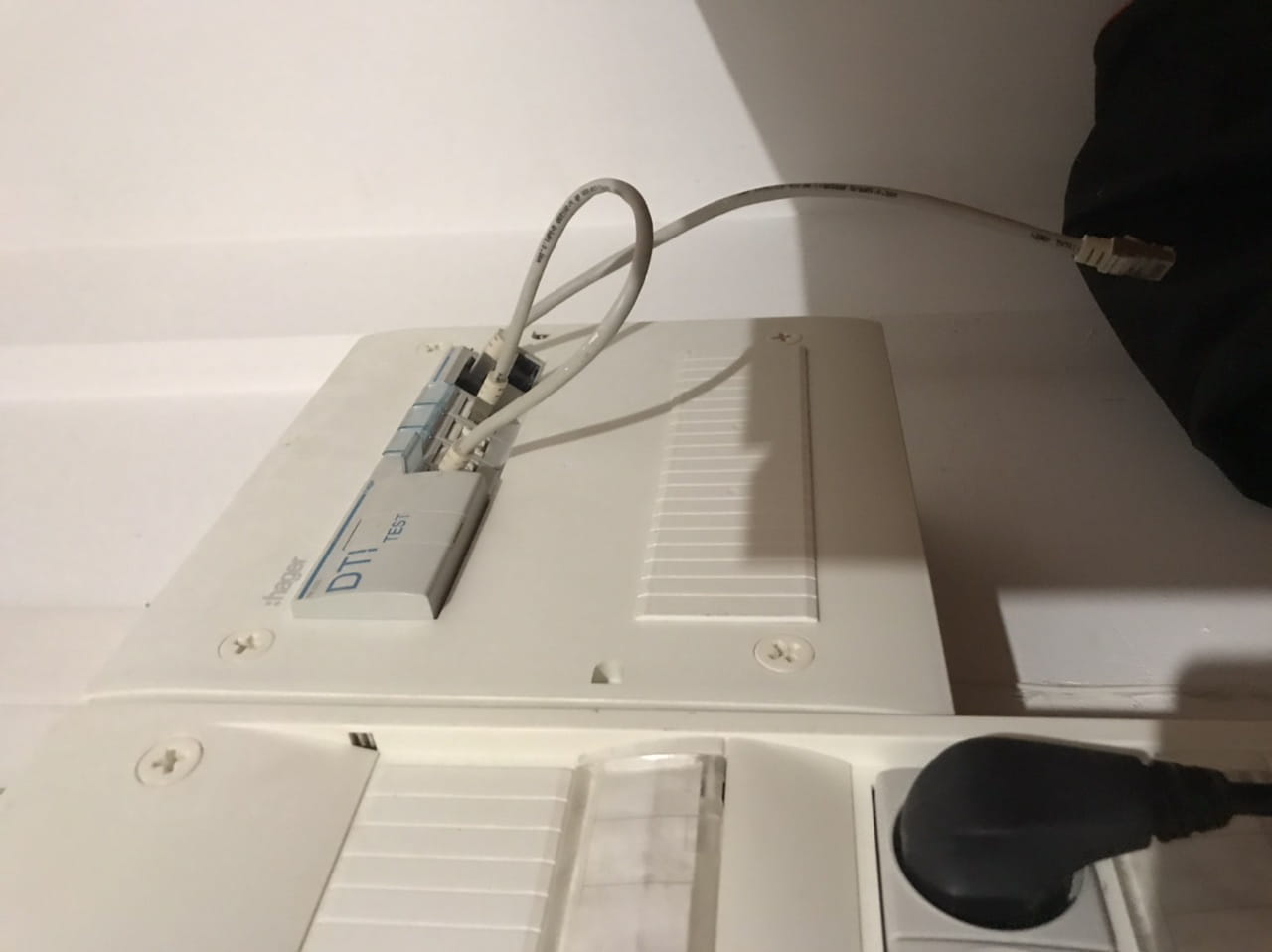
The photo at the top, what is it... where is it?? in the PC or in the electrical panel... I see there are LEDs and fans connected to it... But what is it?? Moreover, no indication is really legible... so we can't guess too much.
-- It's already a good sign if the sockets aren't tripping... I conclude that it's indeed your PC that's causing it to trip...
-- Next to the Linky meter, it's the main EDF circuit breaker, also differential... does it trip as well with your computer??
-- This electrical panel... are the tabs fuse holders or circuit breakers?? That's a bit what I would have liked in a readable close-up, to see what's written on it??
-- The panels are organized... all the outlets... all the lights... Heating... Roller shutters and gadgets... and power outlets for water heaters, stoves, etc.. so everything needs to be properly located... and not mixed up...
-- How long have you been living in this house?? You say everything trips at the same time... But how many circuit breakers does this computer trip?? Just because the power is out throughout the house... doesn't mean everything has tripped... there are two or three at most..
-- You need to consider when reconnecting your power supply, that you plug it back into the PC... mistake... you need to connect it alone first to check that it doesn't trip.... then, you plug it into the PC...
and imagine it trips again... The problem would be with the rest of the PC, and not the power supply... It's more than likely... So until that day, I invite you to do a serious inspection of what's left of this PC... try to see the wiring mistakes you might have made?? or assembly that could be touching the case or the chassis... Even look for signs of electrical arcing.
Especially the screws and washers that hold the motherboard in the PC case..
There you go, something to keep you occupied during confinement...! -
jeannets Posted messages 28452 Registration date Status Contributor Last intervention Ambassador 6 616
You may have reversed the connection of a connector..??
Or connected a red wire (+) instead of a black or blue one (-) ... That's all it takes
Or that one of these wires touches the ground (the metal of the PC case) or a screw that is too long touching from behind..
There’s a beginning to everything...common sense and logical reasoning will help you. -
jeannets Posted messages 28452 Registration date Status Contributor Last intervention Ambassador 6 616
Let's say that very, very often, the wires have a meaning... and the (+) should never be connected to the (-)... that's what we call a short circuit. -
jeannets Posted messages 28452 Registration date Status Contributor Last intervention Ambassador 6 616
Damage... it's not to be ruled out, it depends on what the anomaly was occurring on..?? It's hard to say, we would need to take electrical measurements. But very often there is nothing broken.
-- Yes, I'll be there.-
When it triggered a short circuit, I could see that between the cable connected to the socket and the power supply unit, more specifically at the connection of the unit, there was a light that must have been electricity like a flash and it sparked and caused the socket to trip.
Here is a precise photo of where the spark came out!
The yellow is the light that flashed once before tripping when turning it on.
This is not my power supply but a photo taken from the internet but it's to help you imagine better.
I even wonder if the electricity didn't stop at the power supply unit before it blew.
-
-
jeannets Posted messages 28452 Registration date Status Contributor Last intervention Ambassador 6 616
Yes, it's very possible... and this happens when the plug is not fully inserted... You have to push quite hard for it to fit properly, it's a bit tough...
Otherwise, the contact is not completely established between the plug and its socket... the contacts barely touch, just the tip, and an arc starts to form...
This arc burns what’s around it, creating carbon, and it escalates...
-- If that's the case, you should be able to look through the end of this plug, into the holes, you should see the traces of this "carbonization" and the burned plastic from the end of the cable...
-- It is also possible that this cable has a manufacturing defect... In the plug itself, for example, a crimping defect.
-- You should be able to try this cable on another device that uses the same plugs like a heater for fondue or raclette or a fryer... You can plug it in there, feel the full engagement... Turn it on... and see if you see the same "Lights" (sparks) or not... a noise... a smell of burnt Bakelite... Yes or no... and also see if the connected device heats up well...?? and the circuit breakers that trip...? or not..??-
I had already asked this question, I made sure it was properly connected but nothing happened and there was no trace. But when you talked to me about the cable's direction, I wondered if that was the issue since my power supply was semi-modular.
Moreover, there's no smell and I could do it ten times, each time I turned the power back on with the electrical outlet, the same thing happened every time. I had the impression that the current wasn't reaching the PC.
-
-
jeannets Posted messages 28452 Registration date Status Contributor Last intervention Ambassador 6 616
Alright, but you can still try your 220 cable on an electrical appliance... fryer, raclette grill, fondue pot. Since your photo shows sparks at that outlet...
So, you need to check that side.