Changing OS from a bootable USB drive on Eee PC
Solved
Cephalyse
Posted messages
2
Status
Member
-
georges97 Posted messages 14640 Registration date Status Contributor Last intervention -
georges97 Posted messages 14640 Registration date Status Contributor Last intervention -
Hello everyone, I'm looking for help to fix my PC and change the OS, here's the situation:
My computer is an ASUS Eee PC 1000H that used to run on Windows XP.
One day this computer "crashed," showing the following message on a black background at startup:
"Windows could not start because the following file is missing or corrupt: \WINDOWS\SYSTEM32\CONFIG\SYSTEM
You can attempt to repair this file by starting the Windows XP installation program with the original installation CD. Choose "R" on the first screen to start the repair."
Now I want to set up this computer for my son, I've created a bootable USB stick with Rufus on which I've installed the ISO "PrimTux5-Debian9-i386.hybrid."

I then inserted the USB stick into my computer, turned it on, but the same message still appears... I've tried clicking on R, F2, F10, F11, F12, escape, delete but nothing changes...
Can anyone help me?
Thank you :)
My computer is an ASUS Eee PC 1000H that used to run on Windows XP.
One day this computer "crashed," showing the following message on a black background at startup:
"Windows could not start because the following file is missing or corrupt: \WINDOWS\SYSTEM32\CONFIG\SYSTEM
You can attempt to repair this file by starting the Windows XP installation program with the original installation CD. Choose "R" on the first screen to start the repair."
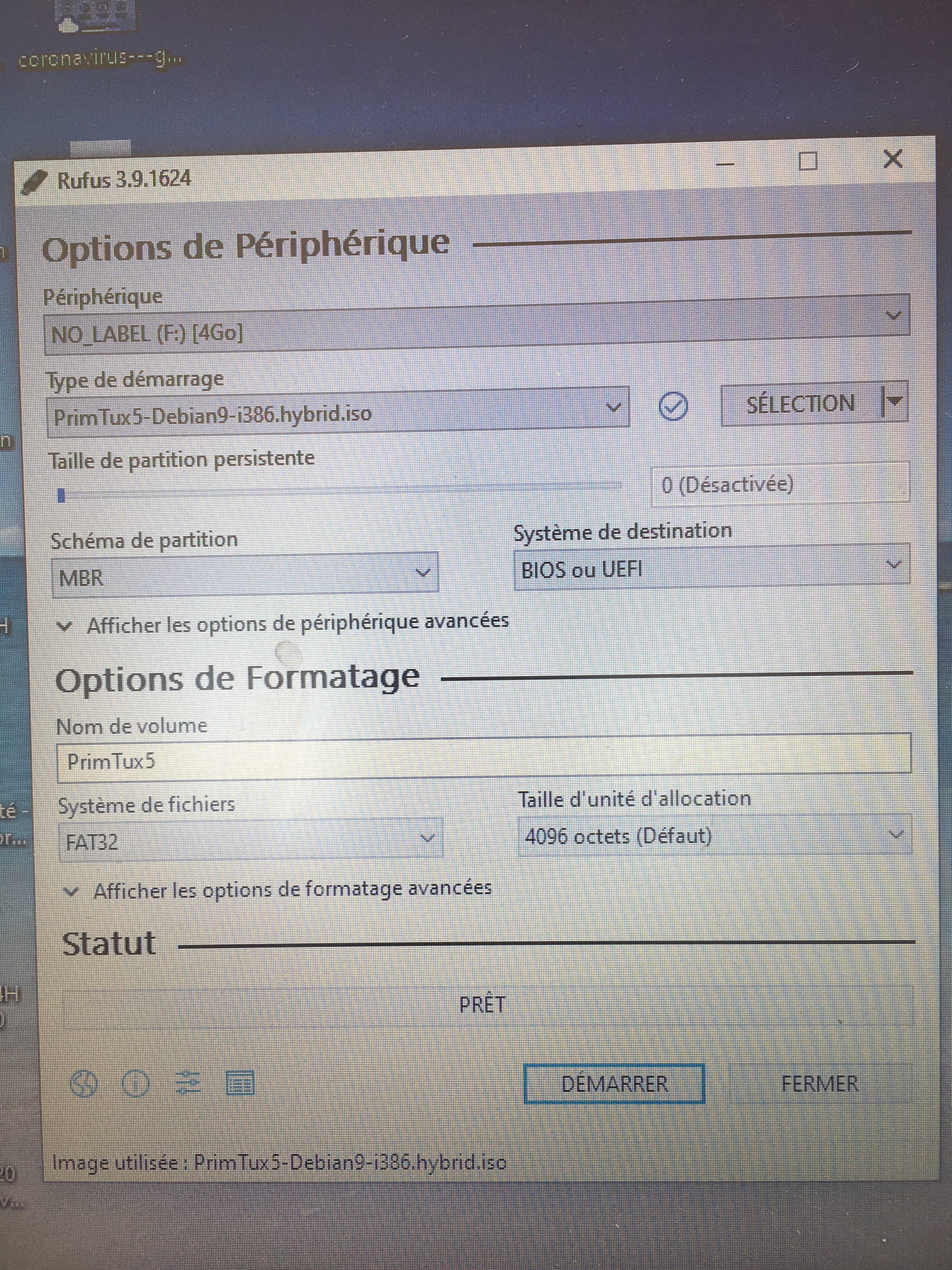
Now I want to set up this computer for my son, I've created a bootable USB stick with Rufus on which I've installed the ISO "PrimTux5-Debian9-i386.hybrid."
I then inserted the USB stick into my computer, turned it on, but the same message still appears... I've tried clicking on R, F2, F10, F11, F12, escape, delete but nothing changes...
Can anyone help me?
Thank you :)
7 answers
-
Hello,
You need to find the right key to access the BIOS and select the boot device. Typically, it's F2 that you should press repeatedly as soon as you start. There is a component called "Bootbooster" that is supposed to speed up the startup, which can make the operation difficult.
Best regards. -
Hello
when starting the PC, tap the "F8" key
a boot choice menu should appear-
Good evening,
The F8 key allows access to functions in Windows (repair, restore, format, booting in safe mode).
For Asus, the F2 key opens and configures the setup, including changing the boot order.
The ESC (Escape) key allows access to a boot volume selection screen.
T3chN0g3n's (bootbooster) remark seems useful to me because on an Asus Eee PC 901, I can only use ESC after going through the setup, which is indeed saved with booting from removable media (USB key or SD card).
Whereas on an Asus 1201NL, I do not have this problem. I will therefore check on my part.
That being said, once the installation of Debian on C: is complete, booting will occur without this kind of intervention.
Best regards.
-
-
Thank you for your answers, which have allowed me to make progress, but unfortunately I am stuck again.
Thanks to the F2 key, I managed to access a command table, I tried to start from the USB stick by trial and error, and after several attempts, I was able to launch the startup key and install Primtux.

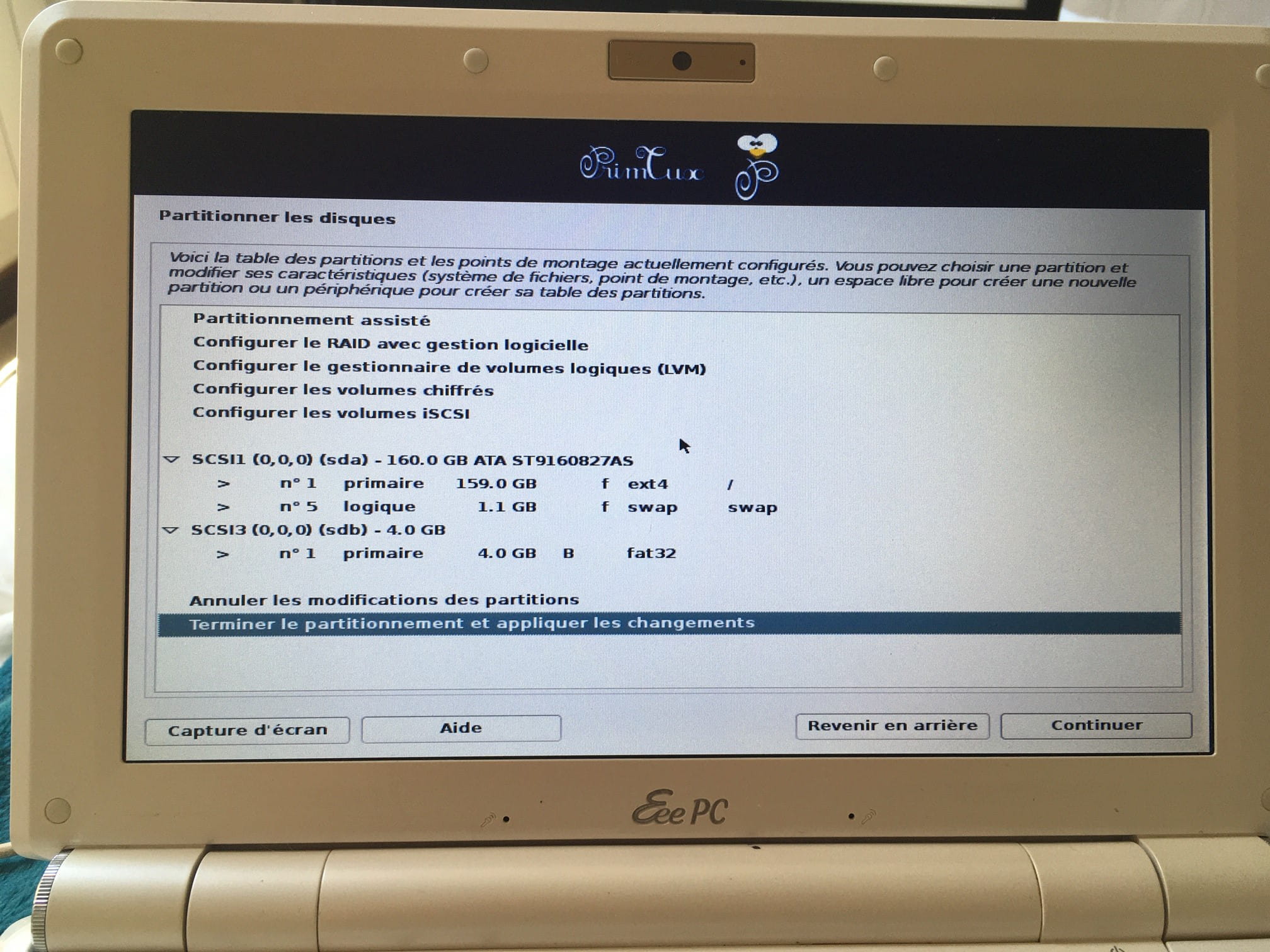
At the end of the installation, the OS was installed on the hard drive so that I wouldn't have to use the USB stick (I forgot to take a screenshot…)
But now if I remove the stick, the computer does not boot into Primtux.
And when I boot with the USB, it's not in "installation" mode; I go directly to the usage part.
I found the configuration menu, a dropdown menu that offers me a selection for "BOOT ORDER" with the following choices:
PnP/BEV(BBS) = Boot ordered by BBS BIOS, if BBS BIOS present
ROM Disable = Network boot disabled, boot local devices
Int 18h = Boot the devices ordered in BIOS Setup
Int 19h = Always boot network first, then local devices
I selected the last one, but I don't know if it's the best?
I don't understand why I'm offered a countdown at the bottom of this screen to press escape (do I need to do that?)

-
Good evening,
I am not familiar with Primtux (there are several hundred Linux distributions).
What you describe makes me think that you have selected a mode that leads to booting from the removable media (my USB stick) where the settings (localization, connection mode, etc.) have been saved, so you don't have to enter them again during subsequent starts.
This mode is entirely possible, even useful in certain cases (it avoids dual-booting, for example), but in my opinion, it does not correspond to your usage (assuming you do not use Windows on this machine).
Furthermore, it is necessary to distinguish the choice of the boot unit, through the setup (BIOS or UEFI), that we use to install a new OS, whether replacing the existing one, dual-booting, or on another volume. Generally, this means we no longer use the installation medium (CDROM, DVDROM, USB stick or SD card).
Except in the particular mode I mentioned in my second paragraph.
To illustrate my point, I would cite what is known as the frugal mode with the Puppy Linux distribution (or Toutou Linux) referred to as frugal mode. In this case, the settings I mentioned are actually installed on the installation stick but on another USB stick or SD card, on a CDRW or DVDRW, or on the hard drive.
What is the utility: well, to boot using the selector accessible at startup. These are, in a sense, provisional procedures.
In the case of a "definitive" installation, a "normal" installation must be done at the root of the C: drive so that the OS starts without intervention and presents the desktop or a welcome screen with username/password.
I would therefore advise you, despite the time it takes, to restart the installation opting for this choice. I do not know if you need to recreate a USB stick since yours has evidently been modified. Puppy Linux allows changing modes by exiting the session, but I do not know what it is for Primtux.
Best regards. -
Thank you very much for your response and unfortunately yes I think we will have to start over from the beginning... I will make sure this time to place the copy in C: I think that's what I missed... I was a bit too confident at the end and now everything has to be redone... Well, confined like everyone else I should be able to find this time!
Thank you all for your help! -
Hello,
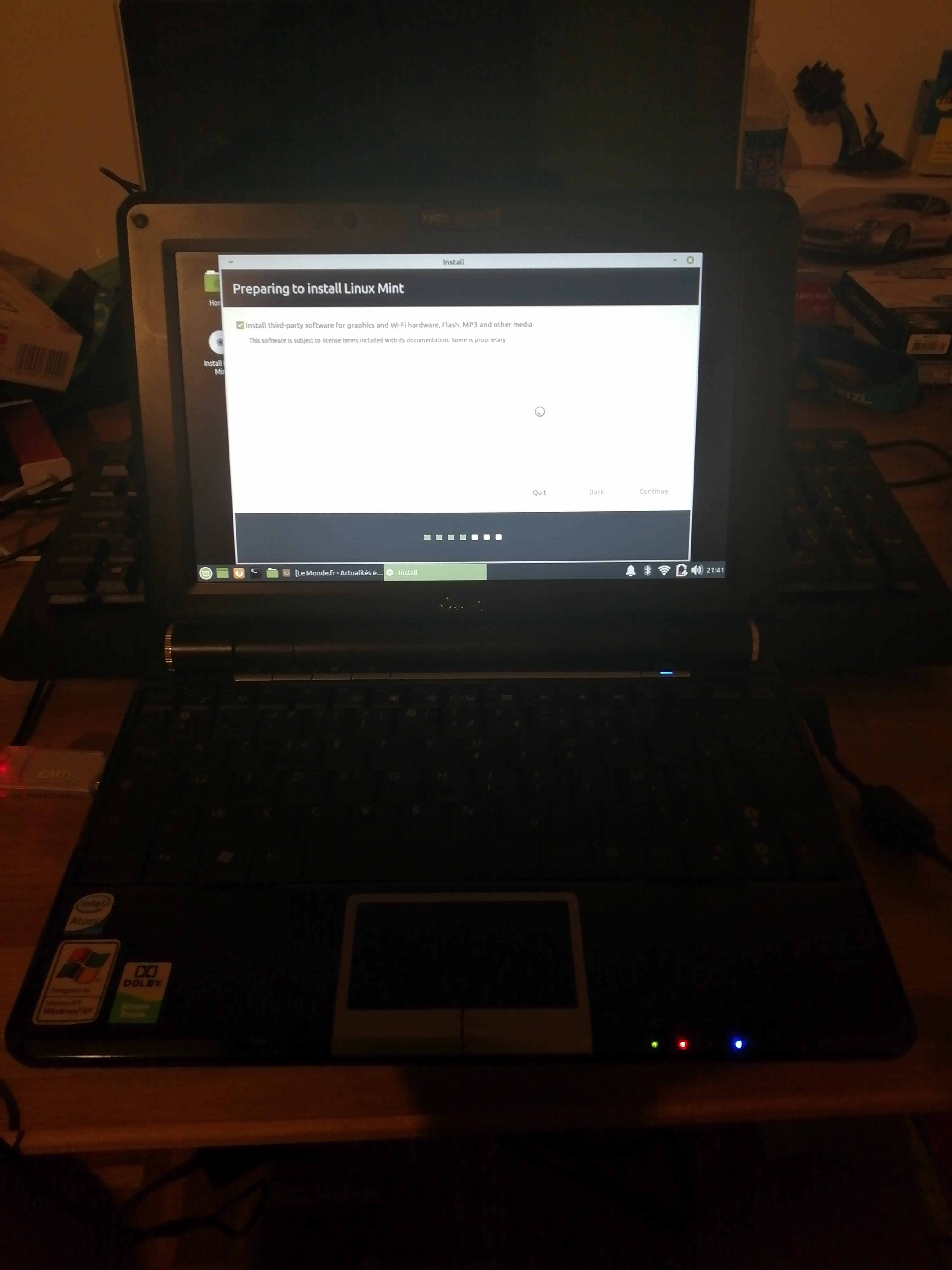
It's funny but I have exactly the same EEE PC 1000 H as you (except mine is black but that doesn't matter) and I installed Linux MINT last night. It runs very, very well and fast!
I highly recommend you do the same.
Install Linux MINT XFCE 32-bit on a bootable USB stick using Rufus
Boot with Escape on the USB stick and just follow the prompts!
You can even test it in Live mode before installing to get an idea
Just before I had XUbuntu installed but it was too slow.. However, plan for at least 40 minutes for the installation of Mint (it's not a lightning fast one either!)
Keep me updated...

-
Hello everyone,
@ T3chN0g3n, thank you for introducing me to the role of the bootbooster parameter, which on my eeepc 901 greatly disrupted the dual boot between Windows XP (installed) and Puppy Linux (booting from an external USB DVD drive).
This may be useful for Cephalyse.
@ theoak, I will keep in mind to try Linux Mint XFCE, in place of Puppy 5.6 which I am currently testing on my eeepc and which is proving outdated, particularly in managing certificates on obsolete versions of browsers).
But Cephalyse has probably chosen Primtux because of its educational focus and dedicated applications. I suppose it would be an additional challenge to recover these applications under Mint (notably due to dependencies).
He will always have the option to test Mint later, or even to use it alongside by switching keys or SD cards before booting).
Best regards