Tablet Logicom Problem HELP!!!
Kevin_56
Posted messages
16
Status
Member
-
Stefany77 -
Stefany77 -
Hello everyone,
I'm reaching out because I'm completely lost with my Logicom Mbot tab 70 tablet.
It's a new tablet, initially I couldn't connect to the internet because it was connected to my Wi-Fi but said "no internet access". So I went to the store, and they managed to fix the problem.
Then I returned home, and it started again, the famous message "no internet access", but this time it worked occasionally.
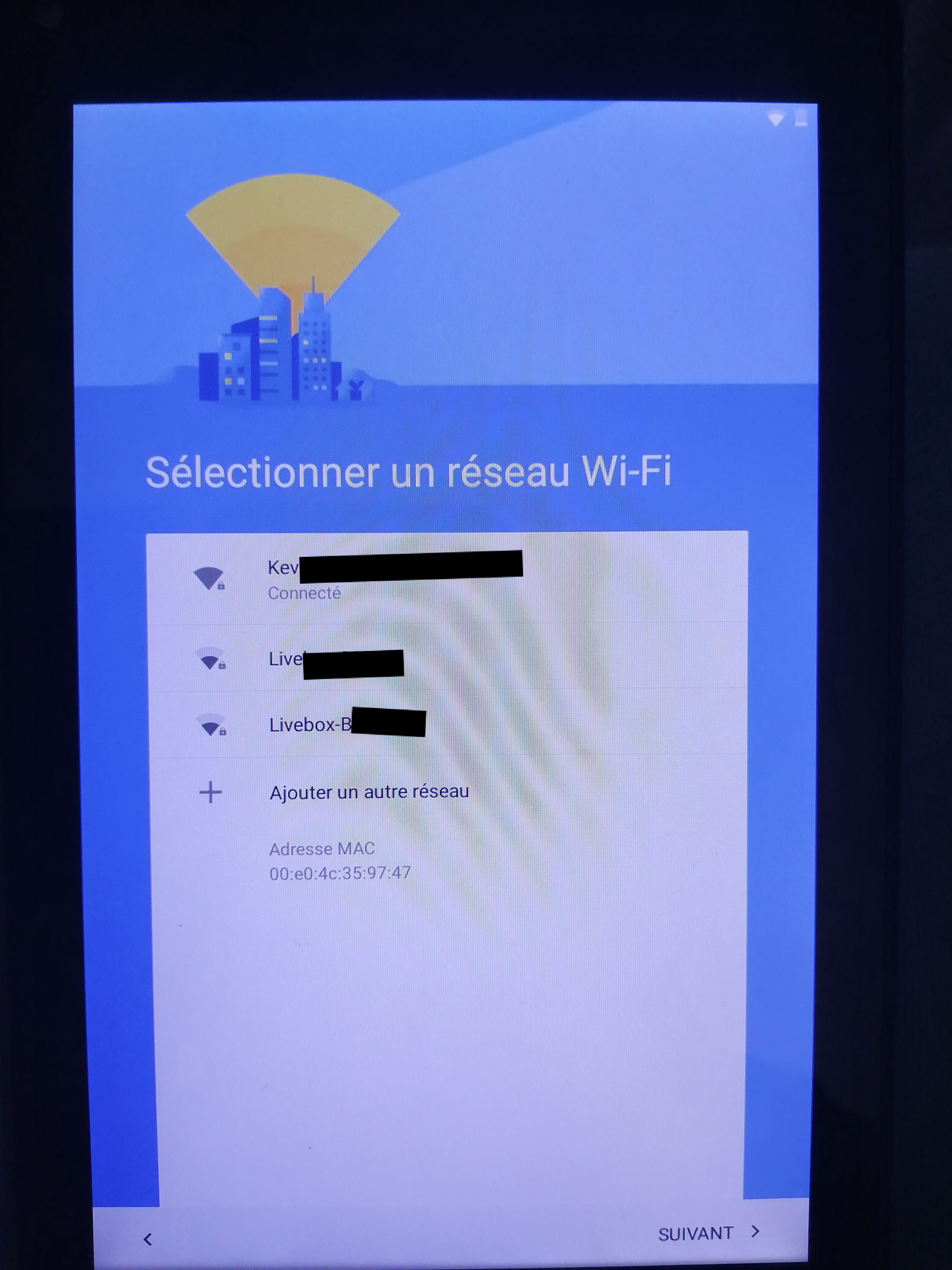
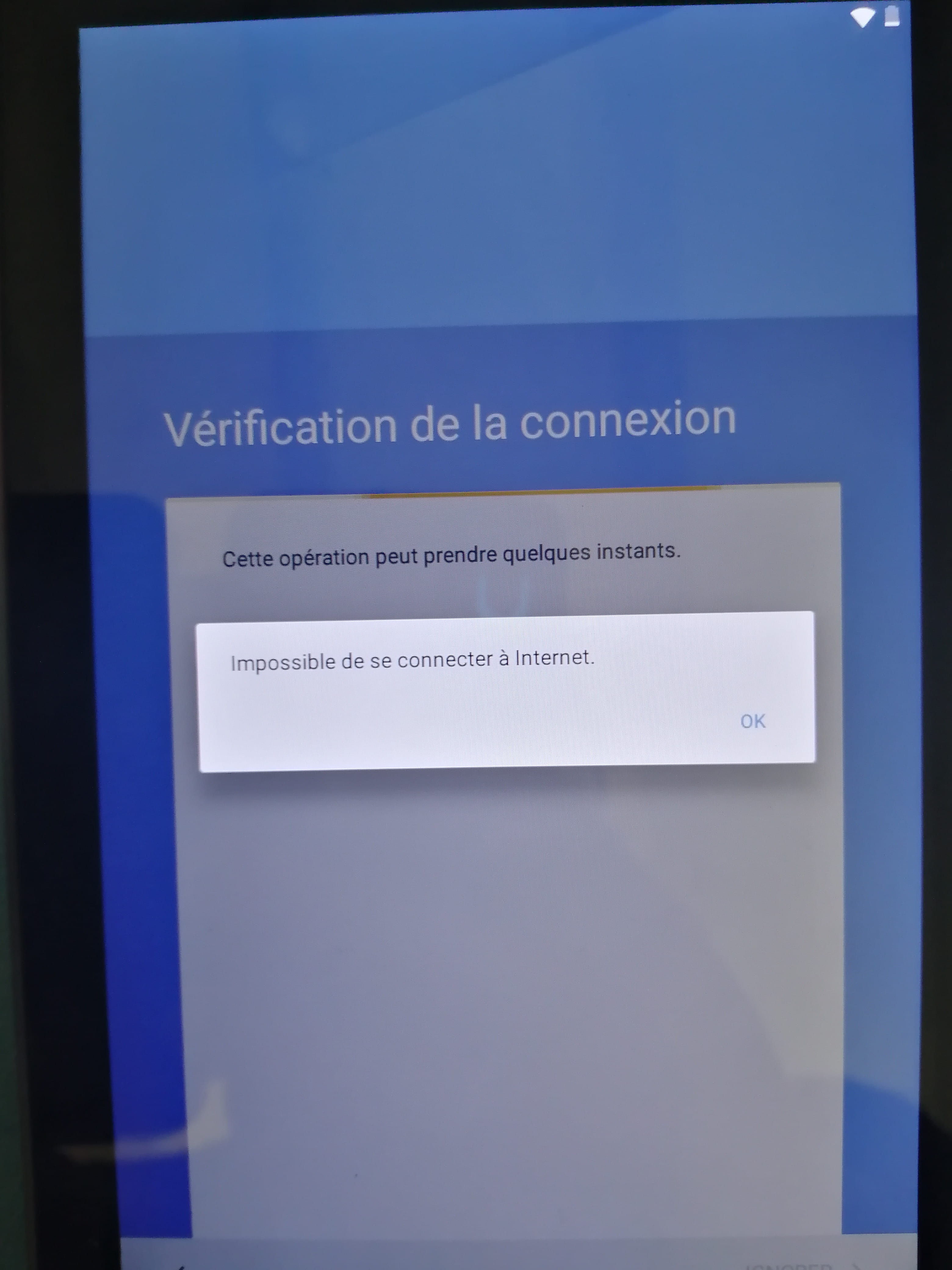
So I went into the menu: Power with volume +, I clicked on "wipe data/factory reset" and then on reboot "system now". The tablet restarts to factory settings, so I select the language "FRENCH". Then it asks me to connect to a Wi-Fi network, so I select my network with THE CORRECT PASSWORD, then the tablet searches and eventually tells me it can't connect to the internet. I took photos of each step. If anyone could help me please because I'm really fed up and so is my son because this is a birthday gift he can't use.
Thank you in advance
Sorry for the mistakes
Regards
I'm reaching out because I'm completely lost with my Logicom Mbot tab 70 tablet.
It's a new tablet, initially I couldn't connect to the internet because it was connected to my Wi-Fi but said "no internet access". So I went to the store, and they managed to fix the problem.
Then I returned home, and it started again, the famous message "no internet access", but this time it worked occasionally.
So I went into the menu: Power with volume +, I clicked on "wipe data/factory reset" and then on reboot "system now". The tablet restarts to factory settings, so I select the language "FRENCH". Then it asks me to connect to a Wi-Fi network, so I select my network with THE CORRECT PASSWORD, then the tablet searches and eventually tells me it can't connect to the internet. I took photos of each step. If anyone could help me please because I'm really fed up and so is my son because this is a birthday gift he can't use.
Thank you in advance
Sorry for the mistakes
Regards