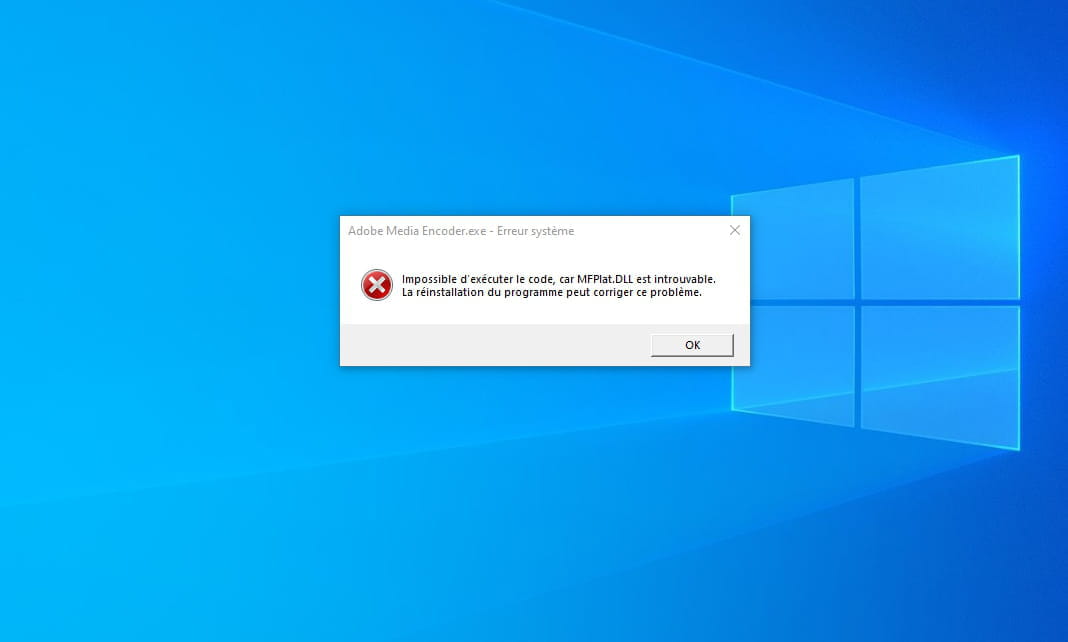
Problem importing my video into Photoshop,
ahmad
-
ahmad_4230 Posted messages 4 Registration date Status Member Last intervention -
ahmad_4230 Posted messages 4 Registration date Status Member Last intervention -
 Hello,
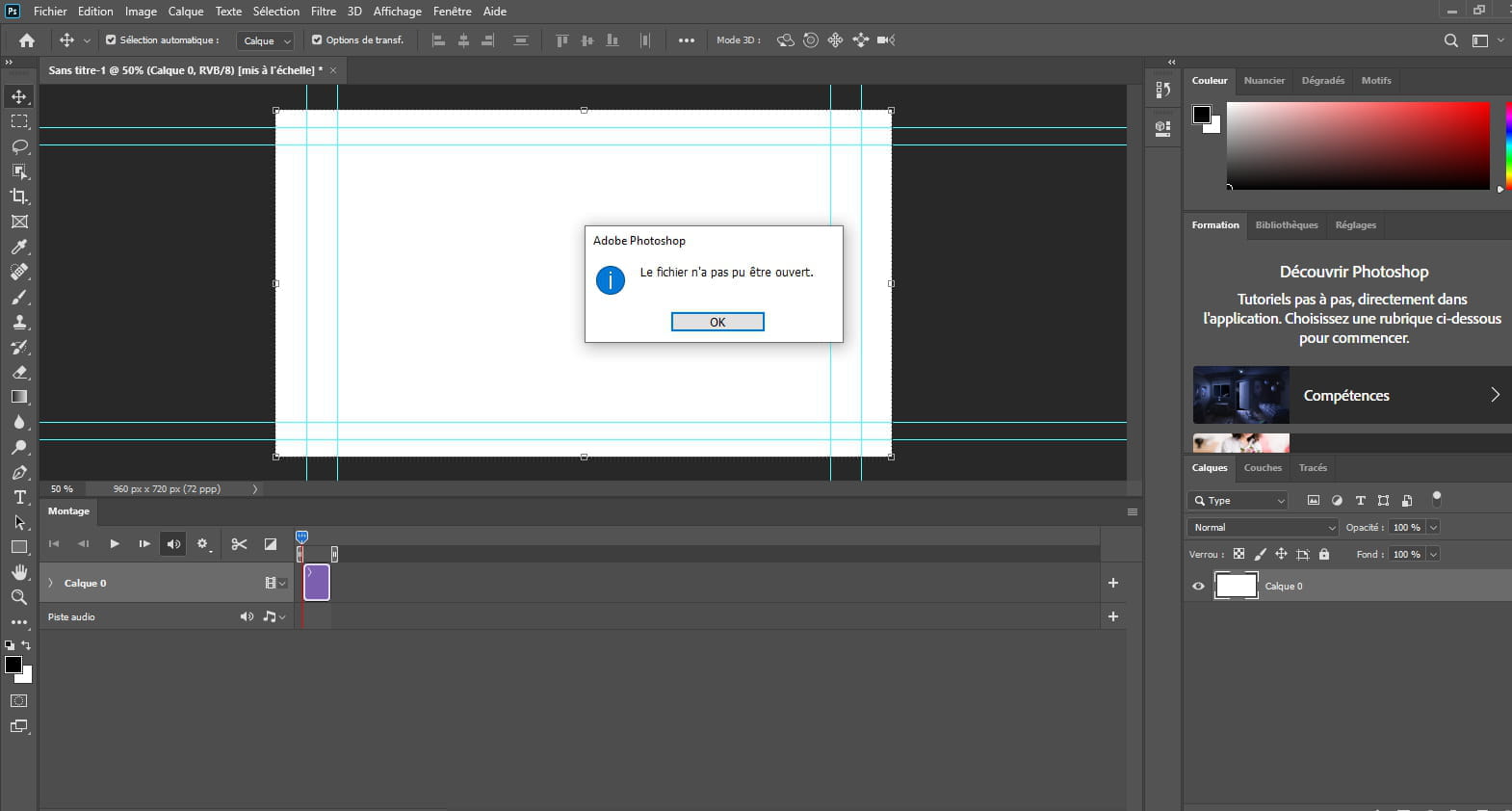
 good evening. I can't import my video into Photoshop, I always get this message: Unable to import "video name" because the video file could not be opened, or the file could not be opened, or unable to import because the video is not open.
3 answers
-
Hello,
Here is a link listing the video formats supported by Photoshop:
https://helpx.adobe.com/fr/photoshop/using/supported-file-formats.html -
Have you installed QuickTime player and do you have the latest version? Because PS uses this software to analyze video files.
-
If it still doesn't work, use software to convert your video and choose a format supported by Photoshop.
-
- It's strange, normally if you can read with Quicktime, it should work in Photoshop.
I'm sorry I couldn't fix your issue. If I find other possible solutions, I'll let you know.
After that, I don't know exactly what you want to do, but I recommend using video software, like After Effects or Premiere Pro.
-