Issue with the selection tool
mYtHo77
Posted messages
2
Status
Member
-
Amalo -
Amalo -
Hello to you,
I have a little temporary problem with Illustrator... let's not beat around the bush!
I can no longer manually resize any image or text with my selection tool
(I'm correctly using the black arrow selection tool that I usually place on the corner of an image and resize by holding Shift to maintain proportions) and now I don't know why it doesn't work anymore.
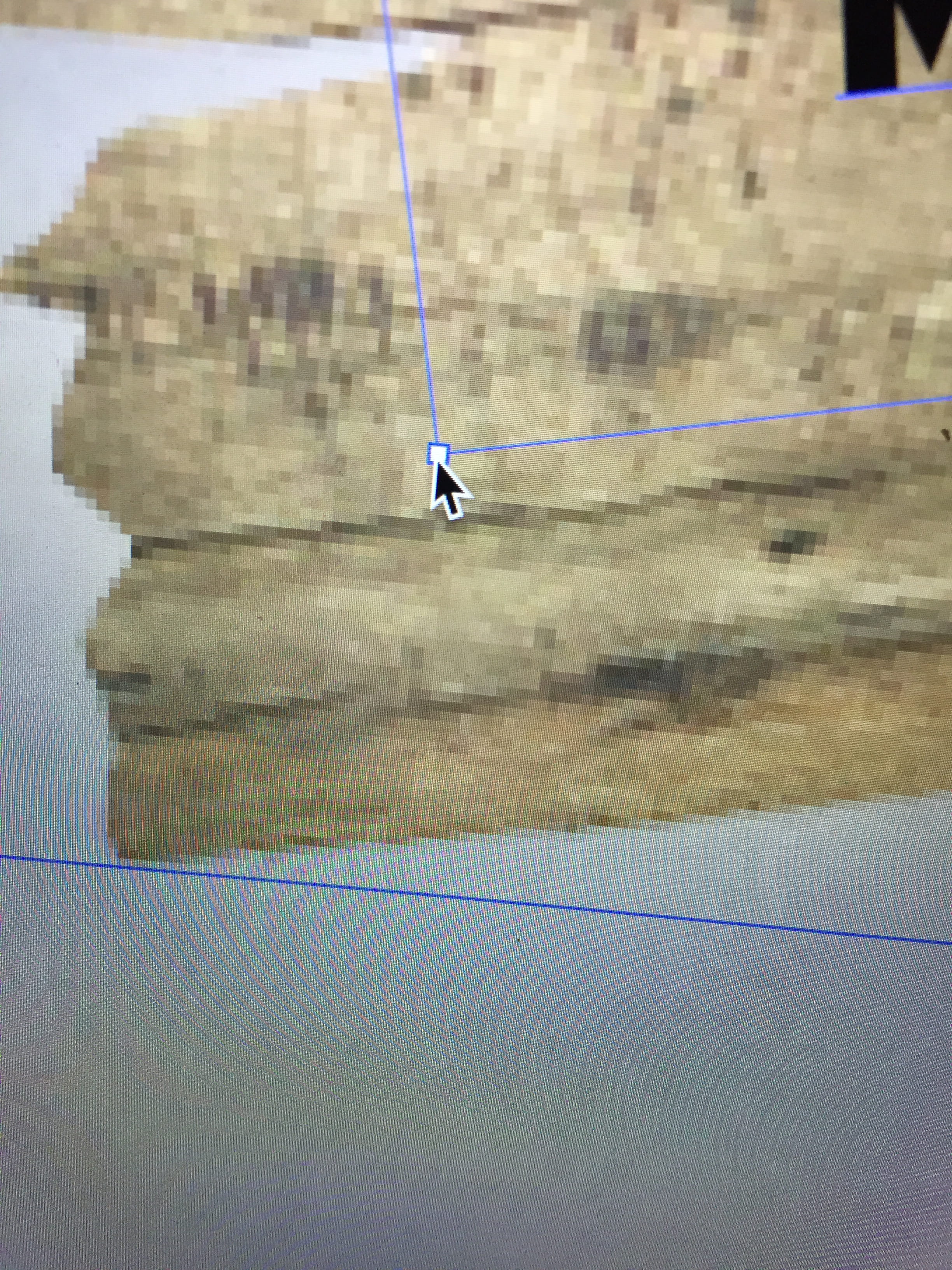
When I hover over the corner, I no longer see a line with an arrow on each side indicating that I can change the size, but a small black arrow with a white outline instead.
I have already tried to re-display the bounding box in the View menu, but nothing works since it's already there.
If you have the answer, I'll gladly accept it.
I have a little temporary problem with Illustrator... let's not beat around the bush!
I can no longer manually resize any image or text with my selection tool
(I'm correctly using the black arrow selection tool that I usually place on the corner of an image and resize by holding Shift to maintain proportions) and now I don't know why it doesn't work anymore.
When I hover over the corner, I no longer see a line with an arrow on each side indicating that I can change the size, but a small black arrow with a white outline instead.
I have already tried to re-display the bounding box in the View menu, but nothing works since it's already there.
If you have the answer, I'll gladly accept it.