
Hard reset impossible on Samsung Galaxy Tabs 6
Solved
andre
-
AluMinioume Posted messages 3107 Registration date Status Member Last intervention -
AluMinioume Posted messages 3107 Registration date Status Member Last intervention -
Hello everyone,
Following a failed Android update, my tablet is stuck in a repeated bug mode.
The battery is currently dead, and as soon as I plug it in, it starts up on its own and then three steps follow:
1- it tries to update (blue background, Android man) but crashes during the update

then it loops every 5-6 seconds
2- it tries to restart the update

3- it bugs and outputs some pretty obscure commands...

and it's impossible to access the hard reset menus in all this.
I've tried the power button, volume + button, and home button combinations, at startup or during the bug, nothing works.
I've tried plugging it into the PC, it's not recognized and just serves as a power source...
anyway :(
If anyone has any idea, I’m all ears, thanks!
Following a failed Android update, my tablet is stuck in a repeated bug mode.
The battery is currently dead, and as soon as I plug it in, it starts up on its own and then three steps follow:
1- it tries to update (blue background, Android man) but crashes during the update
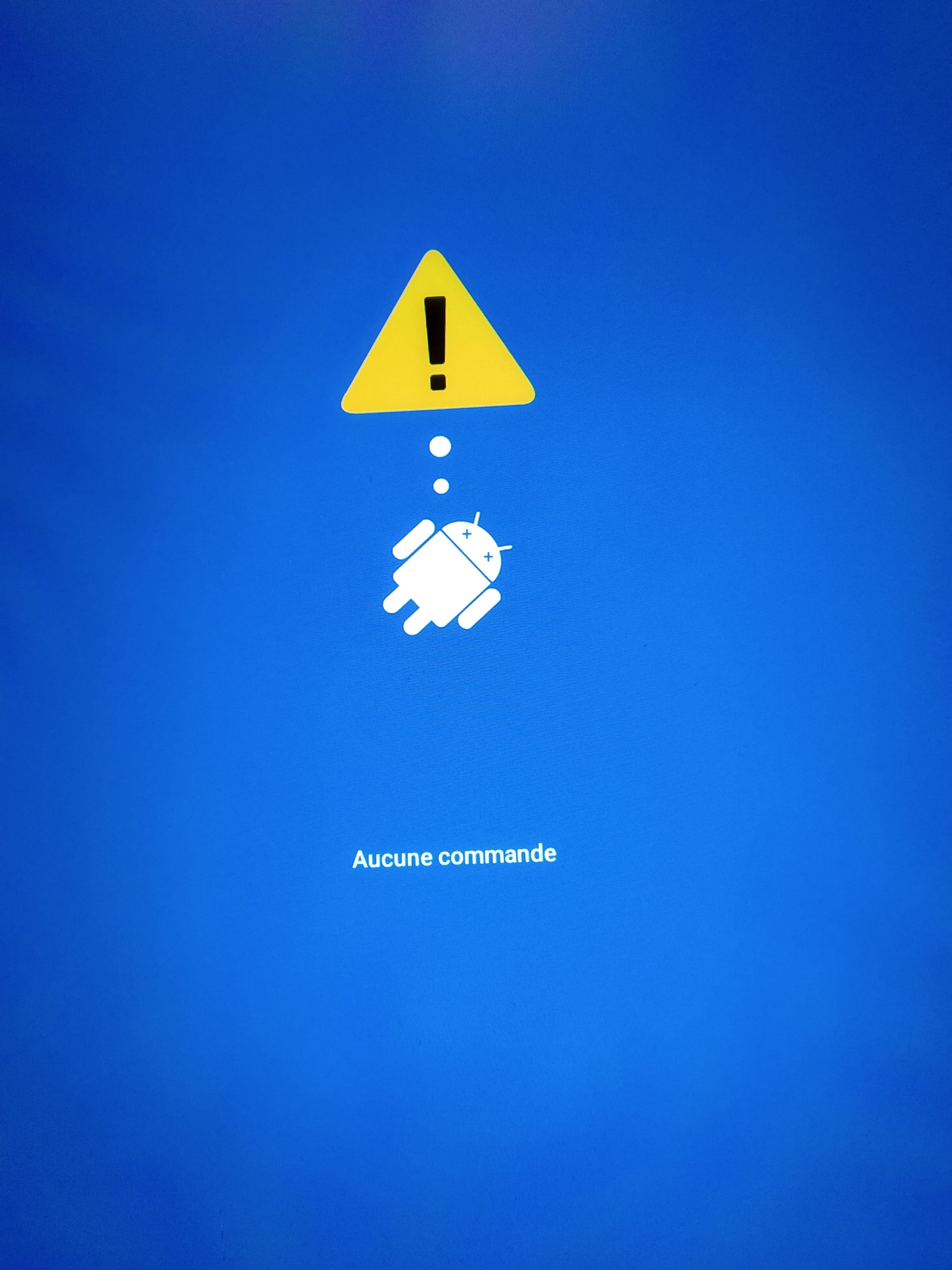
then it loops every 5-6 seconds
2- it tries to restart the update

3- it bugs and outputs some pretty obscure commands...

and it's impossible to access the hard reset menus in all this.
I've tried the power button, volume + button, and home button combinations, at startup or during the bug, nothing works.
I've tried plugging it into the PC, it's not recognized and just serves as a power source...
anyway :(
If anyone has any idea, I’m all ears, thanks!
2 answers
-
Hi,
"Following an Android update that went wrong"
Can you elaborate on this part? How did the update go wrong?
Was USB debugging enabled in the settings?
-
-
Try to perform a Reset via this tutorial.
I know you've already tried.
Be careful, this will delete the data.
If you can’t do it, try entering the "Hidden Modes" (category on the side of the page).
If you still can't do it, there isn't much else to do except send the tablet back to the service center if it's under warranty. -
Thanks for the good tutorial, it's the first time I see the advice to turn off the tablet using volume - and power.
If it turns it off properly, it automatically turns back on a few seconds later, and certainly not in the mode I want...
Well, I don't think there's much left to do.
What do you mean by "hidden modes"? -
-
