The new Firefox tab "+" has disappeared
Solved
jipi67
Posted messages
31
Status
Member
-
JC12 -
JC12 -
Hello,
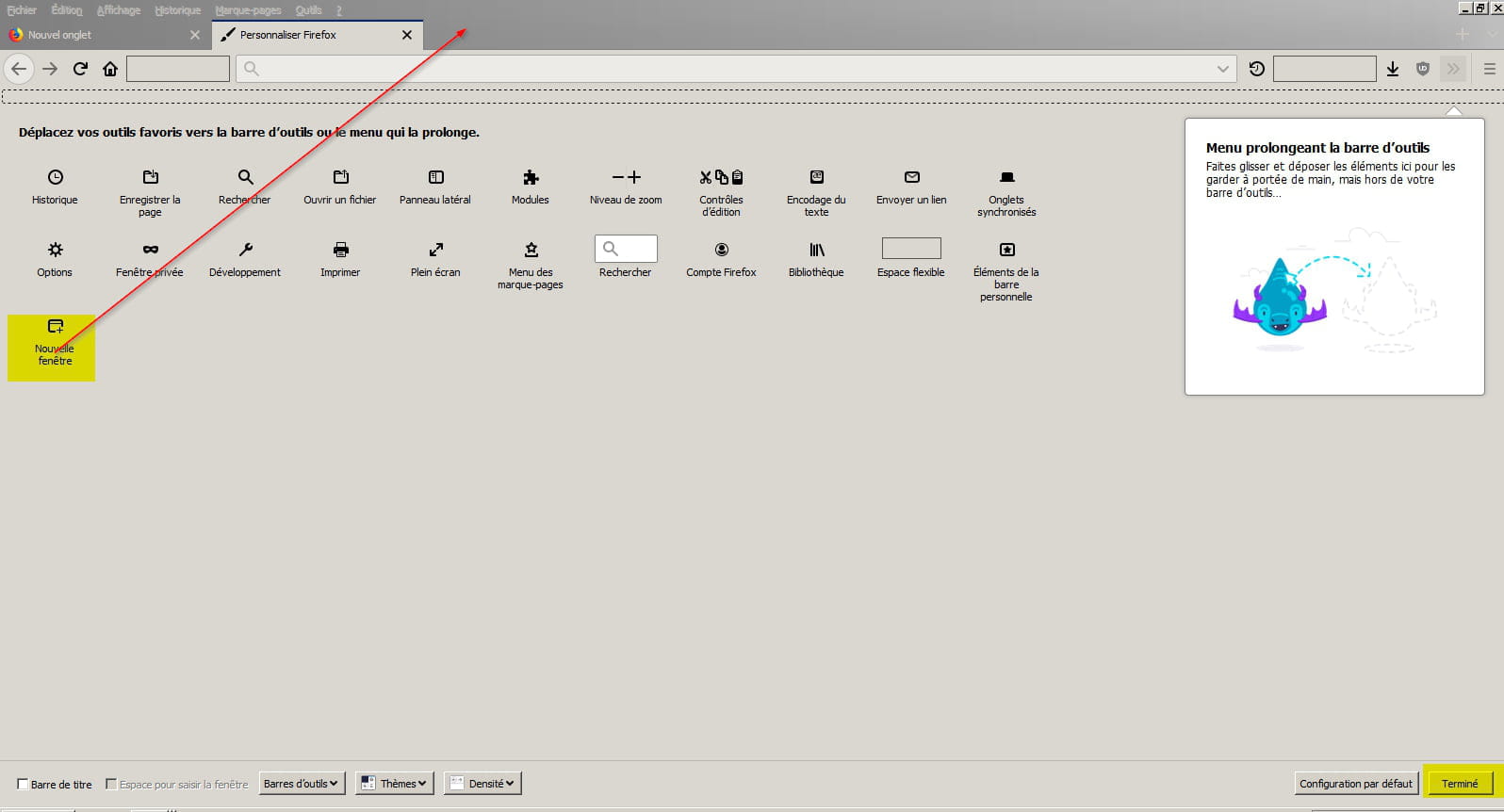
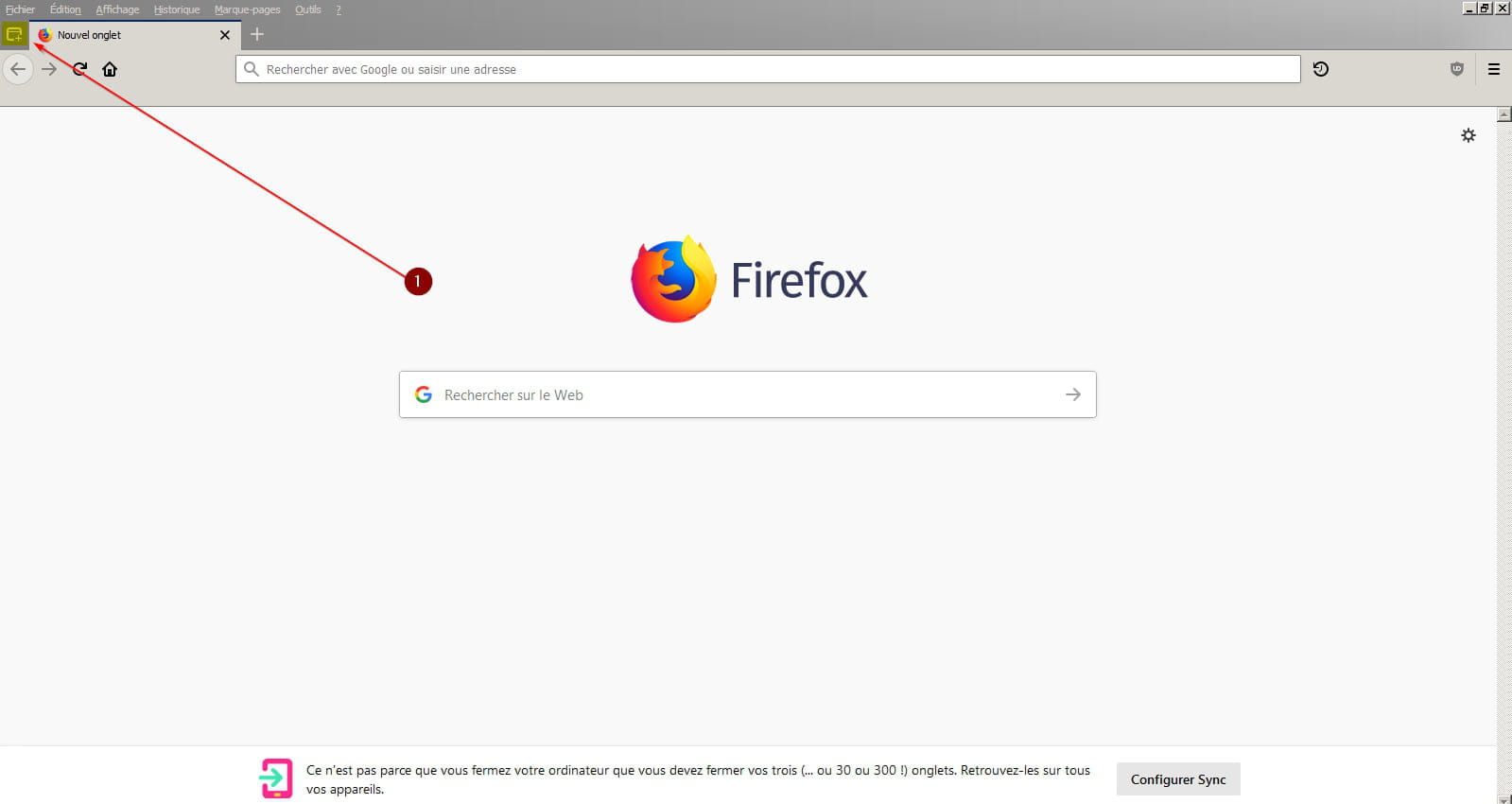
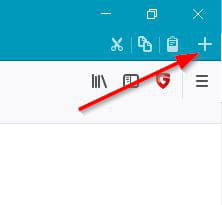
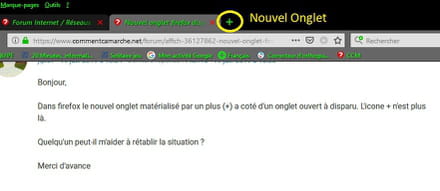
In Firefox, the new tab symbolized by a plus (+) next to an open tab has disappeared. The + icon is no longer there.
Can anyone help me restore the situation?
Thank you in advance
Configuration: Windows / Firefox 68.0
In Firefox, the new tab symbolized by a plus (+) next to an open tab has disappeared. The + icon is no longer there.
Can anyone help me restore the situation?
Thank you in advance
Configuration: Windows / Firefox 68.0
4 answers
-
pistouri Posted messages 19010 Registration date Status Contributor Last intervention Ambassador 8 732
Hello,
Put Firefox back in shape.
Clear everything in the address bar and copy/paste → about:support
Then hit the enter key.
Click on → Repair Firefox...
Solution 2:
Update Firefox.
The procedure
See you later
--
pistouri-
-
Hello,
-You can back up your bookmarks as a precaution if you wish before performing the repair.
Back up or export your favorites from Mozilla Firefox here
- Repairing Mozilla Firefox does not delete user data, you will not lose your favorites or saved passwords.
What does the repair feature do?
Firefox will back up the following items:
bookmarks
browsing and download history
passwords
open windows and tabs
cookies
autofill information for web forms
personal dictionary
Items and settings that will be deleted:
extensions and themes
website permissions
modified preferences
added search engines
DOM storage
security settings for certificates and devices
download preferences
toolbar customizations
user styles (the userChrome and/or userContent CSS files in the Chrome subfolder, if they were created previously)
Your old Firefox profile is backed up on your desktop in a folder named “Old Firefox Data”
Detailed explanations here
And over here.
Now it's time to take action.
Good luck. -
-
-
-