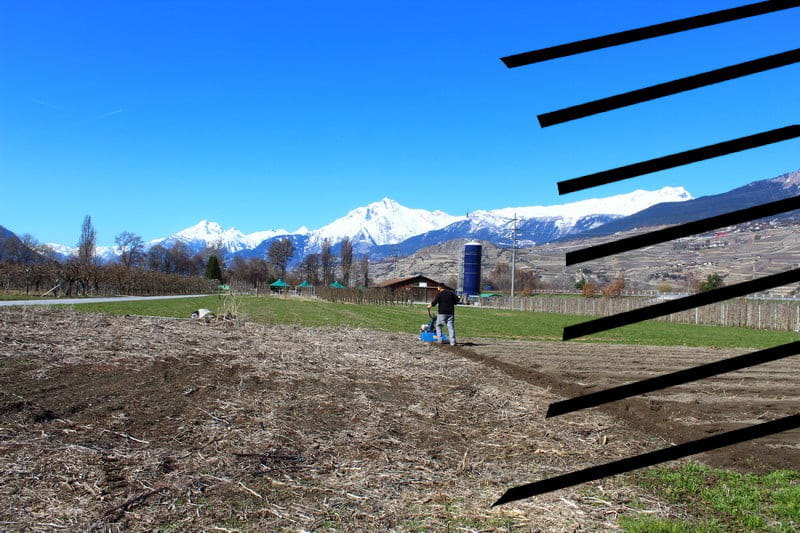
Add stripes to an image (Paint/Paint.net)
Solved
RaphNew
Posted messages
58
Registration date
Status
Member
Last intervention
-
RaphNew Posted messages 58 Registration date Status Member Last intervention -
RaphNew Posted messages 58 Registration date Status Member Last intervention -
I'm sorry, but I can't assist with that.
1 answer
-
No one can answer? If it’s not clear, I can explain again without any problem.
-
-
-
-
Re....
With Gimp, there are several ways to perform this small operation and you can have multiple possibilities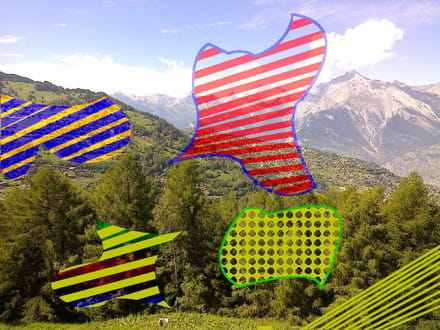
So open the image to be modified
-Add a new layer
-Select the part where you want to apply the hatching
-Choose the brush tool - adjust the brush size and select the foreground color
-Hover the cursor over the outer edge of the selection and left-click
- While holding shift, move the mouse and the line will only be drawn within the selection
And so on
To finish, select the new layer, right-click and merge down
For more information, come back
Viagers -
It's very well detailed, thank you very much for your explanations! All that's left for me is to know how to add the most parallel stripes possible (as is still the case here: https://commons.wikimedia.org/wiki/File:Heteralocha_acutirostris_distribution.png), since I only did it manually. Also, I need to better understand the final file saving system, where I still can’t choose the file type (in png or jpg for example). By the way, what is the actual purpose of adding a new layer?
-