How to remove ads from la poste messaging without changing the version
calamiti
-
Pierr10 Posted messages 13860 Registration date Status Moderator Last intervention -
Pierr10 Posted messages 13860 Registration date Status Moderator Last intervention -
Hello,
I switched to the updated version to receive read receipts for my messages - but I'm getting a lot of ads, if I go back to the previous version I won't have my read receipts anymore, what should I do, thank you??
Configuration: Windows / Chrome 75.0.3770.100
I switched to the updated version to receive read receipts for my messages - but I'm getting a lot of ads, if I go back to the previous version I won't have my read receipts anymore, what should I do, thank you??
Configuration: Windows / Chrome 75.0.3770.100
1 answer
-
Hello,
1) Use AdBlock.
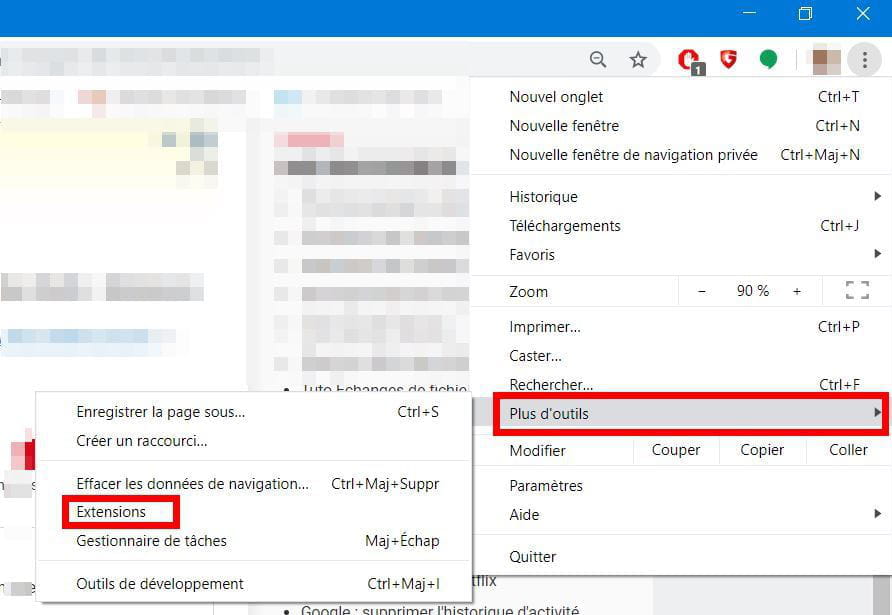
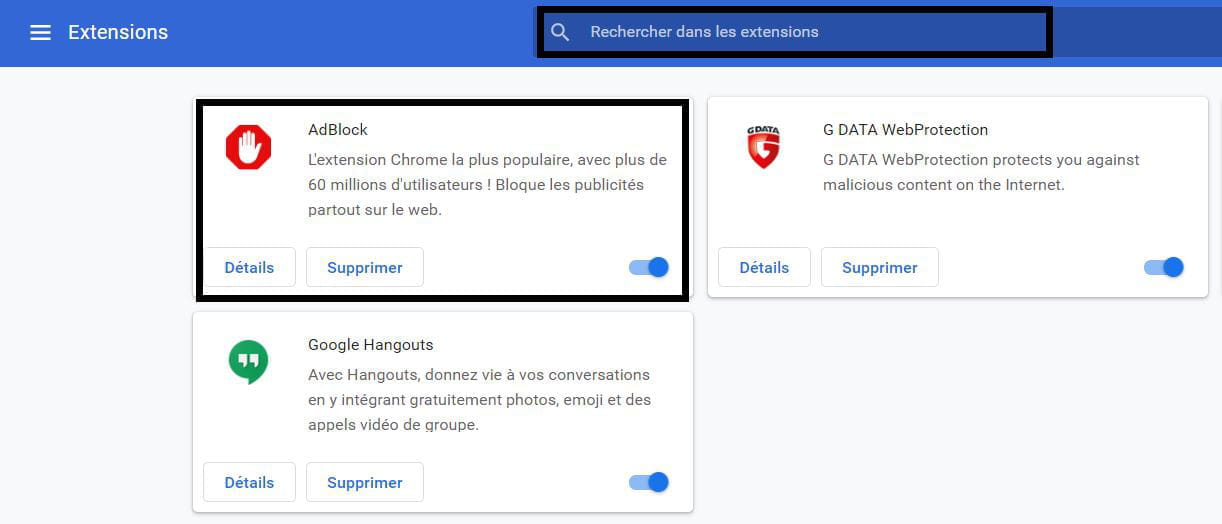
Activate it in the Chrome extensions (click on the 3 dots in the top right corner, then More tools > Extensions).
2) Another solution: Use Thunderbird to manage your mailboxes: https://www.thunderbird.net/fr/.
Easy to use and ad-free.
Best regards.-
-
Hello
I can't seem to add Adblock to the extensions even after following your good advice
Thanks in advance- Good evening and thank you for your response
I know how to enable or remove extensions when they are in extensions as explained in your clear screenshots. But I don't know how to add them
I have Adblock Plus enabled but I'm still seeing ads everywhere
I wanted to install Stop Updates 10 which blocks all ads, but I don't know how to add it to the extensions. I downloaded it and have a shortcut on the desktop
Have a good evening
-
I use Adblock (not Adblock Plus).
On the Laposte website, I also have the advanced version (Ajax). And I have no ads at all!
Another way to install the Adblock extension: Go to this site:
https://chrome.google.com/webstore/detail/adblock-%E2%80%94-best-ad-blocker/gighmmpiobklfepjocnamgkkbiglidom?hl=fr
When Adblock is installed, you should have an icon at the top of the browser screen: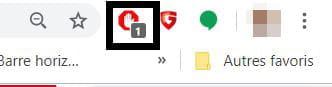
-