Create a blank coloring page from a photo
Anberla
Posted messages
13
Status
Member
-
MPMP10 Posted messages 47668 Registration date Status Member Last intervention -
MPMP10 Posted messages 47668 Registration date Status Member Last intervention -
Hello,
I am a beginner in Photoshop (CS6) and despite my searches on the internet, I can't find the answer to my question, which doesn't seem complicated, but maybe I'm just not asking Mr. Google the right way.
So here it is, I would like to create my own "coloring" ... So an image with black outlines on a white background.
To do this, I started by taking my image (which is a simple family photo), then used the cutout filter in Photoshop to give it a painting effect (so I have an image that is compartmentalized by color (but without outlines, obviously), in short, like a painting). This gives me the coloring that I should end up with.
What I need to do now is trace the outlines of all the color shades, then keep only the outlines.
Would this be within the reach of someone? I've spent a few hours on this, and now I'm using the magic wand on each color patch, then tracing the outline of the selection on another layer ... but given the number of shades ... I have days of work ahead of me ...
There must be a simpler way, right?
Thank you for your help.
Virginie
Configuration: Windows / Firefox 61.0
I am a beginner in Photoshop (CS6) and despite my searches on the internet, I can't find the answer to my question, which doesn't seem complicated, but maybe I'm just not asking Mr. Google the right way.
So here it is, I would like to create my own "coloring" ... So an image with black outlines on a white background.
To do this, I started by taking my image (which is a simple family photo), then used the cutout filter in Photoshop to give it a painting effect (so I have an image that is compartmentalized by color (but without outlines, obviously), in short, like a painting). This gives me the coloring that I should end up with.
What I need to do now is trace the outlines of all the color shades, then keep only the outlines.
Would this be within the reach of someone? I've spent a few hours on this, and now I'm using the magic wand on each color patch, then tracing the outline of the selection on another layer ... but given the number of shades ... I have days of work ahead of me ...
There must be a simpler way, right?
Thank you for your help.
Virginie
Configuration: Windows / Firefox 61.0
2 answers
-
Hello,
I'm having a hard time visualizing your output (if you can post the image here that would be great), if I understand correctly you have several solid color areas and you want to have a selection of the whole thing? You just need to make a selection of the whole using the magic wand (if they are indeed solid colors this will be the best tool) by clicking on each area + shift key to add selection areas. You also need to uncheck contiguous pixels in the options to be able to select multiple areas of the same color. You can also save a selection (via a right-click) so you can find it later.-
Ok, already the shift key technique will allow me to go faster in case I can't find anything better. Here is a face from the image

- Ok, I understand better now.
So you want to isolate the people who form a group; it seems like you don't have many different values. Don't forget to uncheck the contiguous pixels option before using the magic wand, and you should be able to make the global selection quickly. Now, selecting the background may be quicker to do whether it's after you've applied the color effect or before, directly on the original photo (don't forget that you can save a selection to retrieve it later and that you can also invert a selection with a right-click).
-
-
-
-
Good evening,
What do you think of this:
https://funny.pho.to/fr/edge_detection/
--
The enemy is stupid: it believes that we are the enemy when it is actually him!
Pierre Desproges-
- Now that I think about it, you have that kind of filter in Photoshop; I couldn't tell you the name, it's the kind of thing I don't use. If you dig a little into the filters, you should be able to find it, I think.
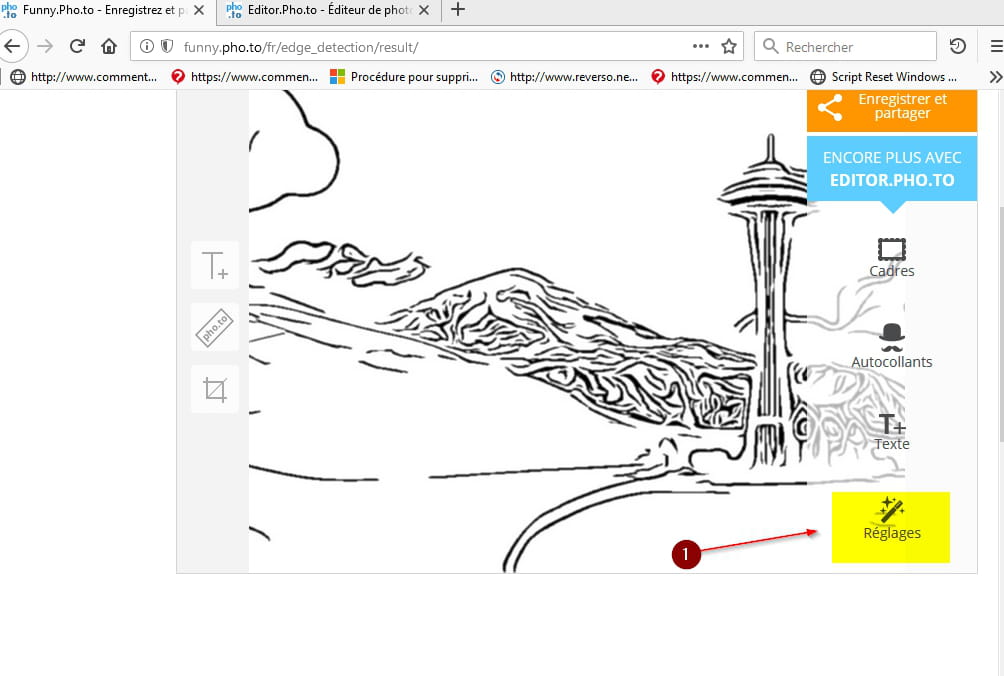
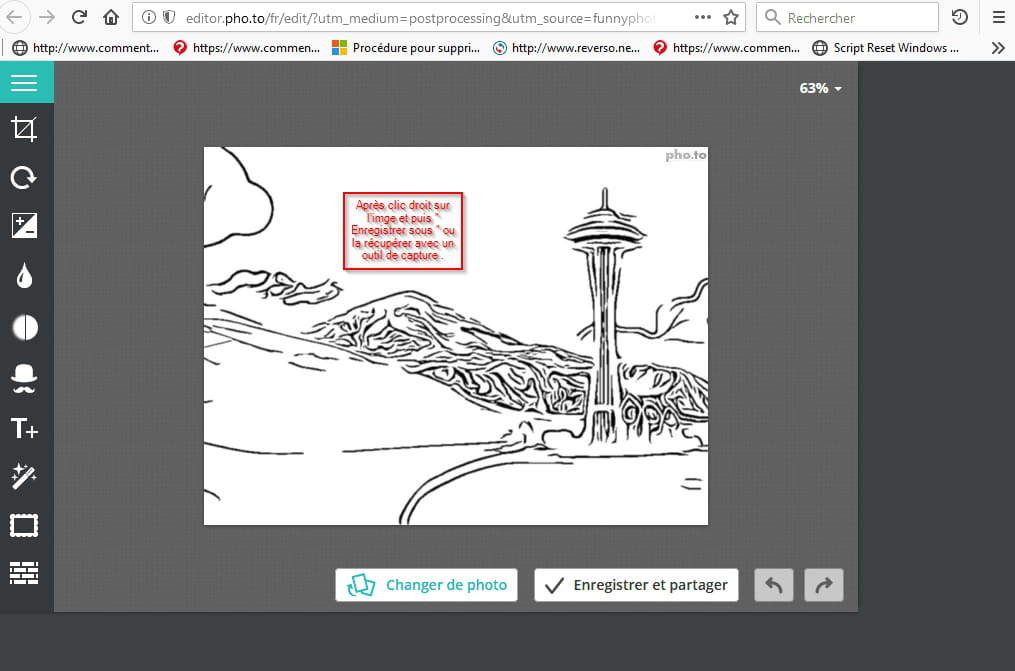
That said, the best method will still be the one I mentioned earlier using Illustrator because you'll get vector graphics, so you'll have total control over your stroke (thickness, color, graphic effect, etc.). - You just need to go to the link above, I'll put it here again: https://funny.pho.to/fr/edge_detection/, then click on "From computer", then:
 |fanc
|fanc 

Result:
This operation takes just a minute...
-
-




 |fanc
|fanc