Do not close Firefox when closing the first tab
Solved
kris22170
Posted messages
184
Status
Member
-
pistouri Posted messages 19010 Registration date Status Contributor Last intervention -
pistouri Posted messages 19010 Registration date Status Contributor Last intervention -
Hello,
I'm looking for a way to not close Firefox when closing the first tab. This used to exist before Quantum.
Thank you in advance.
Configuration: Windows 10 Home - X751MJ - Intel Pentium - 64 bits
--
I am capable of the best as well as the worst, but in the worst, I am the best (Coluche)
I'm looking for a way to not close Firefox when closing the first tab. This used to exist before Quantum.
Thank you in advance.
Configuration: Windows 10 Home - X751MJ - Intel Pentium - 64 bits
--
I am capable of the best as well as the worst, but in the worst, I am the best (Coluche)
6 answers
-
pistouri Posted messages 19010 Registration date Status Contributor Last intervention Ambassador 8 732
Hello,
A setting in Firefox's configuration editor allows you to prevent the last tab from closing when you close the last tab.
Clear everything in the address bar and copy/paste:
about:config
Then hit Enter
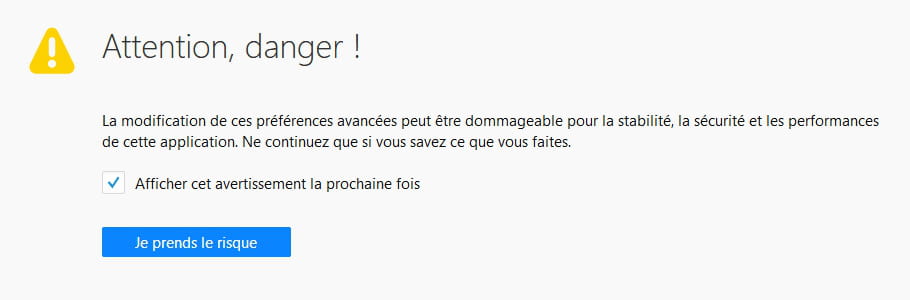
Click on → I accept the risk

In the search box, copy/paste:
browser.tabs.closeWindowWithLastTab

The default value is set to → true

You need to change the value to → false
A simple double-click is enough
Or right-click on the line → toggle

A+
--
pistouri